
Finding the ideal clip light lamp for a work-from-home (WFH) setup in the Philippines requires moving past the idea of a single “perfect” product. Because home workspaces vary from dedicated study rooms to shared dining tables, the best lamp is one that physically fits your desk edge, matches your power source, and provides adjustable illumination without causing screen glare. A clip-on lamp serves as supplemental task lighting, designed to illuminate your immediate work surface rather than the entire room. Navigating this purchase involves balancing key trade-offs, such as choosing between a highly portable gooseneck and a heavy-duty hinged arm, or selecting a focused spotlight over a broad, diffuse beam. By evaluating your physical workspace and ergonomic needs, you can select a reliable lamp that keeps your workspace bright and comfortable during long evening shifts.
Key Specifications to Verify Before Purchasing
Before browsing online marketplaces, you must verify the physical limits of the clamp. Most clip-on lamps specify a maximum clamping width, which typically ranges from 1.5 to 3 inches. Measure your desk thickness with a ruler before buying, taking note of any under-desk support beams or decorative trim that might block the clamp from gripping fully. If your desk has a beveled, rounded, or curved edge, a standard flat-jawed clamp may slip or fail to hold securely. Look for clamps with textured rubber pads or adjustable screw-tightening mechanisms that can conform to non-standard edge profiles without slipping.
Illumination metrics require careful inspection of manufacturer labels rather than relying on vague marketing buzzwords like “super bright.” Look for the actual lumen output or lux measurements at a specific distance to understand how much light will reach your desk. A task lamp for reading and typing generally requires around 300 to 500 lumens of light. Pay attention to the beam angle as well; a narrow beam angle of 30 degrees creates a concentrated spotlight, while a wider angle of 60 to 120 degrees spreads light evenly across a larger desk surface.
Products mentioned in this guide
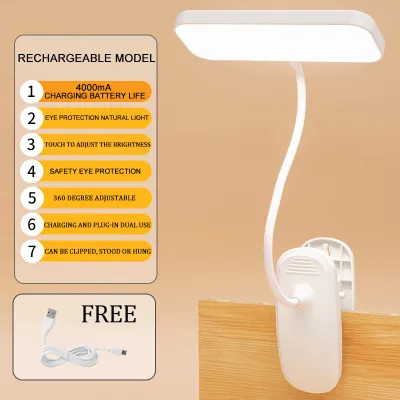
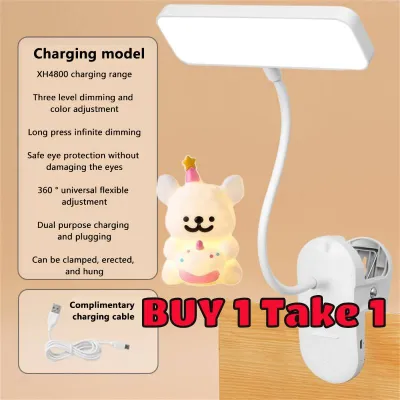
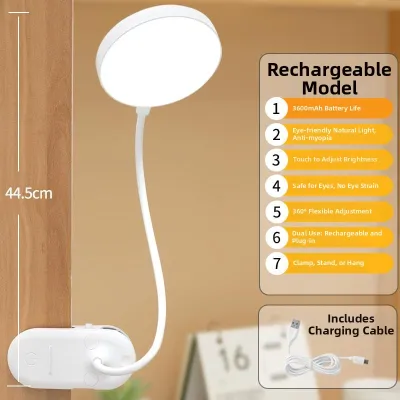
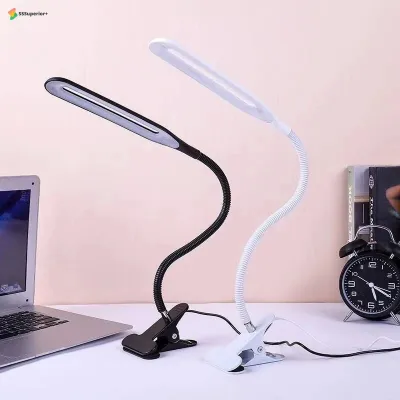
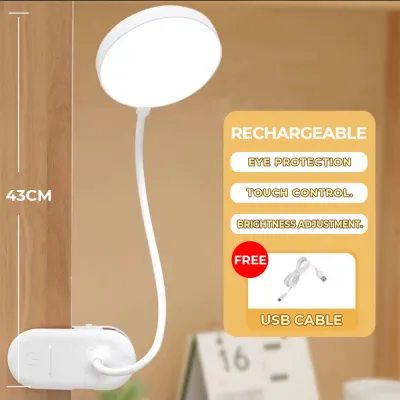
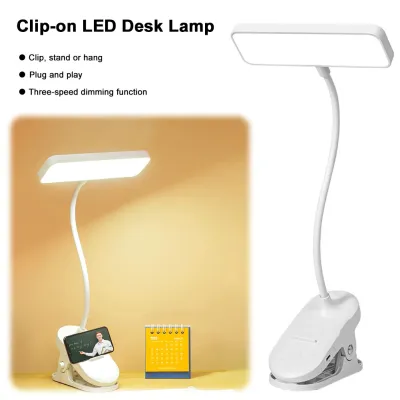
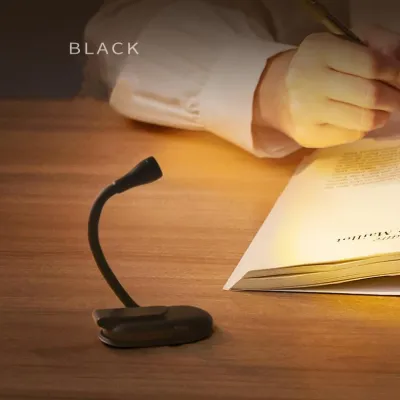
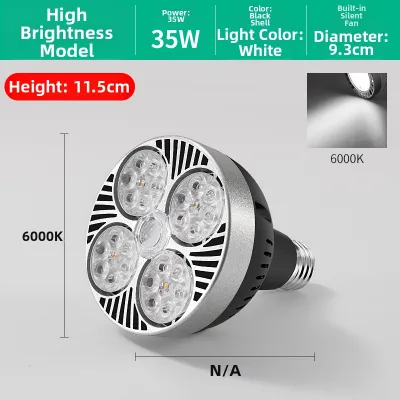
Prices are valid at publication and may change. Please refer to the product page for the latest price.
Power delivery is another critical factor, especially when balancing multiple devices on a single power strip. Clip-on lamps generally come in two configurations: USB-powered or direct plug-in AC adapters. In the Philippines, standard household outlets deliver 220V at 60Hz, so any direct plug-in adapter must be rated for this voltage to prevent overheating or electrical failure. If you choose a USB-powered model, verify the required input amperage (usually 1A or 2A at 5V) to ensure your power source can deliver stable current without straining.
The physical arm of the lamp dictates how easily you can direct the light where it is needed. Gooseneck arms offer infinite flexibility, allowing you to twist and bend the lamp into almost any position, but cheaper models may sag over time under the weight of the lamp head. Hinged or articulated arms use mechanical joints and springs to maintain their position, offering superior long-term durability and longer reach, though they require more physical clearance behind or above the desk. Inspect the joint materials, prioritizing metal brackets and adjustable tension screws over plastic hinges that can crack under repeated adjustments.
Matching the Lamp to Your Desk Configuration
Your desk’s physical layout determines the ideal form factor and placement of your clip light lamp. For standard flat wooden or laminate desks, you must evaluate both the clamp depth and the arm’s maximum reach. The clamp must sit deep enough on the edge to prevent the weight of an extended arm from pulling the lamp forward. Position the clamp to the side of your monitor rather than directly behind it, ensuring the arm can extend forward and cast light downward onto your keyboard or documents without casting a shadow of the monitor itself.

If your desk space is extremely limited, a monitor-mounted light bar or a lamp clipped directly to your monitor’s top bezel might seem like an attractive alternative. However, you must assess the structural strength of your monitor’s bezel and casing before clipping anything to it. Heavy clamps can put excessive pressure on delicate liquid crystal displays (LCDs), leading to screen damage or color distortion. If you choose to clip a light to your monitor, ensure the clamp uses a gentle, spring-loaded tension mechanism with thick silicone padding, or opt for a counterweighted design that rests on top of the monitor without pinching the screen.
In shared or compact spaces, such as a corner of a dining table or a temporary folding desk, portability and storage become your top priorities. Look for compact, foldable clip lamps that can be easily detached and stored in a drawer at the end of the workday. These models often feature lightweight plastic construction and shorter goosenecks, making them easy to pack away but limiting their overall reach and light spread. Ensure the clamp is easy to operate without tools so you can set up and tear down your workspace in seconds without damaging the shared furniture.
Glass, acrylic, or highly polished lacquer desks require extra caution to prevent scratches, cracks, or slippage. Standard metal clamps can easily scratch or shatter glass surfaces if tightened too hard or if they lack proper protective barriers. Always choose a clamp equipped with thick, non-slip rubber or EVA foam padding on both the upper and lower jaws to distribute the clamping pressure evenly. Additionally, avoid heavy, top-heavy lamps with long metal arms on glass desks, as the leverage exerted by an extended arm can create high stress points on the glass edge.
Optimizing Eye Comfort for Long Work Sessions
Proper positioning of your clip light lamp is essential for reducing eye strain and fatigue during long work-from-home sessions. Direct glare occurs when the light source shines directly into your eyes, while indirect glare happens when light reflects off your computer screen or glossy desk surface. To prevent this, position the lamp head slightly below eye level and angle it downward toward your workspace, keeping the light source itself hidden from your direct line of sight. If you work with physical documents, place the lamp on the opposite side of your dominant hand to prevent your hand from casting shadows as you write.
Adjustable color temperature is a valuable feature for aligning your workspace lighting with your natural circadian rhythm. During daytime focus hours, cooler white light (around 5000K to 6500K) can help maintain alertness and mimic natural daylight. As evening approaches, transitioning to a warmer, golden light (around 2700K to 3000K) reduces blue light exposure, helping your eyes relax and preparing your body for sleep. Look for lamps that offer step-less dimming or multiple color temperature presets so you can adjust the light as natural room conditions change throughout the day.
Relying solely on a single bright clip lamp in a completely dark room is a common cause of visual fatigue. The high contrast between a bright computer screen, a brightly lit document, and a pitch-black background forces your pupils to constantly dilate and constrict as your eyes move. To prevent this contrast-induced strain, use your clip lamp to supplement general ambient lighting, such as a soft ceiling light or a warm floor lamp. This creates a balanced, layered lighting environment that is much gentler on your eyes over eight-hour work shifts.
The quality of the light itself is just as important as its position and color. Cheap LED lamps often suffer from invisible high-frequency flicker, which can cause headaches and eye strain even if you cannot consciously see it. When shopping, check product specifications for features like “flicker-free” drivers and integrated frosted diffusers. A frosted cover or a honeycomb diffuser panel softens the harsh, direct light emitted by individual LED beads, spreading the light more evenly and reducing the sharp, high-contrast shadows that can tire your eyes.
Building a Reliable Shortlist on E-Commerce Platforms
When shopping on online marketplaces in the Philippines, navigating product listings requires a critical eye to avoid low-quality purchases. Start by analyzing user reviews, paying close attention to photos and videos uploaded by actual buyers. Look for specific complaints regarding weak clamp springs, plastic threads that strip easily, or lamp heads that droop after a few weeks of use. Be cautious of reviews that mention the lamp housing becoming excessively hot to the touch, as this indicates poor heat dissipation which can shorten the lifespan of the LEDs.
Never rely solely on the seller’s bulleted highlights; instead, cross-reference the product description with downloadable manufacturer manuals or official specification sheets whenever possible. Verify that the electrical safety ratings are clearly stated, looking for international certifications like CE, FCC, or RoHS, or local compliance indicators. Ensure the listed voltage matches the Philippine standard of 220V if the lamp uses a direct wall plug. If the listing only provides vague descriptions without concrete electrical specifications, it is safer to look for another option.
Warranty and return policies are crucial when buying electronic items online, as shipping damage or manufacturing defects can occur. Check if the seller offers a local warranty in the Philippines and read the terms to see if they cover electronic component failures or just physical damage upon arrival. A reliable seller should provide a clear window for returns and have an accessible customer service channel to handle troubleshooting or replacements. Avoid listings from overseas sellers who do not offer a clear return pathway or local after-sales support, as returning a defective lamp internationally can be costly and time-consuming.
Finally, learn to recognize common red flags in online listings that indicate a substandard product. Listings that claim impossibly high brightness levels (such as tens of thousands of lumens for a small USB-powered lamp) are highly misleading and should be avoided. Other warning signs include missing information about the power adapter’s safety certifications, extremely low prices that seem too good to be true for a metal lamp, and a complete lack of detail regarding the clamp’s maximum opening width. Investing a bit more in a well-documented, certified lamp ensures both safety and longevity for your home office.
Frequently Asked Questions (FAQ)
Can I use a USB-powered clip light lamp with my laptop?
- Check port output: Standard USB 2.0 ports on older laptops typically output only 0.5A at 5V, while USB 3.0 ports deliver up to 0.9A. If your lamp requires 1A or 2A to run at full brightness, plugging it directly into a low-output laptop port can cause the light to flicker, dim, or fail to turn on.
- Monitor battery drain: Running a high-draw lamp directly from your laptop will drain its battery rapidly when unplugged.
- Use external power: To ensure stable, flicker-free illumination and protect your laptop's ports from potential overload, it is highly recommended to plug the lamp into a dedicated USB wall adapter or a powered USB hub.
How do I clean the clamp and gooseneck without damaging them?
- Disconnect power: Always unplug the lamp from the power source or disconnect the USB cable before starting.
- Wipe gently: Use a dry or slightly damp microfiber cloth to gently wipe away dust and fingerprints from the gooseneck, clamp, and lamp housing. If your workspace experiences high humidity, which is common in tropical climates like the Philippines, dust can combine with moisture to create a sticky residue; a tiny drop of mild dish soap on a damp cloth can help remove this, but you must dry the surface immediately with a clean towel to prevent rust on metal joints.
- Avoid liquids: Never spray liquid cleaners, alcohol, or water directly onto the lamp, and keep all moisture far away from the LED housing, power switches, USB ports, and electrical joints to avoid short circuits or permanent damage.

Community discussion
Share your experience or ask a question. Comments are reviewed before publication.