
Late-night study sessions and extended work-from-home shifts require a lighting setup that balances focused illumination with eye comfort. A cordless desk lamp equipped with a light-diffusing shade offers an excellent solution by combining mobility with effective glare reduction. By eliminating harsh, direct exposure to bare lightbulbs and freeing your workspace from cluttered cords, a rechargeable lamp with a shade helps create an adaptable, comfortable environment for both reading physical documents and working on digital screens. Finding the right model involves evaluating battery performance, shade materials, and physical adjustability to match your specific workspace needs.
Why a Shaded, Rechargeable Lamp is Essential for Late-Night Desks
Standard desk lamps often rely on exposed bulbs or highly concentrated downlights that cast intense, localized beams. While this works well for daytime tasks, late-night environments require a softer touch to prevent extreme contrast between a bright workspace and a dark room. A physical shade acts as a crucial barrier, diffusing the light outward and downward to eliminate direct glare on your computer monitor and reduce harsh, distracting shadows across your desk. This diffusion helps minimize eye strain, allowing your eyes to transition more comfortably between physical documents and glowing screens.
In addition to glare control, the cordless design of a rechargeable lamp provides unmatched flexibility for modern workspaces. Instead of being tethered to a single wall outlet, you can easily reposition the lamp to suit different tasks throughout the evening. Whether you need to shift the light source to illuminate your face during an unexpected late-night video call, move it closer for detailed handwriting, or carry it to a different room entirely, a cordless setup adapts instantly. In tropical regions like the Philippines, where seasonal power interruptions or brownouts can disrupt work, having a reliable, pre-charged light source ensures your productivity remains uninterrupted.
Products mentioned in this guide
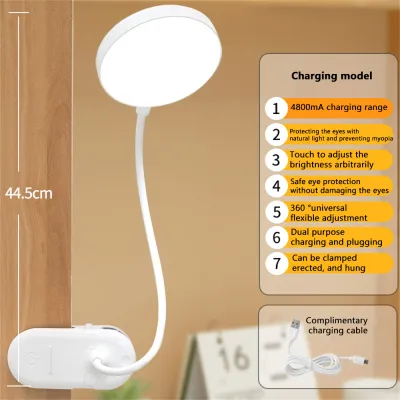
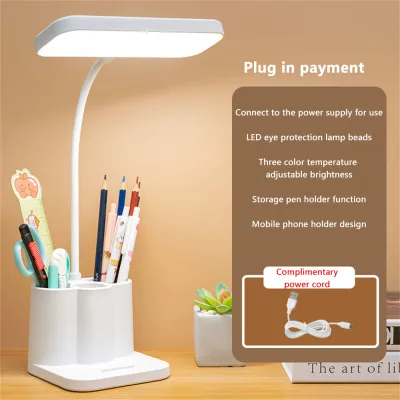
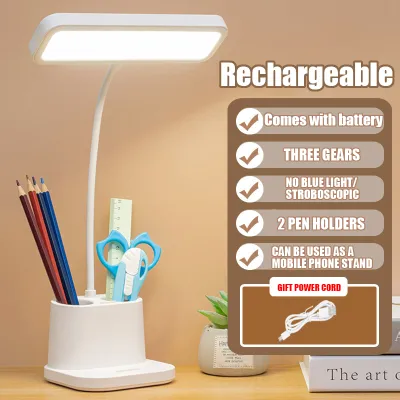
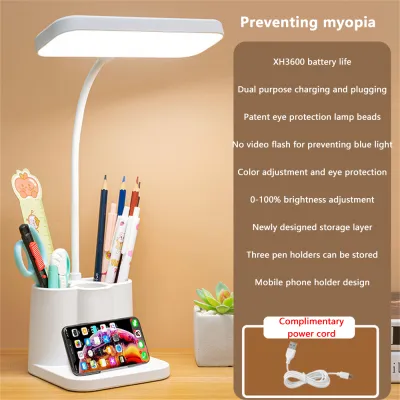
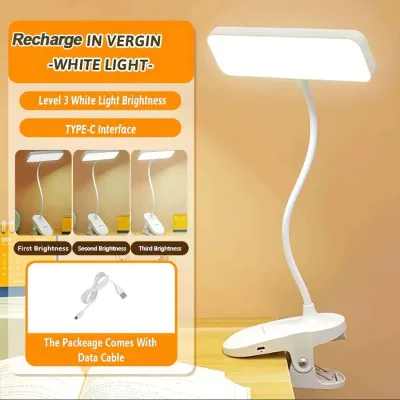
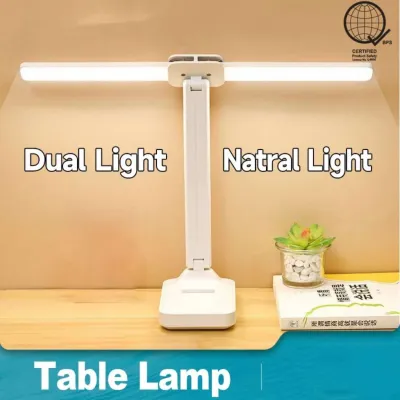
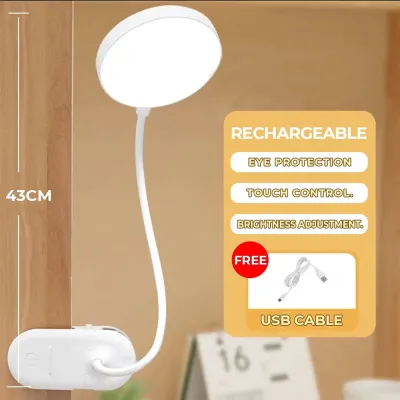
Prices are valid at publication and may change. Please refer to the product page for the latest price.
Furthermore, removing power cords from your desk surface significantly reduces visual clutter. A clean, organized workspace promotes better mental focus and lowers stress during high-pressure study or work sessions. In shared living spaces, studio apartments, or multi-purpose rooms, a shaded lamp allows you to create a localized, cozy micro-environment. The shade keeps the light focused on your immediate work area rather than spilling across the room, allowing you to work late into the night without disturbing sleeping family members or roommates.
Key Features to Check Before Buying a Chargeable Lamp With a Shade
When shopping for a chargeable lamp shade setup, battery capacity and charging specifications should be your first considerations. Look for models equipped with lithium-ion batteries and modern USB-C charging interfaces, which allow you to use the same cables and adapters as your smartphone or laptop. Check the manufacturer’s rated battery capacity, typically measured in milliampere-hours (mAh), to estimate how long the lamp can run on a single charge. Keep in mind that actual runtime varies significantly based on your selected brightness level; a lamp that lasts for days on a low ambient setting may only run for a few hours at maximum task brightness.

Shade material plays a direct role in light quality, heat management, and overall durability. Fabric and frosted acrylic shades are highly effective at diffusing light evenly in all directions, creating a soft, ambient glow that is gentle on the eyes. Metal or opaque plastic shades, on the other hand, direct the light downward in a concentrated cone, which is excellent for reading but requires careful positioning to avoid high-contrast shadows. In warm, humid climates, consider how well the shade material dissipates heat, as excessive heat buildup around the bulb housing can shorten the lifespan of the internal rechargeable battery.
Adjustability is another critical factor for late-night comfort. Look for lamps that offer step-less dimming or multiple preset brightness levels so you can lower the intensity as the night progresses. Color temperature adjustment is equally valuable, allowing you to switch from a cool, daylight-mimicking white during the day to a warm, relaxing amber tone at night. Additionally, check the physical stability of the lamp. A weighted base is essential to prevent the lamp from tipping over, especially if the design features an adjustable arm, a tall stem, or a wider shade.
Finally, prioritize electrical safety and certification. Verify that the lamp or its charging component carries recognized safety markings, such as the Philippine Standard (PS) mark or equivalent international certifications. Ensure the input voltage requirements match your existing USB wall chargers to prevent electrical overloads. Investing in a certified product ensures that the internal charging circuitry, battery protection systems, and wiring meet basic safety standards, reducing the risk of overheating during long charging cycles.
How to Match the Lamp to Your Specific WFH or Study Environment
Selecting the right lamp shape and size depends heavily on the physical layout of your desk and the nature of your daily tasks. For compact workspaces, small study desks, or shared dorm rooms, a low-profile lamp with a narrow shade is ideal. These compact designs provide sufficient localized light without occupying valuable real estate needed for notebooks, keyboards, and reference materials. A smaller footprint also makes the lamp easier to pack and move if you frequently transition between different study spots.
If your setup includes multiple monitors, a large drafting table, or a deep desk, you will benefit from a lamp with a taller stem or an adjustable, articulating arm. Taller lamps allow the light to clear the top of your screens, casting a wider, more even wash of light across the entire desk surface. Articulating arms let you pull the light source close for detailed tasks, such as sketching or reading fine print, and push it back up when you need broader, ambient illumination for typing.
Pay close attention to the relationship between the shade depth and the beam angle. The shade should be deep enough to completely conceal the light source from your direct line of sight when you are seated. If the bulb protrudes below the rim of the shade, it can cause immediate glare and eye fatigue. A well-designed shade directs a wide, even beam downward, ensuring that both your physical textbook and your keyboard are illuminated simultaneously without requiring you to constantly adjust the lamp’s position.
Positioning and Battery Care for Long-Term Use
To maximize visual comfort, place your shaded lamp on the side opposite your dominant hand. If you are right-handed, position the lamp on the left side of your desk; if you are left-handed, place it on the right. This simple adjustment prevents your hand and arm from casting distracting shadows across your notebook or keyboard while you write. Additionally, adjust the height of the lamp so that the bottom edge of the shade sits at or slightly below your eye level, keeping the bright light source hidden while fully illuminating your workspace.
To prevent screen reflections, place the lamp outside your monitor’s primary reflection zone. You can test this by turning off your screen and checking if you can see the reflection of the lamp shade in the dark glass. If a reflection is visible, slide the lamp further to the side or angle the shade slightly away from the screen. Maintaining a balanced contrast between your monitor’s brightness and the surrounding desk surface is key to reducing eye strain during long, late-night sessions.
Preserving the lifespan of your lamp’s internal battery requires proper charging habits. Always follow the manufacturer’s instructions regarding initial charging times and recommended power adapters. Avoid charging the lamp in areas exposed to direct sunlight, high humidity, or extreme heat, as elevated temperatures accelerate battery degradation. Using a high-wattage fast charger on a device designed for standard USB charging can cause overheating, so always verify that your power source matches the lamp’s input specifications.
Frequently Asked Questions (FAQ)
Can I leave a rechargeable desk lamp plugged in all the time?
Whether you can leave your lamp plugged in continuously depends on the manufacturer’s specific battery management system. Many modern rechargeable lamps feature built-in overcharge protection that stops drawing power once the battery is full, making them safe to leave connected to a charger. However, keeping a lithium-ion battery constantly at 100% capacity, especially in warm environments, can accelerate its natural degradation over time. To maintain optimal battery health, check your product manual for specific guidelines, and consider unplugging the lamp occasionally to let the battery discharge during normal use. If you notice the lamp body becoming unusually hot while plugged in, or if the battery runtime drops significantly, it is best to disconnect the charger and inspect the device for signs of battery wear.
What color temperature is best for reducing eye strain at night?
For late-night study and work sessions, warmer color temperatures ranging from 2700K to 3000K are generally best for reducing eye strain. Warm, amber-toned light mimics natural evening light, helping to minimize your exposure to harsh blue light wavelengths that can disrupt your sleep cycle. While cool white light (around 5000K to 6500K) is excellent for daytime alertness and detailed task work, using it late at night can cause visual fatigue and make it harder to wind down after finishing your work. To achieve the most comfortable setup, balance the warm glow of your desk lamp with a moderate screen brightness setting, ensuring that the contrast between your monitor and the surrounding room remains gentle and balanced.

Community discussion
Share your experience or ask a question. Comments are reviewed before publication.