
Choosing the right lighting can transform a standard desk into an immersive gaming command center. If you are looking to upgrade your setup, a tapo smart bulb offers an accessible, feature-rich entry point into customizable room illumination. The ideal model for your gaming room depends on whether you prioritize dynamic, multi-color synchronization that reacts to your gameplay, or clean, adjustable white tones designed to reduce eye strain and support high-quality camera feeds for streaming.
To build a highly responsive and visually striking environment, full-color RGB models are the clear choice for background accents, wall washes, and active screen-syncing. Conversely, tunable white models excel at providing functional bias lighting, helping you maintain focus during daytime tasks and minimizing fatigue during marathon nighttime sessions. Achieving a seamless setup requires more than just picking a bulb; you must also verify your physical fixtures, local network configuration, and software compatibility to ensure everything integrates without technical friction.
Key Comparison Dimensions for Gaming Ambiance
Designing an effective gaming light scheme requires looking closely at specific performance metrics. Standard home lighting focuses primarily on general visibility, but gaming setups demand precision in color rendering, dimming granularity, and response times.
Products mentioned in this guide
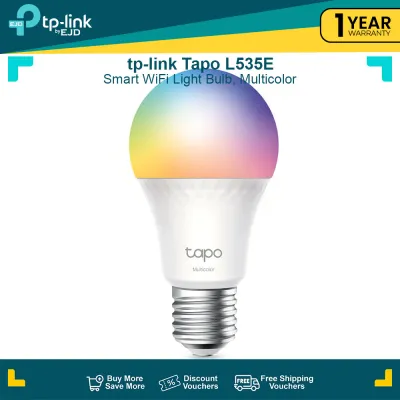
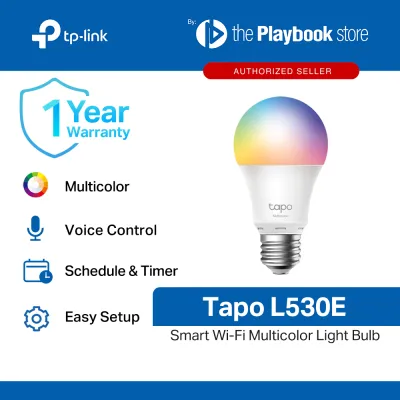
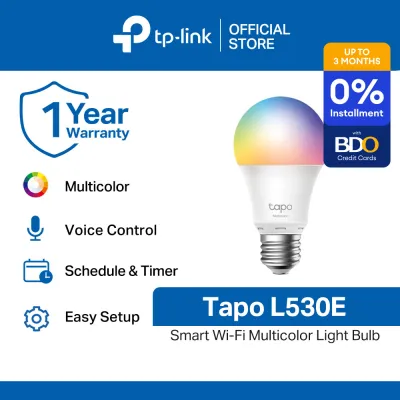
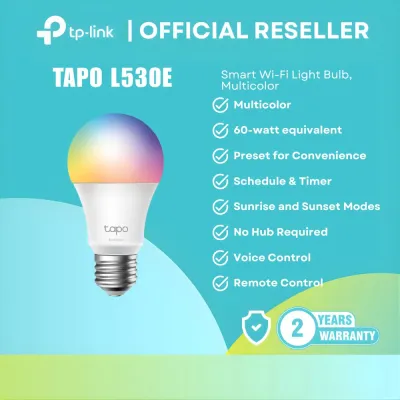
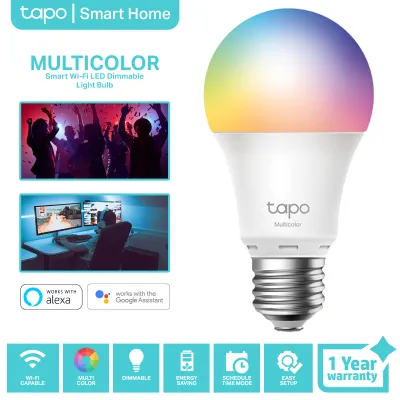
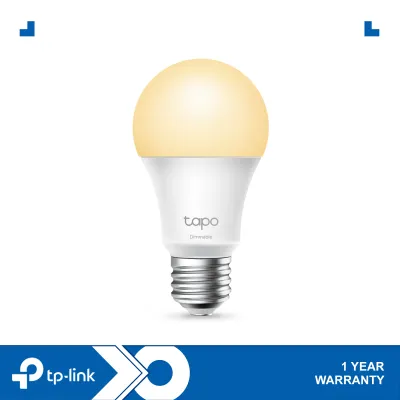
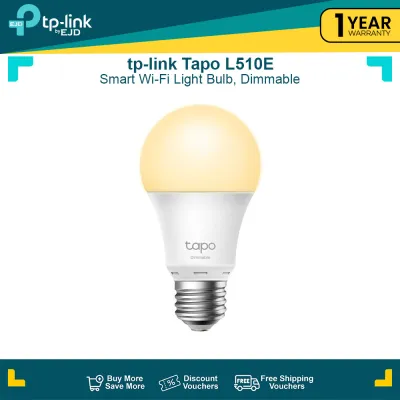
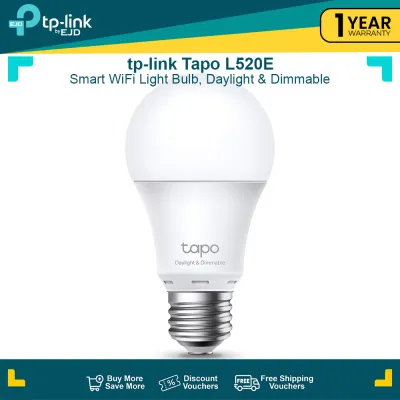
Prices are valid at publication and may change. Please refer to the product page for the latest price.
Color Range and Gamut
A wide color gamut is essential for reproducing the deep, saturated hues found in modern video games. When matching your room’s physical lighting to the neon tones of a cyberpunk cityscape or the deep greens of a fantasy forest, a bulb with limited color depth will produce washed-out, inaccurate shades. High-quality RGB smart bulbs utilize advanced LED emitters to cover a broader spectrum, allowing you to fine-tune accent zones to match your in-game guild colors, team branding, or specific UI elements with high precision.
Brightness (Lumens) and Dimming Granularity
Brightness is measured in lumens, and standard smart bulbs in this category typically range from 800 to 806 lumens, which is roughly equivalent to a traditional 60-watt incandescent bulb. For a gaming room, however, maximum brightness is rarely the goal. The true test of a gaming bulb is its dimming performance. You need a bulb that can dim smoothly down to 1% without flickering. Low-level ambient light is critical for bias lighting behind monitors, as it reduces the harsh contrast between a bright screen and a dark wall without causing distracting reflections on your display panel.
Color Temperature (Kelvin)
If your gaming room doubles as a home office or study space, tunable white light is non-negotiable. Color temperature is measured in Kelvin (K). Cooler light, ranging from 5000K to 6500K, mimics natural daylight and helps promote alertness and focus during competitive daytime matches or remote work hours. Warmer light, falling between 2500K and 3000K, reduces blue light exposure in the evening, signaling your eyes to relax during casual play sessions and helping you wind down after a long night of gaming.
Transition Speed and Smoothness
For reactive lighting effects, the speed at which a bulb transitions from one color or brightness level to another is paramount. If you are syncing your lights to on-screen action, a slow transition speed creates a jarring delay, where an explosion occurs on screen but the room only turns red a second later. While smart bulbs operating over Wi-Fi have inherent network transmission times, selecting models with robust internal processors ensures that color shifts appear fluid and organic rather than choppy and distracting.
Tapo Smart Bulb Categories: RGB vs. Tunable White
Understanding the distinct categories of smart bulbs helps narrow down your choices based on physical utility and aesthetic goals. Each category serves a specific role within a gaming ecosystem.

Full-Color RGB Models
These models are the foundation of any high-impact gaming aesthetic, offering up to 16 million colors alongside standard white light control. They are best utilized in highly visible areas, such as exposed desk lamps, floor lamps casting light against a back wall, or overhead fixtures. When shopping, look closely at packaging details to confirm full RGB color support rather than simple white-spectrum tuning. These bulbs allow you to save custom color profiles, set up pulsing light zones, and coordinate your entire room’s theme with a single tap in the mobile app.
Tunable White and Dimmable Models
If you do not require dynamic color shifts, tunable white bulbs offer a highly practical and often more budget-friendly alternative. These bulbs are excellent for key lights or fill lights if you stream on platforms like Twitch or YouTube. High-quality white light ensures that your face is illuminated with accurate skin tones, avoiding the unnatural green or blue casts that low-grade colored lights can cause. They also serve as excellent secondary lights in the room, handling general illumination while your dedicated RGB fixtures manage the atmospheric accents.
Form Factor and Base Compatibility
Before purchasing any smart bulb, you must physically inspect your intended light fixtures. The standard screw base in the Philippines is the E27 interface, which is compatible with most local desk lamps, pendant lights, and wall sconces. However, you must also check the physical dimensions of the bulb itself. Smart bulbs often feature slightly wider or taller profiles than traditional bulbs due to their internal Wi-Fi antennas and LED driver circuits. Ensure the bulb will fit comfortably inside your lamp shade or monitor light bar housing without protruding or touching the fixture walls, which can restrict airflow.
Screen Sync and App Integration: What to Verify
Integrating your physical lighting with your digital gameplay is the ultimate goal of many gaming setups. However, achieving a functional screen-sync effect requires understanding the underlying software architecture.
How Screen Sync Works
Smart bulbs do not connect directly to your graphics card or monitor via HDMI or DisplayPort. Instead, screen synchronization relies on a software bridge. A desktop application captures the color data of the pixels on your screen in real time, processes those colors, and sends command signals over your local network to your smart bulbs. Alternatively, some setups use external cameras mounted to the top of the monitor to visually read the screen colors and transmit that data to the bulbs via an app, bypassing the need for dedicated PC software.
Hardware and Software Requirements
To enable these advanced features, your PC or mobile device must meet specific operating system requirements. You will need to install the official Tapo app on your smartphone to perform the initial setup and firmware updates. For PC-based synchronization, verify that your computer is running a compatible version of Windows or macOS and that your local network can handle the continuous data traffic. Because smart bulbs operate on the 2.4GHz Wi-Fi band, your gaming PC (which might be connected via Ethernet or a 5GHz Wi-Fi band) must be on the same local subnet to communicate with the bulbs without firewall interference.
Latency and Performance Expectations
Because software-based syncing sends commands over your home Wi-Fi network, you should expect a minor amount of latency. This delay is typically negligible during casual gameplay or movie watching, but it may become noticeable during fast-paced, competitive first-person shooters. To minimize latency, ensure your wireless router is not overloaded with active downloads or high-bandwidth streaming on the 2.4GHz band while you are gaming. Keeping your bulb’s firmware updated through the official app is also crucial for maintaining optimal connection stability.
Decision Framework: Choose the Right Tapo Bulb
To finalize your lighting plan, evaluate your daily usage patterns, room layout, and budget against these clear scenarios.
Choose Full-Color RGB if:
- You want deep immersion: You plan to sync your room lighting directly with your game's visual environment or audio output.
- You stream with a green screen or background: You need vibrant, saturated accent lights to paint your back walls with specific thematic colors that match your stream overlay.
- You enjoy dynamic lighting scenes: You want the ability to switch instantly from a bright, productive workspace to a dark, moody gaming lounge with a single app preset.
Choose Tunable White if:
- Your primary focus is eye comfort: You need reliable, flicker-free bias lighting behind your monitor to prevent headaches during long night sessions.
- You are a content creator or streamer: You require high-quality, color-accurate white light to illuminate your face clearly on camera.
- You prefer a minimalist aesthetic: You want a clean, distraction-free environment where lighting serves a functional, subtle purpose rather than a dramatic one.
Verify First if:
- Your fixtures are compatible: Check that your lamps utilize the standard E27 base and are rated to support the physical size and weight of a smart bulb.
- Your electrical setup is safe: Confirm that your local voltage matches the bulb's specifications (typically 220V-240V at 60Hz in the Philippines) and that you are not installing the bulb on a circuit controlled by a traditional physical dimmer switch.
- Your Wi-Fi is reliable: Ensure a strong, stable 2.4GHz wireless signal reaches your gaming desk area.
Installation and Safety Checks for Gaming Desks
Smart bulbs are highly sophisticated electronic devices containing sensitive microcontrollers and wireless radios. Proper installation is critical to ensure both personal safety and the longevity of your equipment.
Power and Heat Limits
Before installing or replacing any bulb, always isolate the power by switching off the physical wall switch or unplugging the lamp from the wall outlet. Check the maximum wattage rating printed on your desk lamp or monitor housing. While a smart LED bulb consumes very little power (usually between 8W and 9W at maximum brightness), the physical fixture must still be in good structural condition. Never exceed the fixture’s recommended limits, and ensure all electrical contacts are clean and dry.
Enclosed Fixtures Warning
In the tropical climate of the Philippines, ambient room temperatures and humidity levels can run high, especially when a powerful gaming PC is radiating heat into a closed room. Avoid installing smart bulbs inside fully enclosed glass, plastic, or metal fixtures. Enclosed fixtures trap the heat generated by the bulb’s LEDs and internal power supply. This trapped heat can rapidly degrade the sensitive Wi-Fi chip and capacitor components inside the bulb’s base, leading to frequent offline drops, flickering, or premature hardware failure. Always opt for open-air fixtures or lamps with adequate ventilation.
Network Stability
For reliable real-time control, your smart bulb requires a consistent connection to your router. Gaming setups are often crowded with wireless signals from wireless mice, keyboards, headsets, and mobile phones, which can cause local interference on the 2.4GHz spectrum. If your bulb frequently disconnects or responds slowly to app commands, try adjusting your router’s wireless channel settings to a less congested frequency, or position your wireless router closer to your gaming room to ensure a strong signal path.
Frequently Asked Questions (FAQ)
Do Tapo smart bulbs work with third-party PC screen sync software?
Tapo smart bulbs are designed to operate primarily within the official TP-Link Tapo ecosystem, utilizing the Tapo mobile app or official desktop integrations for control. While they offer native compatibility with major smart home platforms like Google Home, Amazon Alexa, and Apple Home (on Matter-compatible models), direct synchronization with third-party PC gaming software (such as Razer Chroma or Corsair iCUE) is not universally supported out of the box. Before planning a complex multi-brand sync setup, always consult the official compatibility lists on the manufacturer’s website to verify if your specific bulb model and software version support direct integration.
Can I use Tapo bulbs for monitor bias lighting?
Yes, you can use these bulbs for effective monitor bias lighting by installing them in a flexible desk lamp or a spotlight fixture positioned directly behind your screen. When setting this up, check the physical dimensions of both the bulb and your lamp shade to ensure a proper fit. Position the light source so that it casts a soft, even glow onto the wall behind your monitor, rather than shining directly onto the screen panel. This placement prevents glare and reflections, significantly reducing eye strain during long gaming sessions in dark rooms.
Community discussion
Share your experience or ask a question. Comments are reviewed before publication.