
Tri-color LED bulbs offer a highly versatile, single-bulb solution for modern gaming rooms by packing three distinct color temperatures—typically warm white, cool white, and daylight—into a single fixture. Choosing the right setting depends entirely on your immediate activity: high-intensity competitive play demands the sharp focus of daylight, live streaming requires a neutral cool white to balance camera sensors, and casual, story-driven gaming thrives under the cozy embrace of warm white. By matching these settings to your specific gaming tasks, you can optimize visual comfort, reduce eye strain, and elevate the overall aesthetic of your setup without needing to install multiple complicated light fixtures.
Matching Color Temperatures to Specific Gaming Activities
Competitive gaming requires rapid reaction times, high cognitive alertness, and absolute visual clarity. Utilizing the cool white or daylight settings of your tri-color LED bulb mimics the bright, stimulating spectrum of natural midday light, which helps keep you focused during intense, fast-paced sessions. This crisp illumination enhances the contrast of your physical surroundings, making your keyboard, mouse, or controller buttons easily visible in your peripheral vision. Furthermore, maintaining a bright ambient background reduces the extreme contrast gap between a glowing monitor and a pitch-black room, which is a primary cause of eye fatigue and headaches during extended gaming marathons.
For streamers and content creators, ambient lighting directly impacts production quality and viewer engagement. Selecting a daylight or neutral cool setting ensures that your facecam or mirrorless camera captures accurate skin tones and maintains a proper white balance. If your room is lit with overly warm or mismatched light, your camera sensor will struggle to calibrate, often resulting in a grainy, orange, or washed-out on-screen appearance. A clean, neutral background light allows your camera to render sharp details and keeps your face clearly illuminated, presenting a professional image to your audience.
Products mentioned in this guide
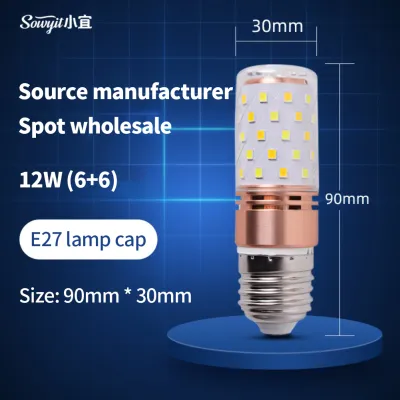
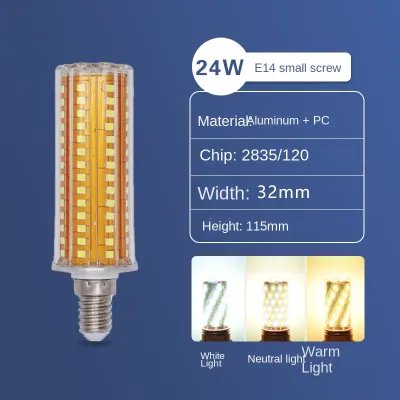
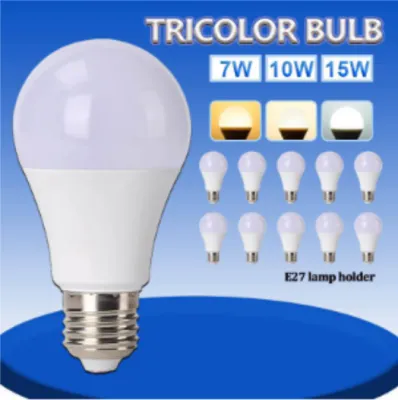
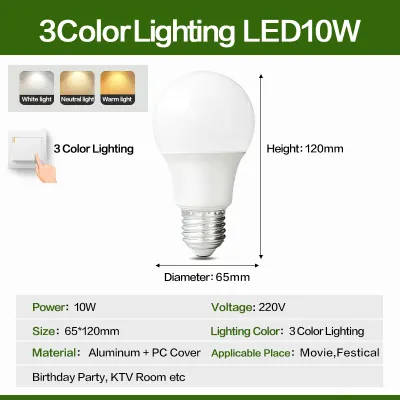
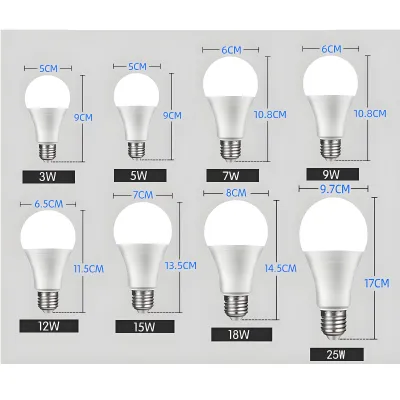
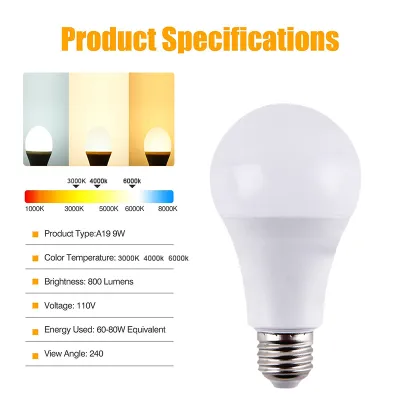
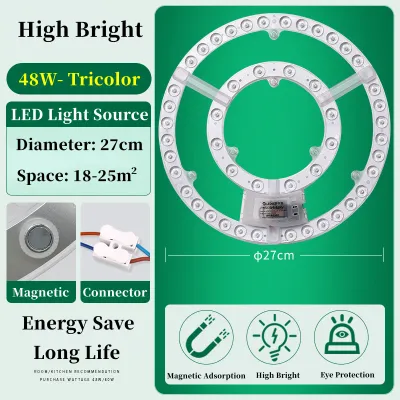
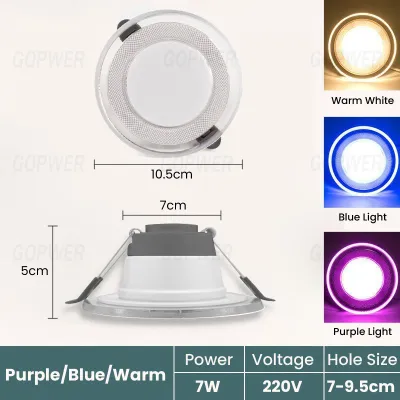
Prices are valid at publication and may change. Please refer to the product page for the latest price.
Casual and story-driven gaming calls for a completely different atmospheric approach. When diving into immersive role-playing games, cinematic adventures, or cozy simulation titles, the high-intensity glare of daylight can feel sterile and distracting. Switching your tri-color bulb to its warm white setting creates a relaxed, theater-like environment that complements rich, warm game palettes. This softer glow minimizes harsh reflections on your screen, allowing you to sink into the narrative and enjoy a comfortable, low-stress gaming session that transitions smoothly into your evening wind-down routine.
Integrating Tri-Color Bulbs with RGB Gaming Lights
Achieving a balanced gaming setup requires coordinating your functional tri-color LED bulb with your decorative RGB accent lights. To avoid a chaotic or visually cluttered environment, assign distinct roles to each light source. Use your tri-color bulb as the primary task light to illuminate the entire room for cleaning, organizing, or typing, and rely on your RGB strips, light bars, and panels to provide localized background ambiance and accent highlighting during active gameplay.

To prevent your main light from washing out your colorful RGB effects, adjust the color temperature of your tri-color bulb to complement your chosen RGB theme. If your background lights are set to cool blues, purples, or greens, matching them with the daylight setting of your main bulb keeps the room’s aesthetic cohesive and crisp. Conversely, if you prefer warm orange, red, or yellow RGB themes, switching your primary bulb to its warm white setting prevents a jarring visual clash and preserves the saturated depth of your accent lighting.
Managing screen and camera reflections is crucial when positioning your primary light source. In tropical environments where rooms often feature glossy finishes, glass-paneled PC cases, or highly reflective monitor screens, a poorly placed bulb can cause distracting glare. Position your tri-color bulb behind or to the side of your monitor rather than directly opposite it. This layout prevents conflicting color casts from bouncing off your screen or shining directly into your streaming camera lens, ensuring a clean visual field for both you and your viewers.
Installation and Switching Considerations for Gaming Setups
Before purchasing a tri-color LED bulb, verify that your existing light fixtures are fully compatible with the bulb’s specifications. Check the bulb’s rated voltage—which is typically 220V to 240V at 60Hz in the Philippines—and ensure the base type matches your fixture, with E27 being the most common screw-type base. Additionally, confirm the wattage limits of your lamp or ceiling fixture to prevent overheating, and check whether the bulb is designed for standard on/off wall switches or if it requires a dedicated dimming system.
Safe installation practices must always be prioritized when setting up your gaming room lighting. Before replacing any bulbs, especially in ceiling fixtures or hard-to-reach areas, turn off the power at the main circuit breaker rather than relying solely on the wall switch. If your setup requires working at heights or modifying fixed electrical wiring, consult a qualified professional to handle the installation safely. In humid tropical climates, ensure all fixtures are kept dry and free from dust buildup to maintain optimal electrical safety and prolong the lifespan of your bulbs.
Planning a convenient control workflow ensures that switching between color temperatures does not interrupt your active gameplay or live broadcasts. Standard tri-color bulbs typically cycle through their settings with consecutive flips of a physical wall switch. If your switch is located far from your desk, consider upgrading to a smart tri-color bulb or integrating a wireless switch accessory, which can range from ₱250 to ₱750. This allows you to transition from a bright daylight focus mode to a warm, relaxed casual gaming mode with a simple tap of a remote or a smartphone app, keeping your focus entirely on the game.
Frequently Asked Questions (FAQ)
Does changing the color temperature affect my monitor's color accuracy?
While changing your room’s ambient color temperature does not alter the actual pixel output of your monitor, it significantly affects how your eyes perceive those colors. A warm ambient light can make your monitor appear cooler or slightly blue by comparison, whereas a daylight setting helps your eyes adapt to a neutral baseline. For color-sensitive tasks like video editing, thumbnail creation, or photo grading, it is best to set your tri-color bulb to its daylight or neutral cool setting to ensure your visual perception remains accurate and consistent.
How do I switch settings if my wall switch is hard to reach?
If your physical wall switch is inconveniently located, you can opt for smart tri-color bulbs that connect directly to your local Wi-Fi or Bluetooth network. These smart models allow you to change color temperatures, adjust brightness levels, and set automated schedules using a smartphone app or voice commands. Alternatively, you can plug your desk lamps into compatible smart plugs or install wireless remote-control switch accessories, allowing you to manage your entire gaming light setup directly from your desktop without getting up.
Community discussion
Share your experience or ask a question. Comments are reviewed before publication.