
Quick Answer: Essential LED Light Strip Features for Gaming
Choosing the best LED light strip for your gaming room depends on your desired level of visual immersion, control integration, and your specific room layout. For a truly dynamic gaming experience, addressable RGB (often labeled as RGBIC or ARGB) strips are the ideal choice because they allow multiple colors to display simultaneously along a single strip. Standard RGB strips, which display only one color at a time, work well for basic, budget-friendly ambient backlighting.
To achieve seamless integration, look for strips that support smart syncing capabilities via companion software or external hardware sync boxes. These features allow your lights to react dynamically to your screen’s action or game audio. Additionally, prioritize bias lighting placement behind your monitor to reduce eye strain, and verify that the strip’s physical dimensions, voltage, and power requirements match your setup before purchasing.
Choosing Between Standard RGB and Addressable Color Modes
When shopping for an LED light strip, the first major decision is choosing between standard RGB and addressable color technologies. Standard RGB strips utilize a single control signal for the entire length of the strip, meaning every diode displays the exact same color at any given moment. While this is excellent for setting a consistent, single-color mood—such as a deep blue or a subtle green—it cannot produce complex multi-color gradients or moving light effects.
Products mentioned in this guide
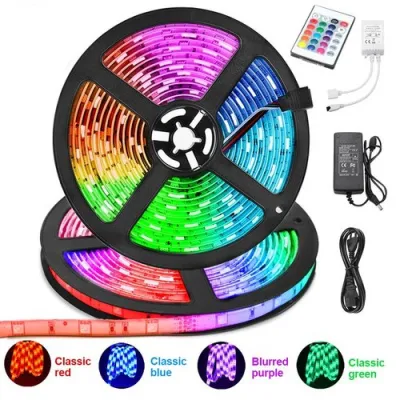
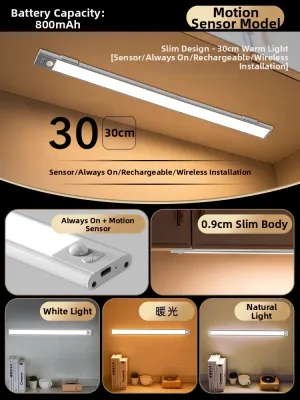
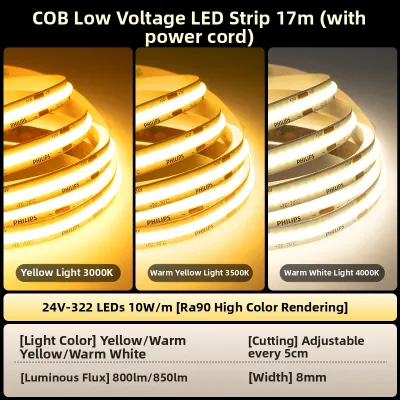
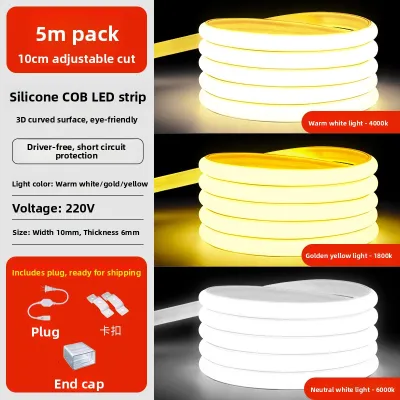
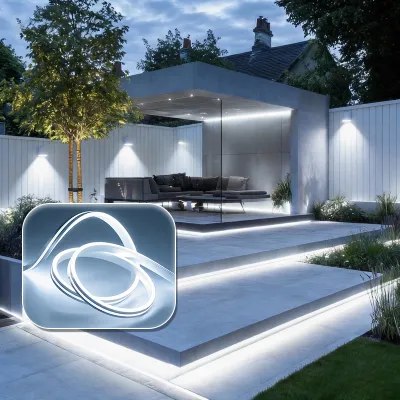
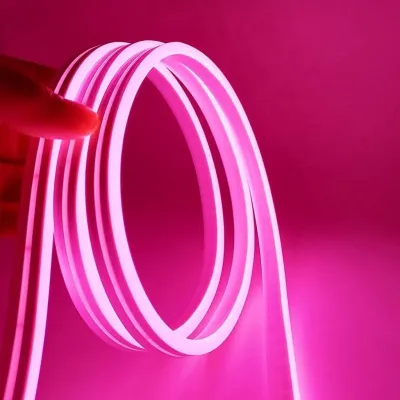
Prices are valid at publication and may change. Please refer to the product page for the latest price.

Addressable RGB strips, frequently marketed as RGBIC or ARGB, feature a small integrated circuit chip for individual diodes or segments. This design allows different parts of the strip to display different colors at the same time, enabling smooth color chasing, rainbow waves, and highly detailed screen-matching effects. If your goal is an active, reactive gaming environment that mimics the movement on your screen, addressable technology is highly recommended.
Before buying, always check the controller compatibility and connection interfaces. Standard RGB strips typically use a 4-pin 12V connection, whereas addressable strips generally require a 3-pin 5V connection. Connecting a 5V addressable strip to a 12V header can instantly burn out the LEDs, so verifying these specifications on the product packaging is critical.
You must also evaluate the expansion limits and LED density of the product. Connecting multiple strips together to cover a large desk or wall can lead to a voltage drop, which causes the lights at the far end to dim or display incorrect colors. Check the manufacturer’s specifications for the maximum supported length per power supply, and look for a high LED density (such as 60 LEDs per meter) to ensure smooth color transitions without visible dark spots.
Evaluating Smart Controls and Game Synchronization
The convenience of adjusting your lighting during an intense gaming session depends heavily on the control methods available. Physical remote controls and desktop control dials offer immediate, tactile adjustments without requiring you to minimize your game or unlock your smartphone. On the other hand, mobile apps provide deeper customization, allowing you to program custom color profiles, set schedules, and adjust individual segment brightness.
For maximum immersion, verify the software compatibility of the LED light strip if you plan to sync the lighting with your gameplay. Some advanced systems use screen-capture software to analyze the colors on your monitor and project matching hues onto the wall behind it. Ensure the manufacturer’s software is compatible with your operating system and check if it integrates with broader smart home ecosystems or existing PC lighting suites.
Network requirements are another critical factor to verify on the product packaging. Many smart LED strips rely on a 2.4 GHz Wi-Fi connection for smart home integration and voice control via virtual assistants. If your home router is configured strictly to a 5 GHz band, you may encounter pairing issues during setup. Bluetooth-enabled strips offer a simpler, router-free setup but generally have a shorter range and lack remote control capabilities when you are away from home.
Optimizing Brightness and Placement for Eye Comfort
An overlooked benefit of installing an LED light strip is its ability to reduce eye strain during long gaming sessions. Placing a light strip directly behind your monitor or TV creates what is known as bias lighting. By illuminating the wall behind your screen, you reduce the harsh contrast between a bright display and a dark room, which helps prevent eye fatigue and headaches.
When reviewing product specification sheets, pay close attention to the lumen output and dimming capabilities. A strip that is too bright can cause distracting reflections on your screen, while a strip that is too dim will fail to create the desired ambient effect. Opt for strips that offer a wide dimming range, allowing you to lower the brightness to 10% or less for late-night gaming sessions.
To prevent harsh glare, avoid mounting LED strips in direct line of sight. Exposed LED diodes can create intense “hotspots” of light that are uncomfortable to look at directly. Instead, mount the strips facing the wall so the light bounces off the surface, or install them inside aluminum channels equipped with frosted diffuser covers to soften the glow.
Perceived color temperature also plays a significant role in your gaming environment. Cool white tones (around 5000K to 6500K) can enhance focus and alertness during daytime gaming sessions. Conversely, warmer, amber tones are much gentler on the eyes at night and can help you wind down after a competitive match.
Planning Installation, Power Supply, and Safety
Proper planning is essential to ensure your LED light strip operates safely and remains securely attached to your furniture. Start by verifying the voltage and power requirements of your setup. Low-voltage 5V USB-powered strips are highly convenient for short runs behind a monitor, but they cannot support long runs. For larger room installations or under-desk lighting, 12V or 24V systems with dedicated power adapters are necessary to deliver consistent brightness.
In warm, humid tropical climates like the Philippines, standard adhesive backings on LED strips often degrade quickly, causing the strips to sag or peel off. This is especially true when mounting lights onto textured concrete walls or wooden desks. To prevent this, thoroughly clean the mounting surface with rubbing alcohol to remove dust and oils before installation, and consider using mounting clips or heavy-duty double-sided mounting tape for a more permanent hold.
Always consult the manufacturer’s instructions before cutting or extending your light strips. Strips can only be cut at designated copper cut points; cutting elsewhere will permanently damage the circuit. If you need to route the strip around sharp corners, do not bend the strip itself, as this can crack the internal wiring. Instead, use solderless corner connectors or flexible extension cables designed for your specific strip type.
Finally, prioritize electrical safety by ensuring your total wattage consumption does not exceed 80% of your power supply’s rated capacity. If you plan to hardwire your lighting into your home’s electrical system or install fixtures in damp areas, always isolate the power supply at the circuit breaker first, and consult a qualified professional to handle the installation safely.
Frequently Asked Questions (FAQ)
Can I use a standard TV LED light strip for a gaming monitor?
Yes, you can use a TV LED light strip for a gaming monitor, but you must verify the physical dimensions and power requirements first. TV backlighting kits are typically designed for larger screens and may be too long for a standard 24-inch or 27-inch gaming monitor. Check the product specifications for designated cut points to ensure you can trim the strip to fit without damaging the circuits. Additionally, verify the USB power output of your monitor; many monitor USB ports only output 0.5A or 0.9A, which may not provide enough power for a bright TV strip, causing it to flicker. In this scenario, plugging the strip into a dedicated USB wall adapter is highly recommended.
Do gaming LED light strips cause input lag or affect PC performance?
The physical LED light strip itself does not cause input lag, but the software used to sync the lights with your screen can impact PC performance. Software-based screen-mirroring features constantly analyze your display’s pixels in real-time, which consumes CPU and RAM resources. On budget or mid-range gaming rigs, this background processing can occasionally lead to minor frame drops or input lag in fast-paced competitive games. To avoid this, check the resource usage of the lighting software, or opt for hardware-based syncing solutions, such as external HDMI sync boxes or standalone audio-sync controllers, which process the signals independently without taxing your computer’s hardware.
Community discussion
Share your experience or ask a question. Comments are reviewed before publication.