
To choose the best USB LED light for TV backlighting in a gaming room, you must balance power compatibility, color customization, and physical fit. Unlike high-voltage wall-plug options, a USB-powered LED strip draws power directly from your TV or monitor’s built-in ports, making it a highly convenient, low-profile solution for reducing eye strain and boosting visual immersion. However, finding the right setup requires verifying your TV’s USB power output, selecting the correct LED density, and choosing between simple static colors or dynamic, screen-syncing effects.
By understanding the technical specifications of your display and matching them with the right lighting features, you can create a clean, distraction-free gaming environment. This guide walks you through the essential factors to consider, from power limitations and control methods to safe installation practices and condition-based purchasing decisions.
Why USB-Powered Backlighting Works for Gaming Setups
Integrating ambient lighting behind your gaming screen does more than just add visual flair to your setup. USB-powered LED strips offer a streamlined alternative to traditional wall-plug lighting systems, primarily because they simplify cable management. By drawing power directly from the TV or monitor, you eliminate the need to route long, dangling power cords down to a wall outlet or power strip. This creates a much cleaner look, which is especially beneficial for wall-mounted displays or minimalist desk setups where visible cables can ruin the aesthetic.
Products mentioned in this guide
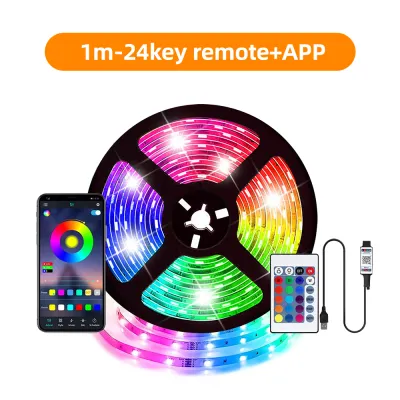
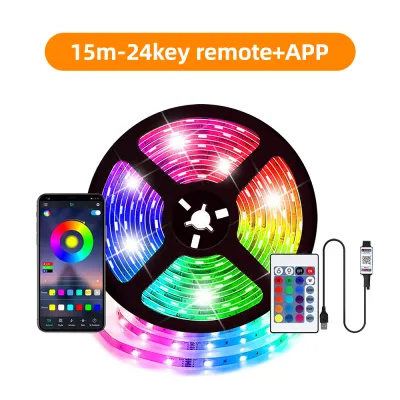
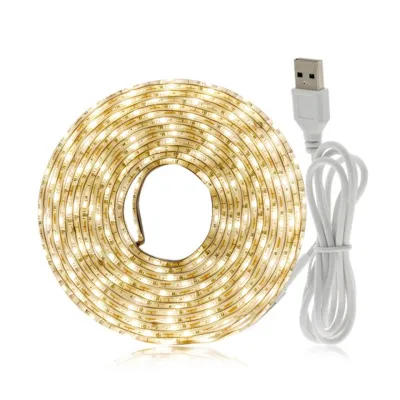
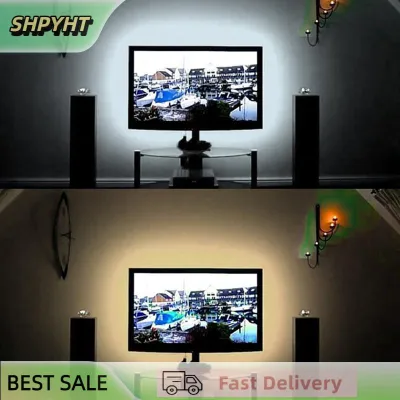
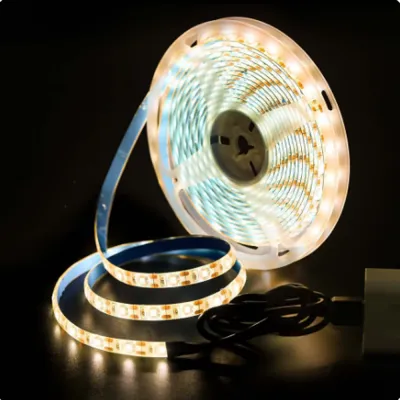
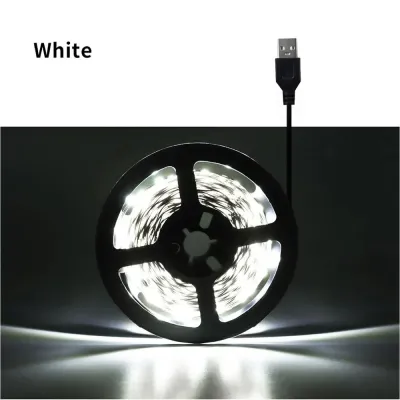
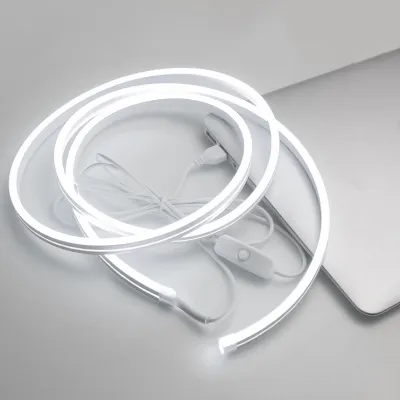
Prices are valid at publication and may change. Please refer to the product page for the latest price.
However, relying on a TV’s built-in USB port comes with specific power output limitations that you must consider. Standard USB 2.0 ports on most televisions typically output 5 volts at 0.5 amperes, providing a maximum power delivery of 2.5 watts. Newer USB 3.0 ports or dedicated high-power ports may offer 1.0 ampere (5 watts) or even 2.0 amperes (10 watts). These low-voltage limits restrict the maximum length and brightness of the LED strip you can safely connect. Attempting to run a long, high-density strip off a low-power port can result in flickering, dimming, or even damage to the TV’s internal circuitry.
Because of these power constraints, USB LED strips are highly suited for smaller to mid-sized gaming monitors and medium-sized TVs. For screens ranging from 24 to 55 inches, a standard 5V USB strip can easily provide sufficient coverage and brightness. For massive living room displays or setups requiring ultra-bright, multi-layered lighting effects, a dedicated wall-plug system is often necessary to deliver the required power without overloading your display’s ports.
Core Features to Match Your Gaming Environment
When selecting a USB LED strip, the type of light technology you choose directly impacts the visual atmosphere of your gaming room. Standard RGB strips are the most common and budget-friendly option. These strips change color as a single unit, meaning the entire length of the strip displays the same color at any given moment. While simple, they are excellent for creating a solid, atmospheric background glow that complements the dominant color scheme of your gaming space.

For a more dynamic and modern aesthetic, addressable RGBIC (Independent Control) strips offer a significant upgrade. These strips feature individual control chips for different sections of the LEDs, allowing a single strip to display multiple colors simultaneously. This technology enables fluid gradients, chasing effects, and complex color transitions that can match the high-energy feel of fast-paced gaming. However, RGBIC strips typically draw more power than standard RGB strips, making compatibility verification even more critical.
If your primary goal is reducing eye strain during long gaming sessions in a dark room, single-color bias lighting is often the most practical choice. Calibrated white bias lighting, typically set to a color temperature of 6500K (simulating daylight), provides a neutral reference point for your eyes. This contrast helps your eyes adjust to bright on-screen flashes without constant pupillary constriction, reducing fatigue during extended play.
Control methods also play a vital role in how easily you can adjust your lighting during gameplay. Inline controllers are physical buttons built directly into the USB cable, offering basic color and brightness adjustments but requiring you to reach behind the screen. RF (Radio Frequency) remotes provide a convenient wireless alternative that does not require a direct line of sight to the receiver. For maximum flexibility, app-based smart controls connect via Bluetooth or Wi-Fi, allowing you to customize color patterns, adjust brightness, and sync the lights with other smart devices in your room directly from your smartphone.
For the ultimate level of immersion, some advanced USB LED systems offer screen-syncing capabilities. These systems use either a camera mounted on top of your display to read on-screen colors or an HDMI sync box that intercepts the video signal from your console. The system then translates those colors to the LED strip in real-time, extending the action on your screen onto the wall behind it. Keep in mind that these advanced systems require additional processing hardware and often demand external power adapters rather than relying solely on a TV’s USB port.
Verifying Power and Hardware Compatibility
Before purchasing any USB LED strip, you must verify that your TV’s hardware can safely support the lighting system. Start by checking the amperage rating of the USB ports on your TV, which is usually printed directly next to the port or listed in the user manual. If your TV only features standard 0.5A ports, you will need to limit your search to shorter, low-density LED strips to prevent overloading the port.
To determine if a specific LED strip is compatible, you must calculate its power draw. Manufacturers typically list the power requirements in watts or amperes per meter. Multiply this value by the total length of the strip you plan to install. If the total power draw of the strip exceeds the rated output of your TV’s USB port, you should not plug it directly into the TV. Instead, plan to use an external USB wall adapter, such as a standard mobile phone charger, to power the lights safely.
Physical dimensions and structural compatibility are equally important. Measure the perimeter of your TV’s back panel, keeping the measurements a few inches inward from the outer edges so the LED strip remains hidden from direct view. Look for LED kits that are specifically designed for TVs, which often come pre-cut into four segments connected by flexible ribbon cables. These flexible connectors allow you to route the strip around the corners of the TV easily. Forcing a continuous, stiff LED strip to bend at a sharp 90-degree angle can crack the delicate copper traces inside the circuit board, leading to permanent failure of the subsequent sections.
Additionally, consider the quality of the adhesive backing, especially in tropical climates like the Philippines. High humidity and the heat generated by the back panel of an operating TV can quickly degrade cheap double-sided tape, causing the strip to peel off and sag. Look for strips that utilize high-quality, heat-resistant adhesives, or supplement the installation with small, heat-resistant mounting clips to ensure the lights remain securely attached over time.
Safe Installation and Cable Management
A successful installation begins with thorough surface preparation. Dust, static electricity, and manufacturing oils naturally accumulate on the plastic back panel of a TV, preventing adhesive tape from forming a strong bond. Before applying the LED strip, turn off and completely unplug your TV. Wipe the entire installation path with isopropyl alcohol and a clean microfiber cloth, then allow it to dry completely. In humid environments, ensure there is no lingering moisture or condensation on the surface before sticking the strip down.
When mounting the strip, carefully plan the routing of the USB power cable. Avoid running the cable across ventilation grates, heat sinks, or near moving parts such as articulating wall mount hinges. Blocking the TV’s ventilation gaps can lead to heat buildup, potentially shortening the lifespan of your display’s internal components. Secure any excess cable length with zip ties or adhesive cable organizers to keep the setup tidy and prevent accidental snags.
Handling the corners of the TV requires a gentle touch. If your LED strip does not feature pre-made corner connectors, do not fold or crease the circuit board to force a sharp turn. Instead, create a small, loose loop with the strip at each corner, ensuring the adhesive backing remains firmly pressed against the flat surfaces on either side of the turn. This technique prevents mechanical stress on the copper pathways and ensures even light distribution.
Finally, always prioritize safety during the installation process. If your TV is mounted high on a wall or integrated into a complex custom entertainment unit, ensure the power source is completely isolated before you begin. If your installation requires routing cables through walls or modifying fixed electrical outlets, stop immediately and consult a qualified professional to ensure compliance with local building and electrical safety standards.
Building Your Condition-Based Shortlist
To find the right USB LED light on local ecommerce platforms or retail stores in the Philippines, you should categorize your options based on your specific gaming needs and setup limitations.
If you want a simple, budget-friendly setup with low power draw, look for standard 5V USB RGB strips with inline or RF remotes. These are highly compatible with standard TV USB ports and provide a steady, customizable background glow. They are ideal for casual gamers who want a quick aesthetic upgrade without complex configurations.
For gamers seeking dynamic environmental lighting that reacts to gameplay, prioritize camera-based or HDMI sync kits. Keep in mind that these systems often require external USB wall adapters to handle the processing hardware and higher LED density. They are best suited for dedicated gaming rooms where maximum visual immersion is the primary goal.
If your primary goal is reducing eye strain during long gaming sessions in a dark room, choose a high-CRI (Color Rendering Index) white USB strip. This provides a clean, neutral white background that enhances perceived contrast on your screen without distracting color shifts.
When finalizing your purchase, use this practical checklist to verify the product details:
- Voltage and Current: Confirm the strip is rated for 5V USB power and matches your TV's port output (e.g., 0.5A, 1A, or 2A).
- Physical Length: Ensure the strip length matches your TV's screen size (typically measured in inches or centimeters).
- Adhesive Type: Look for heat-resistant backing suitable for warm TV panels and tropical humidity.
- Seller Policies: Verify that the seller provides clear warranty terms and return policies, with prices listed clearly in ₱.
Frequently Asked Questions (FAQ)
Will a USB LED strip drain my TV's power when it is turned off?
This depends entirely on how your TV’s USB ports are configured. Some TVs cut power to their USB ports immediately when turned off, while others keep the ports active in standby mode to support background updates or smart features. You can test your TV’s behavior by plugging in a smartphone or a simple USB device and observing if it continues to charge after you turn off the TV. If the port remains powered, you may need to use an LED strip with a physical inline switch, a remote control, or an app to turn the lights off manually.
Can I cut a USB LED strip to fit a smaller monitor or TV?
Yes, but you must only cut the strip along the clearly marked copper pads, which are typically spaced every few centimeters and marked with a scissor icon. Cutting anywhere else will permanently damage the circuit, causing the remaining section of that segment to stop working. After cutting, ensure the exposed copper ends do not touch any metal parts on the back of your TV; you can cover the cut end with a small piece of electrical tape or a silicone end cap to prevent short circuits.
Do USB backlighting strips cause input lag or affect gaming performance?
Standard USB LED strips that only draw power from the TV do not process video signals and have absolutely no impact on your TV’s display processing, input lag, or gaming performance. However, if you use an advanced HDMI sync box system that intercepts the video signal between your console and the TV, there is a slight potential for compatibility issues. To avoid input lag or signal degradation, ensure the sync box supports the specific resolution (such as 4K) and refresh rate (such as 120Hz) of your gaming console and display.
Community discussion
Share your experience or ask a question. Comments are reviewed before publication.