
Buying an LED desk lamp with a clamp is an excellent way to save valuable workspace, but it requires a compatible desk to function safely. Before making a purchase, you must verify that your desk’s edge thickness, material composition, and underside structure can support the mounting bracket. Skipping these checks can result in a lamp that wobbles, slips off, or permanently damages your furniture.
To ensure a secure fit, you need to measure the physical profile of your desk and inspect the area beneath the tabletop. Many modern study tables and home office setups in the Philippines use materials that require special care under pressure, especially in humid environments where wood composites can lose structural integrity. Taking a few minutes to evaluate your workspace now will prevent compatibility issues later.
Measuring Edge Thickness and Underside Clearance
The first step in choosing a clamp-on light is determining the exact thickness of your desk’s edge. Use a reliable measuring tape or ruler to find the vertical height of the tabletop profile. Do not rely on the nominal thickness listed when you bought the desk, as edge banding, decorative bevels, or uneven bottom finishes can alter the actual measurement. If your desk has a beveled or sloped edge, measure the flat portion where the clamp’s pads will make full contact.
Products mentioned in this guide
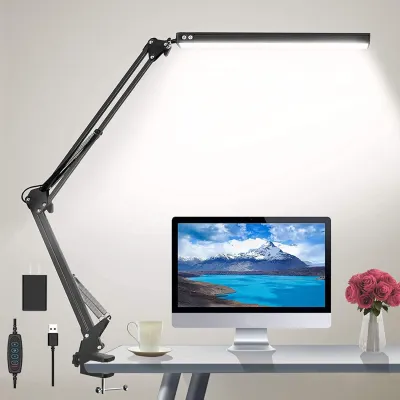
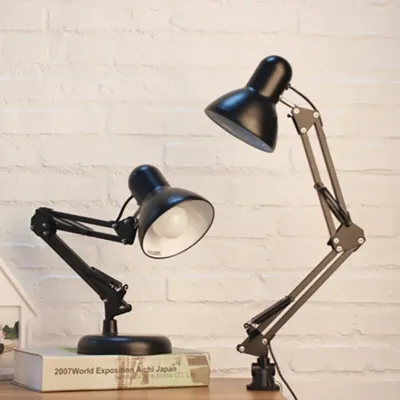
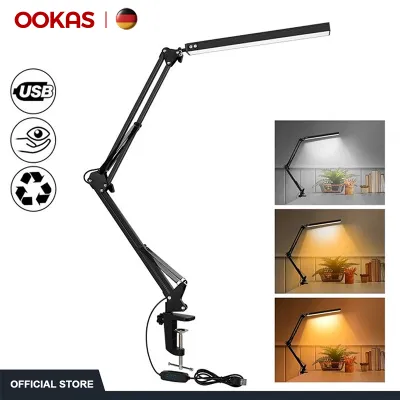
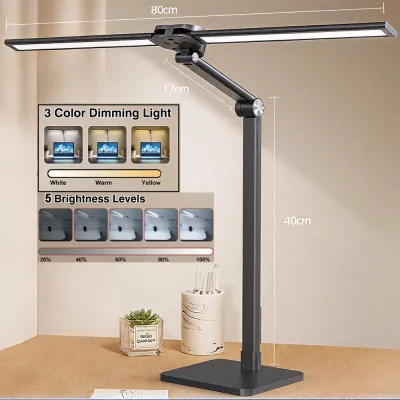
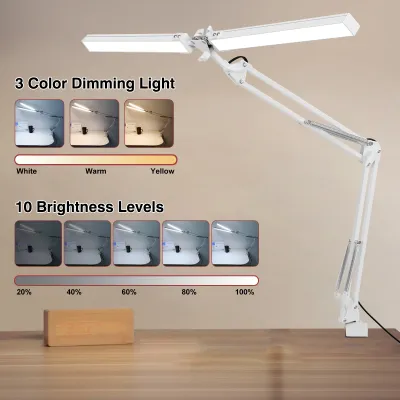
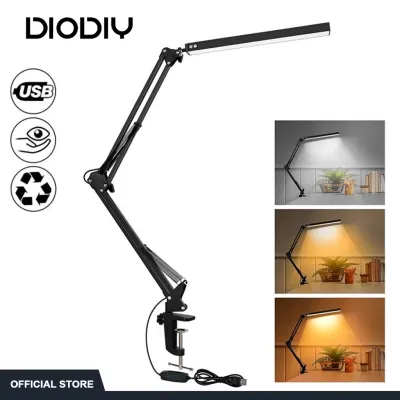
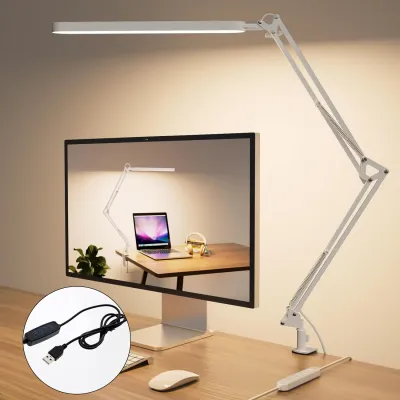
Prices are valid at publication and may change. Please refer to the product page for the latest price.
Once you have this measurement, compare it directly against the manufacturer’s specified clamp capacity. Most standard clamp lamps accommodate thicknesses ranging from 1.5 to 5 centimeters, but these limits vary widely by brand and model. Attempting to force a clamp onto a desk that is even slightly too thick can strip the screw threads or cause the bracket to slip off under the weight of the lamp arm.
Equally important is checking the clearance beneath the desk surface. A clamp requires a flat, unobstructed area on the underside to tighten securely. Look under your desk to ensure the tightening screw or lower jaw will not collide with drawers, keyboard trays, or structural support beams. If your desk features a metal support frame running directly along the perimeter, it may block the clamp from reaching far enough under the wood to grip safely.
Evaluating Desk Material and Surface Vulnerability
The material of your desk determines how much clamping pressure it can safely withstand. Fragile materials like glass, acrylic, or thin plastic are highly susceptible to cracking under localized point pressure. Similarly, modern budget-friendly desks often utilize hollow-core or honeycomb-core paper boards wrapped in a thin veneer. These surfaces can easily collapse or puncture when a heavy metal clamp is tightened down.

Solid wood, high-density fiberboard (HDF), and thick plywood are much more resilient, but they are still prone to cosmetic damage. Soft woods like pine, as well as delicate laminates and veneers, can suffer from permanent dents, deep scratches, or peeling finishes if clamped directly. In the tropical climate of the Philippines, high indoor humidity can make wood fibers and adhesives slightly more pliable, increasing the risk of surface indentation over time.
To protect your furniture, check if the lamp’s clamp includes pre-installed protective pads made of silicone, rubber, or dense felt. If the product does not include these, or if the padding seems too thin, you can easily add aftermarket protection. Placing a small piece of scrap leather, a rubber coaster, or a felt furniture pad between the clamp jaws and your desk distributes the pressure more evenly and prevents unsightly scratches.
Checking for Underside Obstructions and Overhang Limits
A secure mount requires the clamp to slide fully onto the desk edge, which means you must evaluate the depth of your desk’s overhang. The overhang is the flat lip of the tabletop that extends past the supporting frame or legs. Measure this depth from the outer edge to the first obstruction underneath. If the overhang is too shallow, the clamp will sit precariously on the edge, making the lamp unstable and prone to tipping forward.
Hidden obstructions are common in modern ergonomic and gaming desks. Cable management trays, mounted power strips, modesty panels, and structural steel brackets often sit right where you might want to place your lamp. Inspect these areas carefully to ensure you have a clear path for the clamp’s vertical screw mechanism.
Additionally, plan the routing of the lamp’s power cord during this stage. The cord should run freely without being pinched between the clamp bracket and the desk frame. Pinching can damage the outer insulation of the wire, creating an electrical hazard. When planning your setup, also verify that the lamp’s voltage matches the standard 220V electrical outlets in the Philippines, and check for local safety certifications on the plug to ensure safe operation.
Alternative Lighting Solutions for Incompatible Desks
If your desk fails these physical compatibility checks, you do not have to compromise on high-quality task lighting. Several alternative mounting styles can provide excellent illumination without requiring a desk lip or risking damage to fragile materials.
A classic freestanding desk lamp with a weighted base is the most straightforward alternative. While it occupies some surface area, it eliminates all concerns regarding edge thickness, underside clearance, and material vulnerability. Many modern designs feature compact, heavy bases that minimize the footprint on your workspace while offering the same adjustable arm features as clamp-on models.
For ultra-thin desks, glass surfaces, or setups with zero edge clearance, a monitor light bar is an exceptional space-saving option. These fixtures mount directly to the top of your computer monitor, casting light downward onto your keyboard and document area without touching the desk surface at all. They are powered via USB, reducing cable clutter and keeping your workspace clean.
Alternatively, you can consider wall-mounted task lights or adhesive-mounted LED strips. Wall-mounted swing-arm lamps provide the same directional flexibility as clamp lamps but secure directly into wall studs or drywall anchors behind your desk. This setup completely frees up your tabletop and provides a permanent, stable lighting solution.
Frequently Asked Questions (FAQ)
Can a clamp lamp crack a glass desk?
Yes, mounting a clamp lamp directly onto a glass desk carries a high risk of cracking or shattering the surface. Standard and tempered glass cannot withstand the concentrated point-load pressure exerted by a metal clamp screw. Even a minor adjustment to the lamp’s arm can create leverage that stresses the glass beyond its breaking point. If you have a glass-topped workspace, it is highly recommended to use a freestanding weighted base lamp or a monitor light bar instead of a clamp-on model.
What if my desk edge is too thick for standard clamps?
If your desk edge exceeds the maximum capacity of standard clamps, look for heavy-duty or wide-jaw clamp variants specifically designed for thick surfaces, such as live-edge wood tables or thick executive desks. Do not attempt to modify your desk edge by carving into the wood, and avoid using makeshift spacer extensions, as these can compromise the stability of the lamp. If a compatible wide-jaw clamp is unavailable, switching to a freestanding base or a wall-mounted fixture is the safest and most reliable option.

Community discussion
Share your experience or ask a question. Comments are reviewed before publication.