
Finding the right table lamp study table setup requires looking beyond aesthetic appeal. To support long hours of reading, writing, or typing, you need a light source that delivers precise illumination without causing visual discomfort. Evaluating technical specifications on the product packaging—such as brightness levels, color temperature, color rendering, and physical adjustability—ensures you select a fixture that actively supports your productivity and eye comfort.
In a study environment, poor lighting can lead to subtle but persistent issues like squinting, headaches, and early fatigue. By decoding the technical specifications of a desk lamp before making a purchase, you can tailor your workspace to your specific tasks and ambient room conditions. Whether you are setting up a dedicated study corner in a humid tropical room or upgrading a shared home office, these key specifications serve as your roadmap to a more comfortable and focused workflow.
Brightness and Lumens: Matching Light Output to Your Desk
When evaluating a table lamp study table setup, brightness is often the first specification to consider. However, many buyers confuse the total light emitted by the bulb with the actual light falling on their workspace. To make an informed choice, you must understand the distinction between lumens and lux. Lumens measure the total amount of visible light emitted by a source, while lux measures the intensity of light that actually reaches a specific surface area, such as your textbook or keyboard.
Products mentioned in this guide
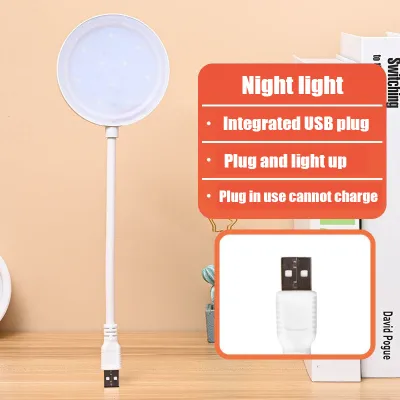
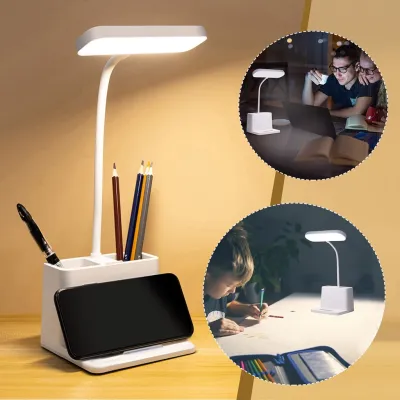
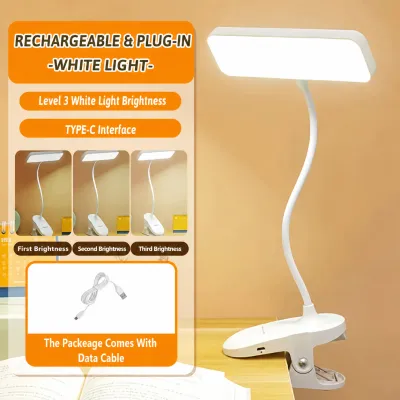
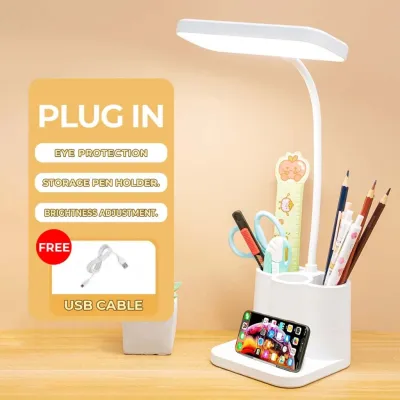

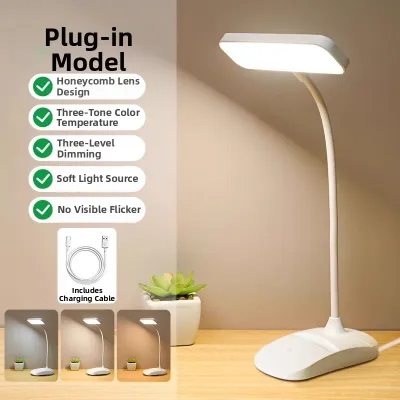
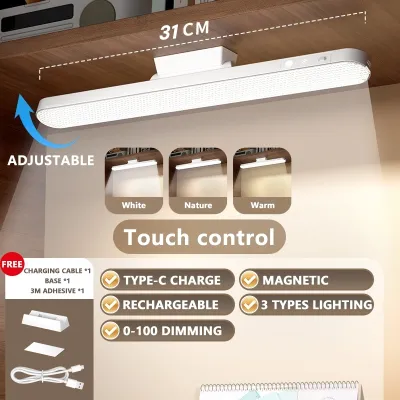
Prices are valid at publication and may change. Please refer to the product page for the latest price.
For a dedicated study desk, look for a lamp that offers adjustable brightness settings rather than a single, fixed output. A dimmable feature is highly beneficial because your lighting needs change throughout the day. During bright afternoons, you might only need a subtle fill light to balance shadows, whereas late-night study sessions require a more focused, controlled beam. Being able to step the brightness up or down helps you maintain visual comfort as ambient room lighting shifts.
When reading product packaging, check the lumen rating to gauge the lamp’s potential output. A rating of 300 to 500 lumens is generally suitable for standard reading and writing tasks. Additionally, pay close attention to the lampshade design. An open or poorly shielded bulb can cast harsh glare directly into your eyes, while a well-designed shade or diffuser directs the light downward onto your desk, maximizing useful lux while minimizing distracting reflections.
Color Temperature: Choosing the Right Kelvin for Focus
Color temperature, measured on the Kelvin (K) scale, dictates the color appearance of the light and plays a significant role in your alertness and focus. Light sources generally range from warm yellow tones to cool blue-white tones. Understanding how these different temperatures affect your study environment allows you to choose a lamp that aligns with your daily schedule and cognitive needs.

Warm light, typically rated between 2700K and 3000K, creates a cozy and relaxing atmosphere. While comfortable for casual reading or winding down, it is generally less ideal for intense, detail-oriented study sessions as it can induce drowsiness. Neutral white light, ranging from 3500K to 4500K, closely mimics natural daylight and offers an excellent balance for general study, writing, and computer work. Cool white light, spanning 5000K to 6500K, provides a crisp, high-contrast environment that can help boost alertness and focus during demanding tasks.
To get the most utility out of your table lamp study table arrangement, prioritize models that feature adjustable color temperature controls. This flexibility allows you to transition from a cool, high-focus light during daytime study sessions to a warmer, gentler tone in the evening. Using excessively cool, blue-toned light late at night can interfere with your body’s natural sleep-wake cycle, making it harder to rest after a late-night review session.
Color Rendering Index (CRI): Reducing Eye Strain with Accurate Colors
The Color Rendering Index, or CRI, is a quantitative measure of a light source’s ability to reveal the colors of various objects faithfully in comparison with a natural light source. Rated on a scale from 0 to 100, CRI is a critical specification for anyone who spends hours analyzing colorful diagrams, reading small print on textbook pages, or working on design projects.
A lamp with a low CRI can make colors look dull, washed out, or distorted, forcing your eyes to work harder to distinguish details. For study purposes, look for a desk lamp with a CRI rating of 80 or higher, often labeled as Ra 80+ on specification sheets. If your studies involve color-critical work, such as architecture, graphic design, or biology diagrams, aiming for a CRI of 90 or above will provide the color accuracy you need to work efficiently without unnecessary visual fatigue.
While a high CRI significantly improves the quality of your visual environment, it is important to remember that CRI does not work in isolation. A high-CRI lamp will not prevent eye strain if the light is too dim or if the color temperature is poorly suited to the task. For the best results, evaluate the CRI alongside the lamp’s overall brightness and adjustability to create a balanced, supportive lighting setup.
Adjustability and Ergonomics: Positioning Light to Prevent Glare
Even the most advanced light source will fail to perform well if it cannot be positioned correctly. Physical adjustability is a vital specification that directly impacts the ergonomics of your workspace. A high-quality study lamp should allow you to direct light exactly where you need it, keeping the source out of your direct line of sight while illuminating your materials.
When comparing models, assess the range of motion offered by the lamp’s arm, head, and base. Look for features like multi-jointed swing arms, tilting heads, and rotating bases. These mechanical adjustments allow you to position the light low and close to your paperwork for detailed tasks, or raise it higher to cast a wider pool of light across your entire desk. This flexibility is especially important for preventing direct glare from bouncing off glossy textbook pages or laptop screens into your eyes.
Before making a final decision, measure your available desk space and check the physical footprint of the lamp’s base. In compact study areas, a heavy, oversized base can clutter your workspace and limit your room for books and devices. Consider alternative mounting options, such as clamp-on bases or space-saving designs, to ensure your lamp remains stable and secure without compromising valuable desk real estate.
Power, Compatibility, and Safety Checks Before Purchase
Before finalizing your purchase, you must verify the electrical specifications and safety standards of the lamp to ensure compatibility with your home’s electrical system. In the Philippines, the standard household voltage is 220V at 60Hz. Always check the product label to confirm that the lamp is rated for this voltage, as using a 110V imported lamp without a proper transformer can damage the fixture or pose a safety hazard.
Electrical safety is paramount, particularly for appliances used for long periods on wooden or plastic desks. Look for recognized safety certification marks on the product packaging, such as the Philippine Standard (PS) mark or the Import Commodity Clearance (ICC) sticker. These marks indicate that the product has undergone rigorous testing to meet local safety and quality standards, reducing the risk of electrical shorts or overheating.
If you are choosing a lamp that uses replaceable bulbs rather than integrated LEDs, verify the socket type—with E27 being the most common screw-type base in local hardware stores. Additionally, always check the maximum wattage limit specified on the fixture’s socket. Exceeding this limit by installing a bulb with too high a wattage can cause heat buildup within the lamp head, potentially damaging the casing or creating a fire hazard.
Frequently Asked Questions (FAQ)
Is higher wattage always better for a study table lamp?
No, higher wattage does not automatically mean a lamp is better or brighter for studying. In modern LED lighting, wattage simply measures how much electrical power the bulb consumes, while lumens measure the actual light output. An efficient LED lamp can produce high brightness while using very low wattage. When using replaceable bulbs, always check the fixture’s maximum wattage limit to prevent overheating and ensure safe operation.
Are smart features necessary for a study desk lamp?
Smart features, such as app control, voice commands, or automated scheduling, are convenient but not strictly necessary for an effective study setup. For most students and remote workers, basic manual controls—such as physical buttons or touch-sensitive sliders for dimming and color temperature adjustment—are perfectly adequate. Focus your budget on high-quality light output, a high CRI, and physical adjustability before considering smart upgrades.
Community discussion
Share your experience or ask a question. Comments are reviewed before publication.