
When setting up a workspace or study corner at home, choosing a desk lamp often comes down to aesthetics or a quick purchase on an online marketplace. However, not all desk lamp specifications impact your visual comfort equally during long hours of reading, writing, or typing. Understanding how technical metrics like Color Rendering Index (CRI), color temperature, and illuminance translate to your actual desk experience empowers you to make a smarter decision without falling for marketing buzzwords. By focusing on the specifications that directly affect eye comfort, you can create a balanced environment that supports focus and reduces fatigue.
Decoding Core Lighting Metrics: CRI, Color Temperature, and Lux
To choose a lamp that truly supports your eyes, you must first decode the technical metrics printed on the packaging. The Color Rendering Index, or CRI, measures how accurately a light source reveals the true colors of objects compared to natural sunlight. Measured on a scale up to 100, this is often listed as the ‘Ra’ value on product labels. For tasks that require accurate color perception, such as design work, sketching, or even reading colored textbooks, a higher CRI is essential. When colors look natural and distinct, your eyes do not have to strain to differentiate subtle shades, which helps prevent fatigue during extended sessions.
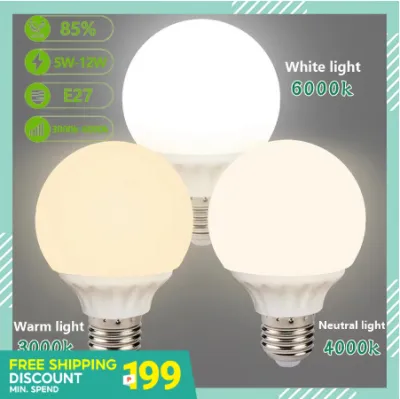
Color temperature, measured in Kelvin (K), describes the warmth or coolness of the light. Lower Kelvin ratings, such as 2700K to 3000K, produce a warm, yellowish glow that creates a relaxing ambiance. Neutral white light, ranging from 4000K to 5000K, mimics natural daylight and is highly effective for maintaining alertness and focus. Cool white light, above 5000K, has a bluish tint that can feel very bright but may become harsh if used incorrectly. Choosing the right color temperature is not about finding a single ideal setting, but rather matching the light to your current task and the time of day.
Products mentioned in this guide
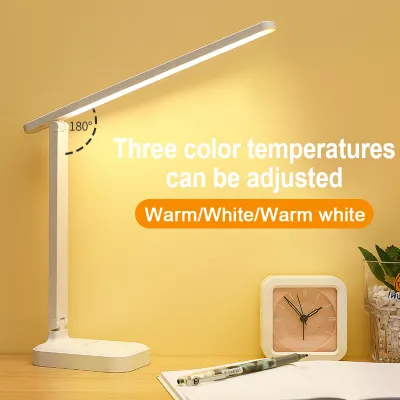
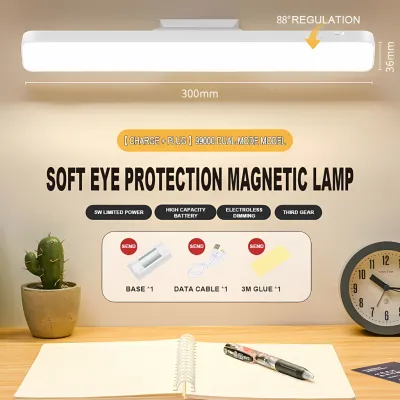

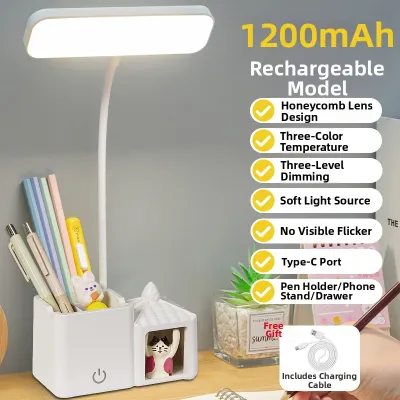
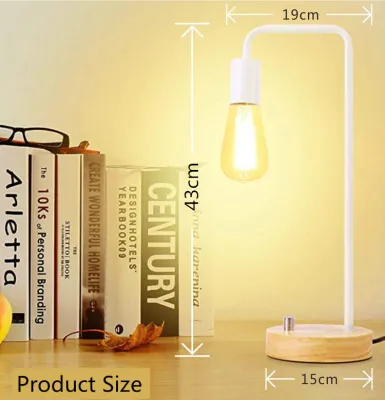

Prices are valid at publication and may change. Please refer to the product page for the latest price.
Another critical distinction is the difference between Lux and Lumens. Lumens measure the total amount of light emitted by the bulb in all directions, whereas Lux measures the intensity of light falling on a specific surface, like your desk. For a desk lamp, raw Lumen output is less important than the actual Lux delivered to your workspace. A high-lumen bulb in a poorly designed lamp might scatter light everywhere, causing glare, while a well-engineered lamp with lower lumens can focus light precisely where you need it, providing comfortable, targeted illuminance.
How to Match Light Specs to Your Specific Desk Tasks
Your daily activities dictate the ideal lighting setup for your desk. If your work primarily involves physical paper, reading textbooks, or doing detailed manual tasks like drafting, you require higher illuminance and a high CRI. Paper surfaces absorb and reflect light differently than screens, and clear contrast between text and paper is vital. For these tasks, a neutral to cool light setting helps keep text sharp and legible, reducing the need to squint or lean closer to the page.

For screen-based work, the strategy shifts. Computer monitors and laptops emit their own light, meaning a desk lamp’s primary job is to balance the surrounding ambient light and minimize contrast-induced eye fatigue. If your desk lamp is too bright or positioned incorrectly, it can cause distracting reflections on your screen. Adjusting your lamp to a lower brightness and a slightly warmer color temperature can soften the contrast between the bright monitor and the dark room, creating a much more comfortable viewing experience.
In tropical environments like the Philippines, natural daylight can shift dramatically from intense, bright sunshine to dark, overcast skies during the rainy season. Shifting your desk lamp’s color temperature throughout the day helps align your workspace with these natural light cycles. You might use a bright, neutral white light in the morning to boost alertness, and gradually transition to a warmer, dimmer setting in the late afternoon and evening to help your eyes wind down.
Why Adjustability and Anti-Glare Designs Matter
Optical specifications only tell half the story; the physical design of the lamp determines how those specs perform in your actual room. Stepless dimming and color tuning functions are highly valuable when dealing with changing ambient light. Instead of being locked into two or three rigid brightness levels, stepless dimming allows you to fine-tune the light output to match the exact level of natural light entering your room, ensuring your workspace is never too bright or too dim.
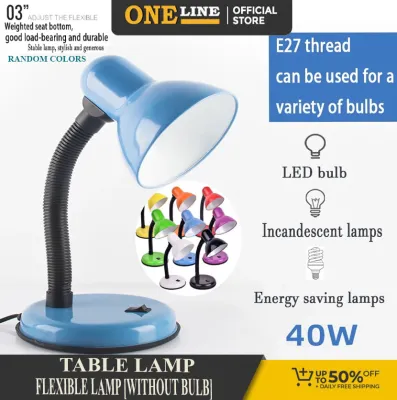
Physical adjustability is equally crucial for preventing direct eye exposure and screen reflections. A lamp with a flexible arm, adjustable head angle, and a stable base allows you to direct the light beam precisely onto your work surface while keeping the light source out of your direct line of sight. If a lamp head is fixed, you may find yourself constantly adjusting your posture or screen angle to avoid glare, which can lead to neck discomfort and physical fatigue over time.
When shopping, look for built-in anti-glare designs such as honeycomb lenses, frosted diffusers, or specialized optical filters. These features scatter the light evenly across your desk rather than projecting a harsh, concentrated beam. A well-diffused light source minimizes hot spots on your desk and reduces the sharp shadows that can cause your eyes to constantly adjust, leading to a much smoother and more comfortable visual field.
Your Pre-Purchase Checklist: What to Verify on the Label
Before purchasing a desk lamp from an online marketplace or a local home improvement store, it is essential to verify the actual specifications on the product label rather than relying on vague marketing claims. First, confirm the electrical parameters, including voltage compatibility. In the Philippines, the standard voltage is 220V at 60Hz, so ensure the lamp or its adapter is rated for this input to prevent electrical hazards. Additionally, check the rated wattage to understand the energy consumption, and look for the stated CRI (Ra) and color temperature range to ensure they meet your study or work needs.
Next, look for recognized safety certifications and eye-care standard labels rather than promotional buzzwords like ‘eye-safe’ or ‘anti-fatigue.’ Legitimate certifications indicate that the product has undergone testing for electrical safety and photobiological safety, ensuring it does not emit harmful levels of blue light or flicker excessively. Checking for these standards provides a reliable baseline of quality and safety.
Finally, verify the manufacturer’s specifications regarding the light source lifespan and replacement limitations. Many modern LED desk lamps feature integrated LED modules rather than replaceable bulbs. While these modules often have a long operational lifespan, it is important to know if the entire fixture must be replaced once the light source fails, or if the manufacturer offers a clear warranty and support path.
Frequently Asked Questions (FAQ)
Does a higher wattage always mean a better desk lamp?
No, a higher wattage does not automatically make a desk lamp better or brighter. Wattage simply measures how much electrical power the lamp consumes, not how much light it produces. With modern LED technology, lamps have high luminous efficacy, meaning they can deliver excellent desk illuminance (Lux) while consuming very little power. When comparing lamps, focus on the actual Lux values at your working distance and the quality of the optical design rather than assuming a higher wattage translates to a better working light.
Are smart desk lamps worth the extra cost for studying?
Smart desk lamps can be worth the investment if you regularly benefit from features like auto-dimming, ambient light sensors, or built-in break reminders. An ambient light sensor, for example, automatically adjusts the lamp’s brightness as daylight fades, maintaining a consistent light level on your desk without manual intervention. However, if you prefer to adjust your lighting manually or already have a set routine, these smart features may add unnecessary cost. Before spending ₱2,000 or more on a smart lamp, evaluate whether these automated functions solve a specific daily inconvenience in your study routine.
Community discussion
Share your experience or ask a question. Comments are reviewed before publication.