
A compact work-from-home (WFH) setup, especially in a cozy condominium or a shared room, requires maximizing every square inch of your desk surface. Choosing a hanging desk lamp—typically a clamp-on, monitor-mounted, or wall-suspended fixture—allows you to reclaim the valuable real estate traditionally occupied by a bulky lamp base. To find the right model, you must evaluate your desk’s physical dimensions, the mounting mechanism’s compatibility with your furniture, the adjustability of the light source, and the safety of the electrical connection.
By shifting the light source off the desk surface, you create a cleaner, more organized workspace that can accommodate your laptop, external monitor, keyboard, and essential documents without feeling cramped. This guide walks you through the essential steps to select, verify, and safely install a space-saving lamp that keeps your workspace bright and highly functional.
Assessing Your Desk Space and Mounting Options
Before purchasing any hanging desk lamp, you must measure your workspace to ensure the fixture fits your desk layout. Start by measuring the depth and width of your desk, as well as the overhead clearance if you have shelves, cabinets, or a bunk bed setup above your workspace. A lamp with a long, articulating arm might collide with overhead obstructions or stick out too far forward, casting unwanted shadows or physically getting in your way as you move.
Products mentioned in this guide
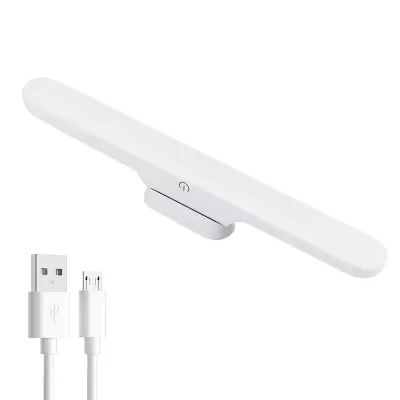
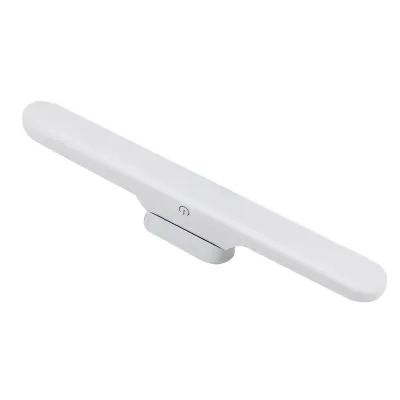
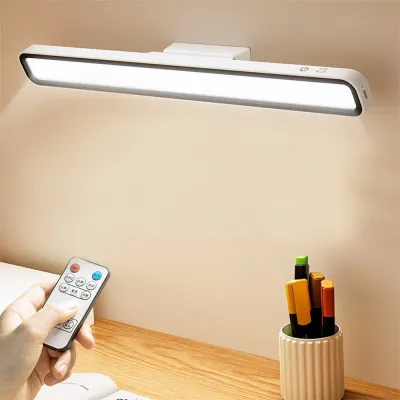
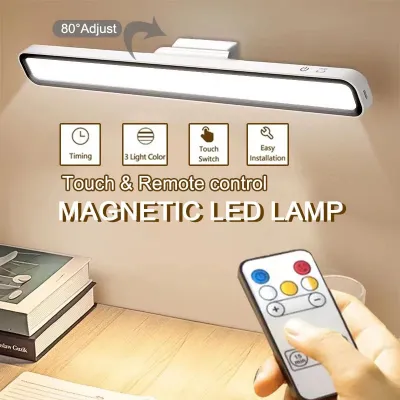
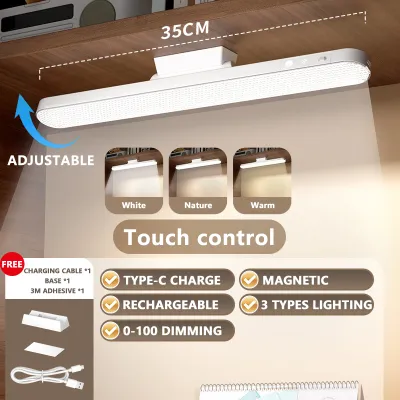
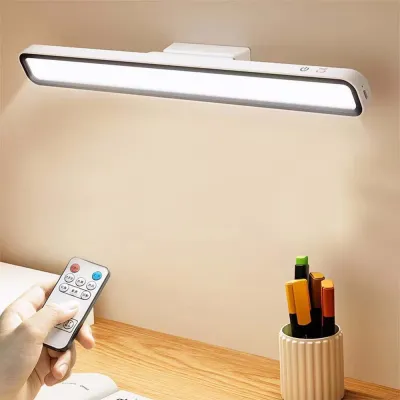
Prices are valid at publication and may change. Please refer to the product page for the latest price.
Next, examine the edges of your desk to determine which mounting method is viable. Most hanging or clamp-on lamps rely on a C-clamp mechanism that grips the edge of the desk. You need to measure the thickness of your desk tabletop and compare it with the clamp’s maximum opening capacity specified by the manufacturer. Additionally, check if your desk has a bevelled edge, a decorative lip, or an under-desk support beam that might prevent a standard clamp from gripping the flat underside securely.
If your desk is pushed flush against a wall, or if it lacks a suitable edge for clamping, you must explore alternative mounting options. Some lamps offer a grommet mount, which inserts directly through an existing cable routing hole in your desktop, though this requires a compatible opening. Alternatively, wall-mounted fixtures or monitor-mounted light bars can bypass the desk frame entirely, though they come with their own installation requirements and spatial limitations.
Finally, identify any physical obstructions on or around your desk that could interfere with the lamp’s placement. Monitor arms, large displays, desktop organizers, and cable trays can block the path of an articulating lamp arm. Map out exactly where the clamp will sit and trace the path of the arm to ensure it can move freely without hitting your screen or restricting your daily workflow.
Key Design Features for Small Desks
When space is at a premium, the physical design of the lamp itself plays a crucial role in maintaining an uncluttered environment. Look for lamps with slim, highly adjustable arms that can fold flat against the wall or collapse when not in use. A folding design allows you to tuck the lamp away during non-working hours, restoring visual simplicity to your room, which is especially beneficial in multi-purpose living spaces.

Cable management is another critical feature to consider for a tidy, compact desk. Loose, dangling cords not only look messy but can also snag on your hands, office chair, or other equipment. Opt for hanging lamps that feature integrated cable routing channels, built-in clips, or hollow arms that conceal the power cord. Keeping the cord secured along the frame of the lamp prevents it from cluttering your limited desktop surface.
Many modern clamp-on and hanging lamps also serve as multi-functional utility hubs to help you save even more space. Some models include built-in USB charging ports on the clamp base or the lower arm, allowing you to charge your smartphone or wireless earbuds directly from the lamp. This integration eliminates the need for bulky multi-port wall adapters and extra charging bricks on your desk, keeping your power outlets free for your computer and monitor. When budgeting for your home office upgrades, investing in a high-quality clamp-on lamp (often ranging from ₱800 to ₱2,500 depending on features) is a cost-effective way to improve ergonomics without buying a larger desk.
Additionally, pay attention to the footprint of the mounting clamp itself. A bulky, oversized clamp can still crowd the back of your desk, potentially preventing you from pushing your desk close to the wall. Look for compact, heavy-duty clamps that provide maximum stability with a minimal physical footprint, ensuring your desk can remain as close to the wall as possible to maximize floor space in your room.
Evaluating Light Coverage and Adjustability
A space-saving design is only effective if the lamp delivers high-quality, functional illumination for your daily tasks. When reviewing product specifications, check the brightness levels and color temperature options. For a home office, a lamp that offers adjustable color temperatures—ranging from a cool white (around 5000K to 6500K) for focused daytime work to a warm white (around 2700K to 3000K) for evening tasks—helps you maintain comfort throughout the day.
The physical adjustability of the lamp head and arm is vital for directing light precisely where you need it. Look for fixtures with multiple points of articulation, such as a swiveling base, a bending elbow, and a tilting head. This level of control allows you to position the light source directly over your paperwork or keyboard while keeping the light bulb out of your direct line of sight, preventing uncomfortable glare.
For computer-heavy workflows, glare on the monitor screen is a common cause of eye strain and fatigue. To combat this, look for lamps that feature asymmetrical optical designs or specialized diffusers. Asymmetrical lighting projects the light forward at an angle, illuminating your desk surface and keyboard while completely avoiding the computer screen. This prevents reflections on glossy displays and ensures a clear view of your monitor.
You should also verify the dimming capabilities of the lamp to match the ambient light levels in your room. In tropical environments where natural daylight can change dramatically from bright afternoon sun to dark rainy afternoons, having a step-less or multi-level dimming control allows you to balance the desk light with the surrounding environment, reducing contrast-induced eye strain.
Installation and Safety Checks
Proper installation is essential to protect your furniture and ensure a safe working environment. Before tightening any clamp-on lamp, place protective padding, such as a silicone sleeve or a soft felt pad, between the clamp surfaces and your desk. This simple step prevents the metal clamp from scratching, denting, or cracking the wood veneer, laminate, or painted finish of your desktop over time.
You must also verify the structural integrity of your desk before mounting a heavy or long-reach lamp. Desks made of tempered glass, hollow-core cardboard fills, or thin manufactured wood may not withstand the concentrated clamping pressure or the leverage exerted by a fully extended lamp arm. If your desk material is fragile or lightweight, consider distributing the pressure by placing a small wooden block or a metal reinforcement plate between the clamp and the desk surface.
Electrical safety is paramount in any home office setup. Verify that the lamp’s voltage rating matches your local household supply, which is typically 220V in the Philippines, or ensure the lamp uses a compatible step-down adapter or USB power source. Check for recognized electrical safety certifications on the product label or packaging to ensure the internal wiring and components meet standard safety guidelines.
Finally, route all power cords securely to prevent physical hazards. Ensure the cord has enough slack to accommodate the full range of motion of the lamp’s articulating arm without pulling on the wall outlet or straining the connection point on the lamp. Avoid running cords under rugs or pinching them behind heavy furniture, as this can damage the insulation and create a fire hazard. Secure the cables to your desk legs using hook-and-loop fasteners or adhesive cable clips to keep them completely out of your footwell.
Frequently Asked Questions (FAQ)
Can I mount a hanging desk lamp on a glass desk?
Yes, but you must take extra precautions to prevent the glass from cracking or shattering under pressure. Avoid using narrow, unpadded metal clamps, as they concentrate force on a small area. Instead, choose a lamp with a wide, heavily padded clamp, or place rubber or silicone protective sheets between the clamp and the glass. Always check the desk manufacturer’s specifications to verify the maximum weight capacity and whether the glass is tempered and suitable for clamp-on accessories. If in doubt, a wall-mounted lamp or a monitor light bar is a safer alternative that avoids putting pressure on the glass surface.
Do hanging desk lamps require drilling?
No, most hanging desk lamps designed for home offices do not require any drilling. Standard clamp-on models and monitor-mounted light bars are designed for non-destructive installation, making them ideal for renters or anyone who wants to preserve their furniture. These models use tension-based clamps or weighted counterbalances to stay secure. However, if you choose a wall-mounted arm or a grommet-style mount that requires a dedicated hole through the desktop, drilling may be necessary. Always review the product specifications to confirm the mounting method before purchasing.
Community discussion
Share your experience or ask a question. Comments are reviewed before publication.