
Finding the ideal study lamp desk with plug requires balancing physical workspace constraints, visual comfort, and electrical safety. Unlike battery-powered alternatives, a plug-in desk lamp provides a continuous, flicker-free light source that does not dim mid-session, making it a reliable companion for long nights of studying or working from home. To make the right choice, you must evaluate how the lamp fits your desk layout, how its light affects your eyes, and how its electrical specifications align with your home setup.
Assess Your Desk Space and Power Layout
Choosing the right base type is the first step in integrating a new lamp into your study area. A heavy, weighted flat base offers excellent stability on wide, flat desks but occupies valuable surface area where books, notebooks, or keyboards sit. In contrast, a desk clamp or grommet mount secures the lamp directly to the edge of the table, freeing up almost all usable desk space. However, clamps require a sturdy desk edge with sufficient clearance underneath and a compatible thickness, which might not work on desks with decorative trim or closed back panels.
Since plug-in lamps rely on a continuous connection, measuring the distance from your desk to the nearest wall outlet is essential. Many standard desk lamps come with cords ranging from 1.2 to 1.8 meters. If your outlet is further away, you might be tempted to use extension cords or daisy-chain power strips, which can clutter the floor and introduce electrical hazards. Ensuring the cord can reach the outlet comfortably without being stretched tight is key to a safe setup.
Products mentioned in this guide
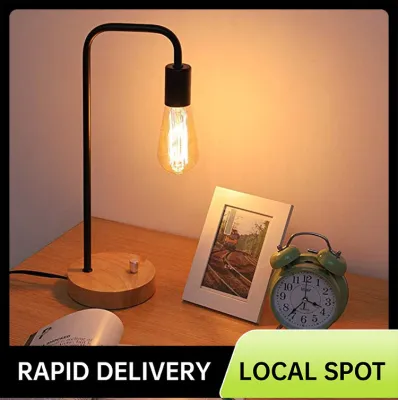
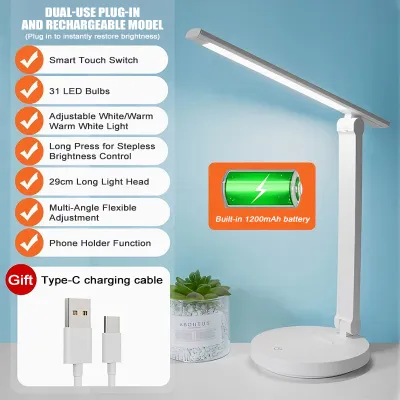
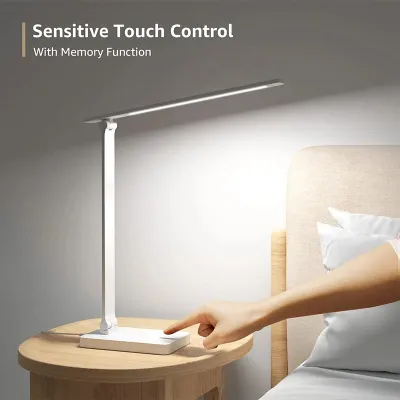
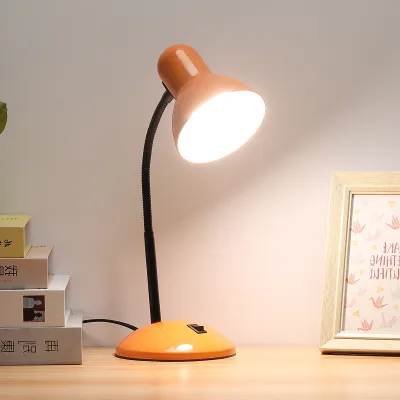
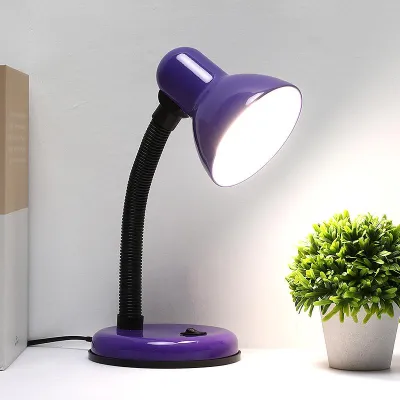
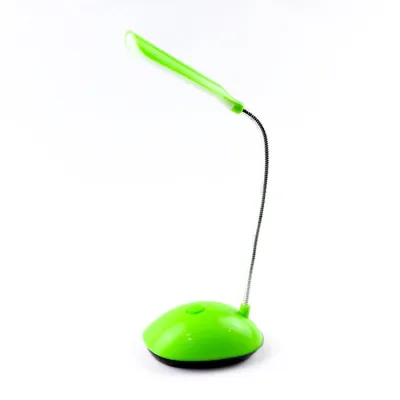
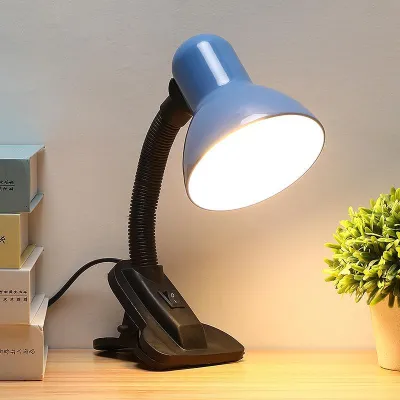
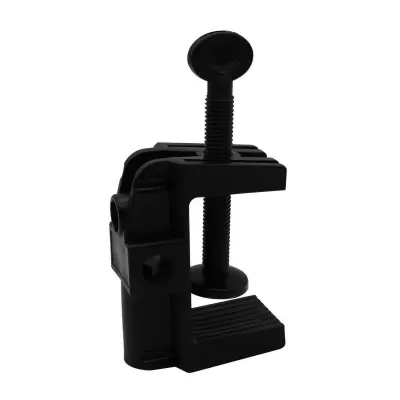
Prices are valid at publication and may change. Please refer to the product page for the latest price.
Cable management is also crucial in a busy home office or study area, especially during warm tropical afternoons when desk fans and other appliances are running simultaneously. Loose cords can easily get snagged by a rolling chair, a passing pet, or a misplaced foot, potentially pulling a heavy lamp off the desk. Using simple cable clips, adhesive organizers, or routing the cord along the back legs of your desk keeps the workspace neat and prevents accidental damage.
Evaluate Lighting Quality for Eye Comfort
Lighting quality directly impacts your productivity and eye health during extended study sessions. A versatile desk lamp should offer adjustable color temperature, typically measured in Kelvins. Cool white or daylight settings are excellent for high-focus tasks, reading printed textbooks, or proofreading documents, as they mimic natural daylight and help keep you alert. Conversely, warm white settings are softer on the eyes during late-night screen work, reducing blue light exposure before sleep.

Brightness adjustability is equally important. A lamp with step-less dimming or multiple brightness levels allows you to adapt the illumination to the ambient light in your room. During the day, you may need a brighter setting to counteract shadows cast by natural window light. At night, lowering the brightness prevents harsh contrast between a dark room and a blindingly bright desk surface, which is a primary cause of eye strain.
When shopping, look closely at the product specifications for flicker-free technology. Low-quality LED lamps often exhibit a rapid, invisible flicker that can cause headaches, eye fatigue, and difficulty concentrating over time. Additionally, check the Color Rendering Index (CRI) rating on the product label. A CRI of 80 or higher ensures that colors appear natural and vibrant, which is particularly beneficial if you are studying design, reviewing color-coded charts, or working on physical crafts.
The physical design of the lamp head, shade, and diffuser also dictates visual comfort. An effective desk lamp should feature a deep shade or an integrated diffuser panel that softens the light output. This design ensures that the light is directed downward onto your working materials rather than scattering sideways into your eyes. Direct glare from an exposed bulb or an unshielded LED panel can cause immediate discomfort and force you to squint, defeating the purpose of a dedicated task light.
Check Ergonomics and Adjustability
An adjustable lamp structure allows you to customize the light path to suit your physical posture and desk arrangement. Gooseneck arms offer flexible, continuous adjustment in any direction, making them highly versatile for compact setups. However, lower-quality goosenecks can sag over time under the weight of the lamp head, especially in humid environments where materials can degrade faster. Multi-jointed or classic swing arms use mechanical springs and tension knobs to provide precise, stable positioning over a wider area, which is ideal for larger desks or drafting tables.
You must also verify the height reach of the lamp. The light source should ideally sit above your eye level to prevent direct glare, but below the top of your computer monitor to avoid casting reflections on the screen. If you use a laptop or a dual-monitor setup, a lamp with a tall, articulating arm allows you to position the light head high enough to clear the screens while casting an even pool of light across your keyboard and notepad.
Furthermore, the rotation range of the lamp head itself is a critical factor. A head that can tilt, swivel, or rotate independently of the arm allows you to fine-tune the beam angle. This flexibility lets you direct light away from reflective surfaces, such as glossy textbook pages or tablet screens, and position the light source so that your writing hand does not cast a shadow over your work.
Verify Electrical Safety and Product Specifications
Electrical safety is paramount when choosing any plug-in appliance for your home. In the Philippines, the standard household electrical system operates at 230 volts with a frequency of 60 hertz. Before purchasing a desk lamp, especially from online marketplaces that import goods globally, verify the product label or user manual to ensure it is rated for 230V. Using a lamp designed solely for 110V systems without a proper transformer can lead to immediate product failure, short circuits, or electrical hazards.
Additionally, inspect the plug type of the lamp. Most homes and power strips in the Philippines accommodate Type A (two flat parallel pins) or Type B (two flat pins with a round grounding pin) plugs. If the lamp comes with a foreign plug type, you will need a reliable adapter, which can sometimes create a loose connection. Ensure that the maximum wattage of the bulb or the integrated LED driver is clearly stated and falls well within the safe capacity of your extension cords or wall outlets.
Never compromise on safety certifications. Look for recognized local or international safety marks on the packaging or the lamp body, such as the Philippine Standard (PS) mark or the Import Commodity Clearance (ICC) sticker, which indicate the product has undergone safety testing. If a lamp lacks clear electrical specifications, shows signs of poor insulation, or has thin, fragile wiring, stop using it immediately and consult the manufacturer or choose a certified alternative to protect your home.
Compare Additional Features for WFH Efficiency
Modern desk lamps often come equipped with extra features designed to enhance your work-from-home efficiency. Built-in USB charging ports located on the lamp base are highly convenient, allowing you to charge your smartphone, tablet, or wireless earbuds directly from your desk without needing extra wall adapters. However, check the power output of these ports; some older or budget models only provide low-amperage charging, which can be slow for modern devices.
Smart features, such as mobile app integration, voice control compatibility, or built-in study timers, can also streamline your daily routine. For instance, a Pomodoro timer built into the lamp base can help you manage study intervals by changing light colors or dimming slightly when it is time to take a break. While these features are appealing, they are only worth the investment if they actively support your existing workflow rather than becoming a distraction.
Keep in mind the trade-offs associated with highly complex desk lamps. Integrated smart chips, touch-sensitive control panels, and multiple ports increase the complexity of the device. If a single component fails, repairing the lamp can be difficult or costly compared to a simple, mechanical on-off switch model. Weigh these potential maintenance challenges against the daily convenience of the added technology before making your final decision.
Frequently Asked Questions (FAQ)
Is a plug-in desk lamp better than a rechargeable one for studying?
A plug-in desk lamp is generally superior for long, uninterrupted study sessions because it provides a consistent, reliable power supply. Rechargeable lamps are highly portable, but their brightness often degrades as the battery drains, which can cause subtle eye strain. Over time, lithium-ion batteries in rechargeable models also degrade, leading to shorter runtimes. If your study desk is stationary and near an outlet, a plug-in model ensures stable, flicker-free illumination without the worry of a dying battery mid-task.
How far should the desk lamp be placed from my books or monitor?
As a general rule, your desk lamp should be positioned about 35 to 50 centimeters away from your primary work surface, with the light source sitting slightly above your eye level. To prevent glare, position the lamp head so that the light beam strikes your desk at an angle rather than shining directly onto your computer screen or glossy pages. If you are right-handed, place the lamp on the left side of your desk (and vice versa) to prevent your hand from casting shadows over your writing.
Community discussion
Share your experience or ask a question. Comments are reviewed before publication.