
Selecting the ideal clip-on LED lamp for your work-from-home (WFH) or study space in the Philippines requires balancing physical desk constraints with your daily visual tasks. In many local households, dedicated study areas are carved out of shared bedrooms, compact dining tables, or small condo workspaces where desk real estate is at a premium. A clip-on lamp offers an excellent space-saving solution, but choosing the wrong model can lead to frustrating issues like screen glare, eye strain, or even permanent damage to your furniture. To make an informed decision, you must evaluate how a lamp’s mounting mechanism, power delivery, and light quality align with your specific workspace layout and daily routine.
In the tropical climate of the Philippines, ambient room temperatures can rise significantly, especially during the dry season. Traditional incandescent or halogen desk lamps emit substantial heat, making an already warm room uncomfortable to work in. LED technology runs remarkably cool, making it the preferred choice for local study and work setups. Furthermore, because many homes experience occasional power fluctuations or rotational brownouts, understanding the power requirements and versatility of your lighting equipment is essential for maintaining productivity.
Core Specifications to Evaluate Before Buying
When browsing online marketplaces for a clip-on LED lamp, technical specifications can easily become overwhelming. The first critical factor to evaluate is brightness, which is measured in lumens. For general ambient lighting or screen-side illumination, a lower lumen output is sufficient. However, if you are reading physical textbooks, drafting, or doing detailed paperwork, you will need a lamp that delivers higher lumens directly to your workspace. Avoid relying solely on wattage to estimate brightness, as LED efficiency varies; instead, look for the explicit lumen rating in the product specifications.
Products mentioned in this guide
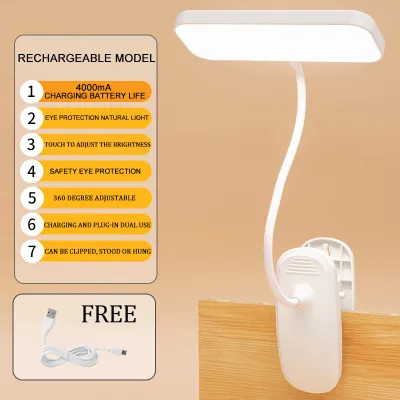
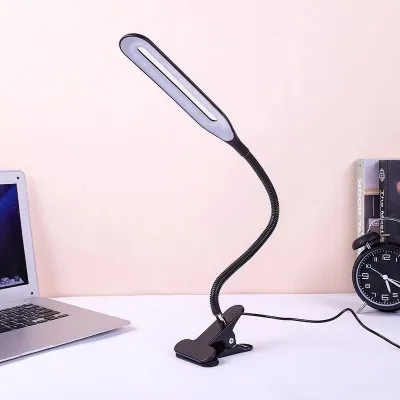
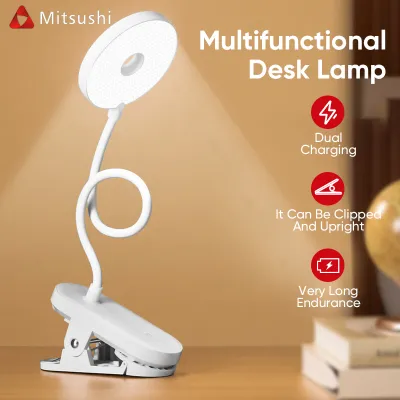
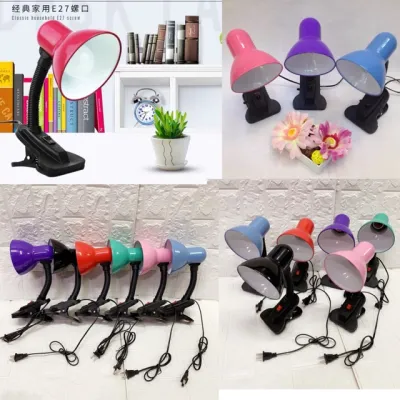
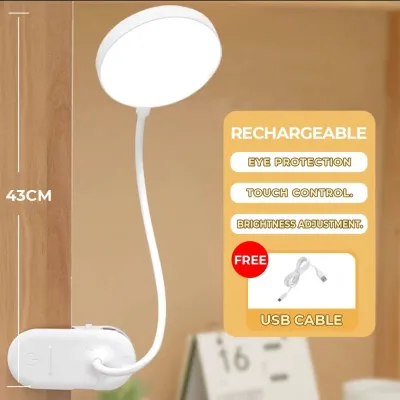
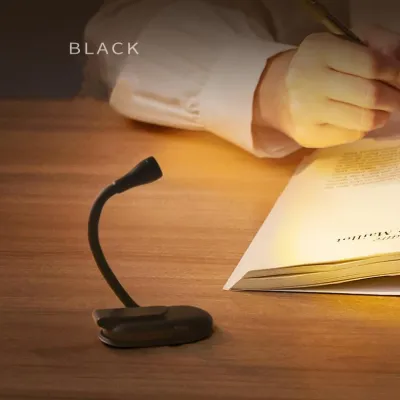
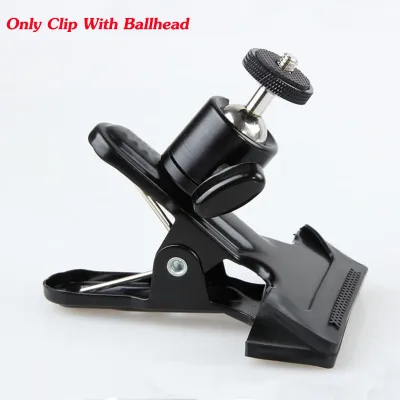
Prices are valid at publication and may change. Please refer to the product page for the latest price.
Color temperature, measured in Kelvin (K), is equally important for maintaining focus and eye comfort. Most versatile LED lamps offer an adjustable range, typically spanning from warm yellow (around 2700K to 3000K) to cool white (5000K to 6500K). Warm light is highly beneficial for evening work as it minimizes blue light exposure, helping your mind wind down before sleep. Cool white light, which mimics natural daylight, is ideal for morning or afternoon sessions when you need to maximize alertness and concentration.
Power source options significantly impact both your desk’s cable management and the lamp’s overall portability. USB-powered clip lamps are incredibly popular because they can draw power directly from your laptop, a monitor’s built-in USB port, or a standard mobile power bank. This makes them highly portable and useful during power outages. However, battery-operated or rechargeable models offer the ultimate cordless freedom, though they require regular charging and may dim as the battery drains. For a permanent desk setup where maximum, consistent brightness is required, a direct AC plug lamp is often the most reliable choice, provided you verify its compatibility with the standard 220V electrical system in the Philippines.
To ensure long-term usability, prioritize lamps that feature stepless dimming and independent color temperature adjustment. Stepless dimming allows you to smoothly adjust the brightness level to match the changing natural light in your room, rather than being limited to three rigid brightness presets. Independent color adjustment ensures you can change the light tone without affecting the brightness level, giving you complete control over your visual environment throughout the day.
Verifying Desk Compatibility and Mounting Safety
Before purchasing any clip-on lamp, you must carefully measure your desk’s physical dimensions to ensure a secure fit. Start by measuring the thickness of your desk edge using a standard ruler or tape measure. Compare this measurement against the manufacturer’s stated maximum clip capacity. Attempting to force a spring-loaded clip onto a desk edge that is too thick can strain the spring mechanism, causing the lamp to slip off unexpectedly and potentially damage your computer screen or other desktop items.

The profile of your desk edge also plays a critical role in mounting stability. A perfectly flat, square edge provides the maximum surface contact area for the clamp, ensuring a tight and secure grip. If your desk has a beveled, rounded, or highly curved edge, standard spring-loaded tension clips may struggle to hold onto the surface securely. In these cases, a screw-tightened C-clamp style clip is highly recommended, as it allows you to manually tighten the mount until it is completely locked in place, compensating for the irregular edge profile.
Additionally, inspect your workspace for any physical obstructions that might interfere with the clamp. Many modern WFH desks utilize monitor arms, under-desk cable management trays, or integrated drawer units that block access to the desk edge. Ensure there is a clear, unobstructed zone of at least a few inches where the clamp can sit flush against both the top and bottom surfaces of the desk. If your desk is pushed flush against a concrete wall, you must also verify if there is enough clearance behind the desk to accommodate the protruding back portion of the clamp.
Matching Lamp Designs to Your WFH or Study Workflow
The structural design of your clip-on lamp should directly support your daily workflow and physical space limitations. Gooseneck flexible arms feature a highly adjustable, silicone-coated or metal hose that can be bent in almost any direction. This design is exceptionally well-suited for compact desks where you need to direct light to a very specific, localized area, such as a textbook, a notepad, or a keyboard. Because they have a small physical footprint and a highly adjustable neck, they are ideal for students who need to quickly adjust the light angle to avoid casting shadows while writing.
Articulated swing arms, on the other hand, use rigid metal or plastic segments connected by adjustable joints and tension springs. This design mimics professional drafting lamps, offering a much wider range of motion and greater reach. If you work with dual monitors or a large desk surface, an articulated swing arm allows you to lift the light source high above your screens or extend it across the desk without having to unclip and move the base. It keeps the light source stable and parallel to your work surface, providing even, wide-angle illumination.
For workspaces completely lacking desk edge clearance or surface area, a clip-on monitor light bar serves as an excellent hybrid alternative. Instead of clamping to the desk, these lights rest securely on top of your computer monitor or laptop screen. They project light downward at an angle that illuminates your keyboard and desk space while completely avoiding the screen itself, preventing glare and saving valuable desk space.
To help you decide, consider your primary daily tasks. If your workflow consists mainly of typing and viewing a monitor, a monitor light bar or a low-intensity gooseneck lamp set to warm white is ideal. If your work involves detailed physical tasks like drafting, sketching, or reading printed textbooks, an articulated swing arm with high lumen output and cool white light will provide the necessary clarity. For mixed-use spaces where you transition from computer work to physical reading, a highly adjustable gooseneck lamp with both stepless dimming and color temperature control offers the best versatility.
Optimizing Light Placement for Eye Comfort
Proper positioning of your clip-on lamp is critical to preventing visual fatigue and eye strain during long study or work sessions. Never position the lamp in a way that allows the light bulb or LED panel to shine directly into your eyes. Similarly, avoid placing the light source directly opposite your computer screen, as this will create distracting reflections and glare on the glass. Instead, position the lamp to the side of your monitor, angling the light downward onto your desk surface.
If you are right-handed, place the lamp on the left side of your desk, and vice versa if you are left-handed. This simple adjustment prevents your hand and arm from casting shadows across your notebook or keyboard while you are writing or typing. For those who read glossy textbooks or work on reflective tablet screens, angle the light source slightly away from your direct line of sight so that the reflected light bounces away from your eyes rather than directly into them.
Working in a dark room with only a bright monitor shining in your face is a primary cause of eye strain. To mitigate this, use your clip lamp to create bias lighting. By positioning the lamp behind your monitor or angling it to wash light gently against the wall behind your desk, you reduce the harsh contrast between the bright screen and the dark surrounding environment, making it much easier for your eyes to adjust.
Finally, ensure the lamp features a high-quality diffusion cover over the LEDs. A good diffuser softens the light, spreading it evenly across your desk and eliminating harsh, concentrated “hot spots” that can cause glare. Additionally, verify that the lamp is rated as flicker-free. Low-quality LEDs often exhibit a rapid, invisible flicker that, while not consciously noticeable, can cause headaches and eye fatigue during long study or work sessions.
Frequently Asked Questions (FAQ)
Can a high-tension clip damage my desk surface?
Yes, high-tension spring clips or tightly screwed C-clamps can leave permanent indentations, scratches, or pressure marks, especially on softer wood veneers, glass, or laminated fiberboard desks. To prevent this, always check if the lamp’s clip features built-in silicone, rubber, or foam padding on the gripping surfaces. If the lamp you purchase lacks adequate padding, you can easily create a DIY protective barrier by placing a small piece of cardboard, a felt pad, or a thin strip of rubber between the clamp and your desk surface before tightening it.
Is a USB-powered clip lamp bright enough for reading physical books?
A USB-powered clip lamp can be perfectly adequate for reading physical books, provided you match the lamp’s power requirements with the correct power source. Standard USB ports on older laptops or cheap power strips may only output 5V/1A (5 watts), which might limit the lamp’s maximum brightness or cause it to flicker. For optimal brightness and reading comfort, plug your USB lamp into a high-output port, such as a 5V/2A (10 watts) wall adapter or a dedicated USB charging hub, ensuring the lamp receives its full rated wattage.

Community discussion
Share your experience or ask a question. Comments are reviewed before publication.