
Finding the right lamp for desktop computer setups in the Philippines requires balancing ambient tropical daylight with focused task lighting. High humidity and bright, sunny afternoons often contrast sharply with dark rainy-season mornings, making a static light source insufficient. The ideal setup minimizes screen glare, reduces eye strain, and adapts to changing ambient conditions throughout the day. Rather than searching for a single universal model, the best approach involves evaluating specific features like adjustable color temperature, flexible mounting options, and proper physical positioning to suit your unique workspace.
Investing in a dedicated light source for your desk is not just about aesthetics; it is a crucial step in protecting your long-term visual health. When your workspace is poorly lit, your eyes must constantly adjust between the bright glow of your monitor and the darker surrounding environment, leading to rapid fatigue. By selecting a lamp designed specifically for computer use, you can create a balanced, comfortable visual field that supports productivity during long hours of remote work or study.
Essential Lighting Features for Screen Work
When evaluating a lamp for desktop computer use, the color temperature range is one of the most critical specifications to consider. Color temperature is measured in Kelvin (K) and dictates whether the light appears warm and yellow or cool and blue. For computer work, a lamp that offers an adjustable range between 2700K and 6500K is highly beneficial. During the daytime, setting the lamp to a cooler daylight temperature (around 5000K to 6500K) can help maintain focus and complement the natural light entering your room. In the evening, transitioning to a warmer tone (around 2700K to 3000K) reduces blue light exposure, which helps your eyes relax and supports your natural sleep cycle.
Products mentioned in this guide
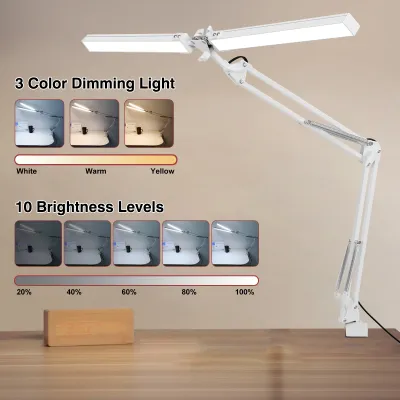
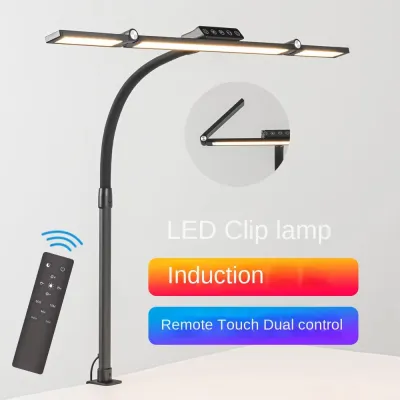
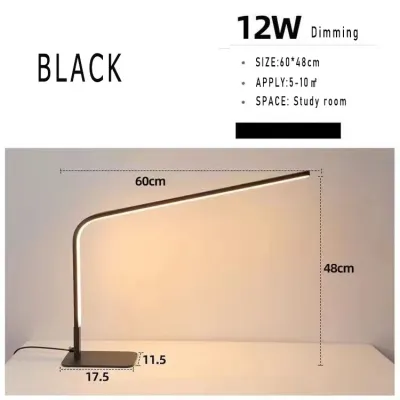
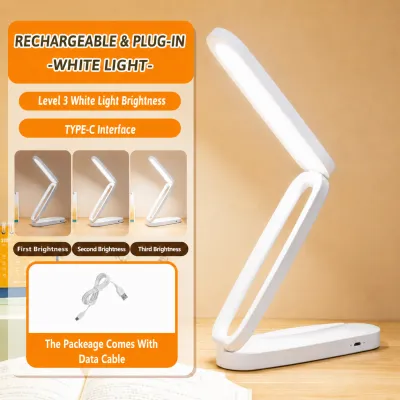
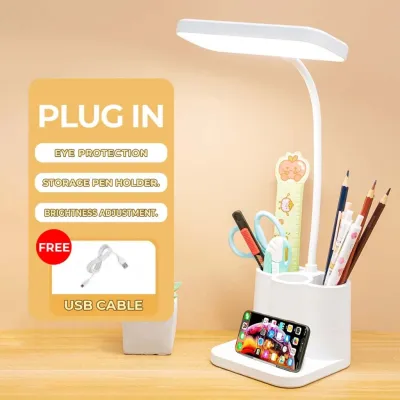
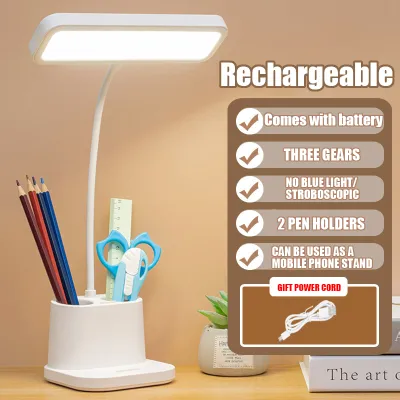
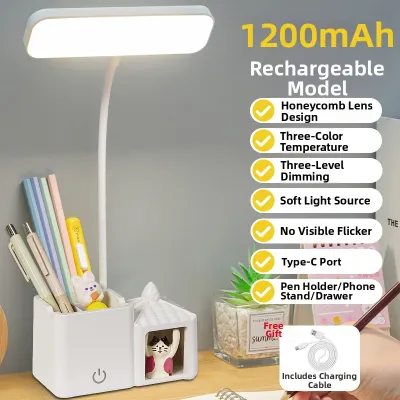
Prices are valid at publication and may change. Please refer to the product page for the latest price.
Stepless dimming capabilities offer a significant advantage over fixed brightness presets. Many basic lamps only provide three rigid settings—low, medium, and high—which often leave you with light that is either too dim or too harsh for your current task. Stepless dimming allows you to smoothly adjust the brightness to any level, enabling you to match the lamp’s output precisely with the shifting ambient light in your room. This is particularly useful in home offices with large windows, where the natural light levels change constantly from morning to afternoon.
Verifying flicker-free and low blue light claims is essential for preventing chronic eye strain and headaches. Cheap LED lamps often utilize low-quality drivers that produce high-frequency flickering, which may be invisible to the naked eye but still causes significant muscle strain as your pupils rapidly adjust. To check for flicker, you can perform a simple test by opening your smartphone camera and pointing it at the light source; if you see moving dark bands on your screen, the lamp is flickering. Always inspect product labels and manufacturer specifications for certified flicker-free technology and low blue light emissions before making a purchase.
Positioning Strategies to Eliminate Monitor Glare
Proper physical placement of your desk lamp is vital to prevent light from reflecting directly off your computer screen. The fundamental rule of lighting physics is that the angle of incidence equals the angle of reflection. If you position a lamp directly in front of your monitor, the light will strike the screen and bounce straight into your eyes, creating a distracting veil of glare. To avoid this, position the light source so that it casts its beam downward onto your keyboard and documents, keeping the direct path of the light outside your line of sight and away from the screen surface.

Balancing localized task lighting with the ambient room light is another key strategy for reducing contrast fatigue. Working in a completely dark room with only a bright monitor and a single, intense spotlight on your desk forces your eyes to work in extreme contrast. This high-contrast environment causes the ciliary muscles in your eyes to tire quickly. To create a comfortable visual environment, ensure your desk lamp illuminates the surrounding desk surface and the wall behind your monitor, creating a smooth transition of brightness across your entire field of view.
Avoid common placement mistakes that lead to secondary glare on nearby surfaces. For instance, placing a powerful lamp on a highly polished wooden desk or a glass desktop can create a harsh reflection that bounces upward into your eyes. If you have a glossy desk surface, consider using a large, matte desk pad to absorb the light, or angle the lamp head slightly forward so the reflection is directed away from your seating position. Additionally, ensure the lamp is not positioned where it casts a sharp shadow of your hand or head across your primary working area.
Choosing the Right Form Factor for Your Desk
Selecting the right lamp design depends heavily on your available desk space and monitor configuration. Freestanding desk lamps with heavy bases are highly portable and easy to reposition, but they occupy valuable real estate on your desk surface. This can be a drawback if you work on a compact desk where every square inch is needed for a keyboard, mouse, and documents. If you choose a freestanding model, look for a compact base that still offers enough weight to keep the lamp stable when the arm is fully extended.
Clamp-on mounts offer an excellent space-saving alternative by securing directly to the edge of your desk. Before purchasing a clamp-on lamp, measure the thickness of your desktop and inspect its edge profile. Some modern desks have decorative beveled edges, under-desk support beams, or modesty panels that can prevent a standard C-clamp from gripping securely. Ensure the clamp mechanism is robust and lined with rubber or foam padding to protect your desk surface from scratches and slippage.
Monitor light bars have become a highly popular option for deep desks and multi-monitor setups. These compact fixtures clip directly onto the top bezel of your monitor, casting light downward in an asymmetric pattern that illuminates your workspace without touching the screen. This design completely eliminates screen glare and frees up your entire desk surface. However, you must check compatibility if you use a curved monitor, a very thick display, or a top-mounted webcam, as some light bar mounts may interfere with these devices.
Regardless of the form factor, evaluate the adjustable arm reach, joint stability, and weight distribution of the lamp. A high-quality desk lamp should feature sturdy, tension-adjustable joints that allow you to position the light head precisely where you need it without sagging over time. In warm, humid environments, materials can expand slightly, which may cause loose joints to slip. Opt for lamps with mechanical locking screws or high-tension springs that allow you to tighten the joints manually to ensure long-term stability.
Electrical Safety and Product Label Checks
Before purchasing any desk lamp, it is crucial to verify that the device meets local electrical safety requirements. In the Philippines, the standard household electrical supply is 220V at 60Hz. Many lamps sold on international online marketplaces are designed for 110V systems; plugging a 110V-only lamp directly into a local outlet will damage the device and present a serious fire hazard. Always check the power adapter, ballast, or product label to ensure it is rated for 220V or a universal range of 100V–240V.
Inspecting the physical quality of the plug, cord, and built-in cable management features is another essential safety step. Look for a lamp with a thick, double-insulated power cord that can withstand regular bending and resist wear in humid conditions. The plug should fit snugly into your wall outlet or extension cord without wobbling, as loose connections can cause electrical arcing. Built-in cable clips or routing channels along the lamp arm are highly beneficial, as they keep cords organized and prevent them from getting pinched or snagged during adjustments.
Always locate recognized safety certification marks on the packaging or the device itself. Look for the Philippine Standard (PS) mark or the Import Commodity Clearance (ICC) sticker, which indicate that the product has undergone rigorous safety testing for the local market. International certifications such as CE, RoHS, or UL also provide assurance of quality manufacturing. If the electrical specifications are missing, if the plug feels excessively hot during use, or if the wiring setup in your workspace seems unstable, stop using the lamp immediately and consult a qualified professional.
Frequently Asked Questions (FAQ)
Is a monitor light bar better than a traditional desk lamp?
A monitor light bar is often the superior choice for space-saving and glare prevention due to its asymmetric optical design, which directs light strictly onto the desk surface while completely avoiding the screen. This makes it ideal for compact workspaces, deep desks, and setups with multiple monitors. However, traditional desk lamps offer greater flexibility in terms of height adjustment, directional rotation, and aesthetic variety. If your work involves physical paperwork, drawing, or crafts alongside computer use, a traditional adjustable-arm desk lamp provides a wider, more versatile pool of light that you can angle precisely to avoid casting shadows.
What color temperature is easiest on the eyes for late-night work?
For late-night computer use, a warm color temperature between 2700K and 3000K is generally easiest on the eyes. Warm, amber-toned light reduces the amount of blue light exposure, which can disrupt your circadian rhythm and make it harder to fall asleep after a late working session. It is highly beneficial to coordinate your desk lamp’s color temperature with software-based screen filters on your computer, which automatically warm up the display’s colors after sunset. This dual-layered approach minimizes the harsh contrast between a cool, blue-toned screen and a warm ambient environment, allowing your eyes to relax during evening tasks.
Community discussion
Share your experience or ask a question. Comments are reviewed before publication.