
To build a vibrant, flicker-free gaming room, you need a power supply that delivers exactly 12V Direct Current (DC) with a wattage capacity that safely exceeds your total LED power draw. Using an incorrect or overloaded power supply can lead to dim lighting, rapid flickering, excessive heat, or permanent damage to your setup. Selecting the right unit requires matching your local mains voltage, calculating your system’s total wattage, and choosing a safe, well-ventilated form factor for your desk layout.
Understanding LED Diode 12V Power Requirements
Integrating custom lighting into a gaming room setup often involves using an led diode 12v system to achieve precise, vibrant accent lighting behind monitors, under desks, or inside acoustic panels. These semiconductor light sources require a highly stable Direct Current (DC) to operate safely and maintain consistent brightness. Without a steady DC flow, LEDs will flicker rapidly, which can cause eye strain during long gaming sessions and eventually degrade the diodes.
In the Philippines, standard wall outlets supply Alternating Current (AC) at 220V with a frequency of 60Hz. Because an led diode 12v system cannot handle this high-voltage AC directly, you must install an AC-to-DC converter, commonly referred to as an LED driver or power supply. This device steps down the voltage and converts the current to a safe, usable format.
Products mentioned in this guide
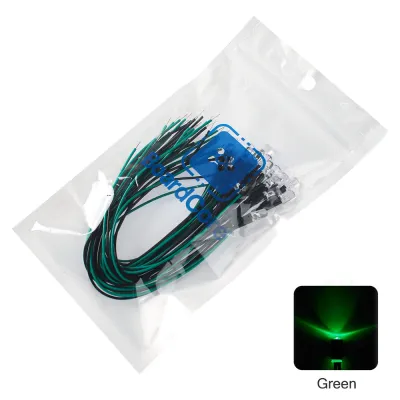
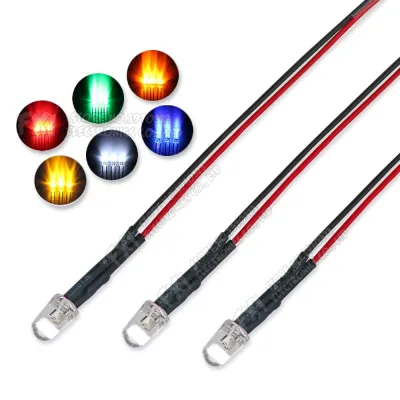
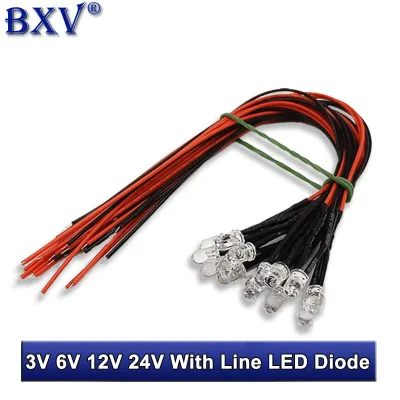
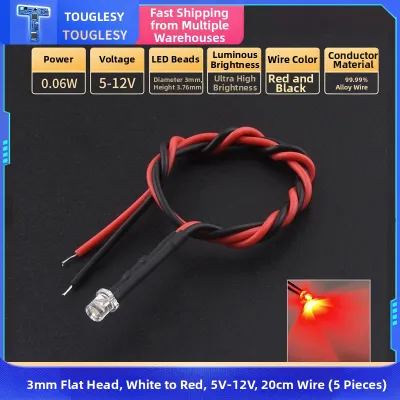
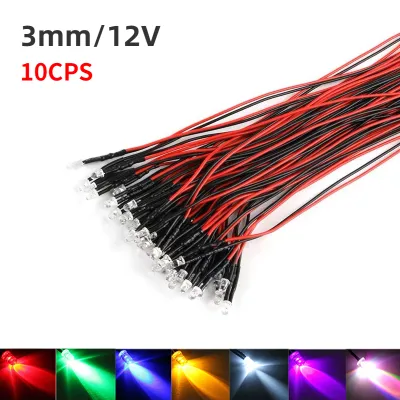
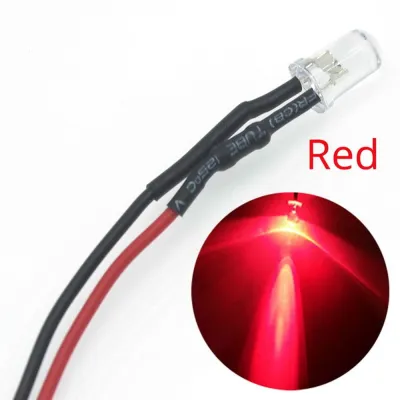
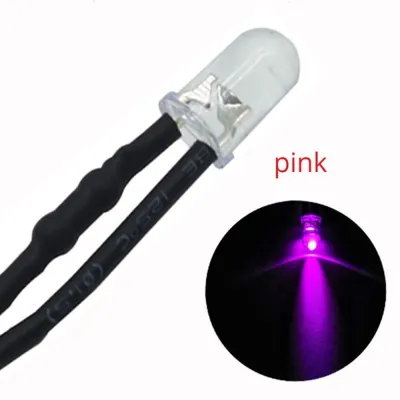
Prices are valid at publication and may change. Please refer to the product page for the latest price.
Before purchasing a power supply, check the manufacturer’s label on your LED product to determine if it requires a constant voltage or constant current driver. Most ambient gaming strips and pre-wired diode modules run on constant voltage systems, which maintain a steady 12V while the current fluctuates based on the number of active lights. Constant current drivers, on the other hand, are typically reserved for high-power single diodes and are less common in standard DIY gaming room setups.
Calculating the Required Wattage and Amperage
To ensure your gaming lights run reliably without overloading your electrical system, you must calculate the exact power capacity your setup demands. This process involves three straightforward steps that account for the physical layout of your room.

Step 1: Determine Total Wattage Begin by identifying the power draw of your LEDs. Check the manufacturer’s specifications on the packaging or product manual for the wattage rating. This is typically listed as watts per meter (W/m) for strip lights or watts per piece for individual diode modules. Multiply this value by the total length of the strip or the total number of diodes you plan to install. For instance, if you are installing 5 meters of LED tape that draws 9 watts per meter, your base power requirement is 45 watts.
Step 2: Apply the 80% Safety Rule A critical step in power supply selection is ensuring the unit does not run at its absolute limit. Continuous operation at 100% capacity generates excessive heat, shortens the lifespan of the power supply, and increases the risk of premature failure. To prevent this, apply the 80% safety rule: your total LED wattage should not exceed 80% of the power supply’s maximum rating. To find the minimum recommended power supply capacity, multiply your base wattage by 1.25. Using our previous example, a 45-watt load multiplied by 1.25 indicates you need a power supply rated for at least 56.25 watts.
Step 3: Calculate Amperage Many power supplies are marketed and labeled by their amperage (amps or A) rather than total wattage. To convert your required wattage into current, divide the safety-adjusted wattage by the system voltage (12V). For our 56.25-watt requirement, dividing by 12 yields approximately 4.69 amps. Therefore, you should look for a 12V power supply that can deliver at least 4.7A, though rounding up to a standard 5A unit is the most practical choice.
Key Power Supply Specifications to Check
When shopping for a power supply, reading the technical label carefully prevents compatibility issues and protects your equipment. You must verify several critical specifications before making a purchase.
Output Voltage The output voltage listed on the power supply must be exactly 12V DC. Never connect a 12V LED system to a 24V or 5V power supply. A 24V supply will immediately burn out your diodes, while a 5V supply will fail to illuminate them.
Output Power and Current Ensure the rated wattage (W) or amperage (A) meets or exceeds your calculated safety-adjusted requirement. It is entirely safe to use a power supply with a higher capacity than needed, as the LEDs will only draw the current they actually require.
Input Voltage Compatibility Because the utility grid in the Philippines provides 220V AC, verify that the power supply’s input specification is rated for 220V. Many modern power supplies feature an auto-switching input range of 100V to 240V AC, making them globally compatible and safe to use locally.
Form Factor and Connectivity Choose a physical design that matches your installation environment. Enclosed metal mesh power supplies (often called “switching” or “honeycomb” power supplies) are excellent for high-wattage setups and can be mounted discreetly under desks or inside ceiling coves. However, they feature exposed screw terminals that require manual wiring. For simpler, temporary setups, a sealed plastic plug-in adapter (similar to a laptop charger) with a standard 5.5mm barrel jack is much easier and safer to handle.
Safety and Installation Boundaries for Gaming Setups
Creating an immersive gaming environment requires careful attention to safety, especially when dealing with custom electronics in close proximity to your gaming rig.
Heat Dissipation The process of converting 220V AC to 12V DC generates heat. In a tropical climate like the Philippines, where ambient room temperatures and humidity can be high, proper ventilation is crucial. Never enclose a power supply in unventilated spaces, such as tight cable management boxes, inside PC cases, or directly under heavy fabrics or insulation. Ensure there is free airflow around the unit to prevent thermal throttling or fire hazards.
Protection Features Always check for built-in safety certifications and electrical protections on the power supply label. Look for short-circuit protection, over-voltage protection, and over-current protection. These safeguards are particularly important in RGB gaming setups, where dynamic lighting effects cause rapid fluctuations in power draw.
Professional Help Boundary While plugging a pre-assembled plastic adapter into a surge protector is a safe DIY task, hardwiring an enclosed metal mesh power supply directly into your home’s mains electrical system carries significant risk. For fixed wiring, working at heights, or integrating lights directly into your home’s circuit breakers, always isolate the power source first and consult a qualified professional. Never bypass grounding pins, fuses, or circuit breakers to make a connection. Always read the manufacturer instructions for both the power supply and your LED components before starting.
Frequently Asked Questions (FAQ)
Can I use a computer ATX power supply for 12V LED diodes?
Yes, a computer ATX power supply can technically power 12V LEDs because its yellow wires output 12V DC. However, this method is not recommended for standard setups. ATX power supplies require a physical bridge between specific pins on the 24-pin connector to turn on without a motherboard, and many models require a minimum electrical load on the 5V rail to maintain stable 12V output. Unless you are highly experienced with PC hardware modding, dedicated LED drivers are a much simpler, safer, and more energy-efficient choice.
Is it safe to use a power supply with a much higher wattage than needed?
Yes, it is completely safe. An LED power supply does not push power; instead, the 12V LED diodes draw only the wattage and amperage they need to operate. For example, connecting a 12-watt LED strip to a 100-watt power supply will not damage the lights; the power supply will simply run cool and well within its limits. The only specification that must match exactly is the voltage; supplying more than 12V to a 12V LED will destroy the diodes.
Community discussion
Share your experience or ask a question. Comments are reviewed before publication.