
Quick Answer: The Specs That Actually Reduce Eye Strain
To prevent eye strain during long hours of reading, writing, or screen work, you should focus on three core specifications: illuminance (measured in lux), color temperature (measured in Kelvin), and the Color Rendering Index (CRI). A high-quality table lamp must deliver adequate task lighting to your workspace without creating harsh glare or high-frequency flicker. While marketing often highlights smart home features or high wattage, these secondary options do not directly protect your eyes.
True comfort relies on matching your lamp’s output to your specific task and the ambient light of your room. Reading physical documents requires higher light intensity than typing on a bright computer monitor. By understanding how to balance these optical specifications, you can create a comfortable, fatigue-free workspace that keeps you focused for hours.
Brightness and Lux: Finding the Right Light Level for Your Desk
Many people confuse lumens with lux when shopping for a table lamp. Lumens measure the total light output in all directions, while lux measures illuminance—the actual light falling on a specific surface. For desk work, lux is the specification that directly determines whether you will squint or suffer from eye strain.
Products mentioned in this guide
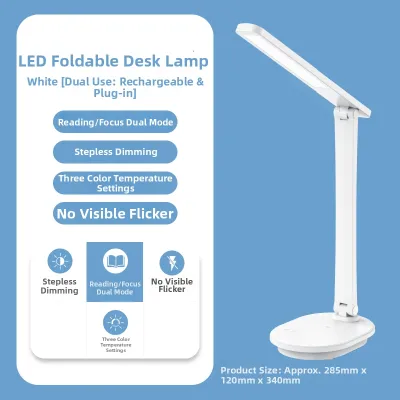
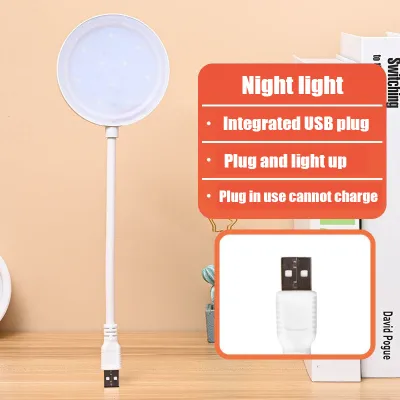
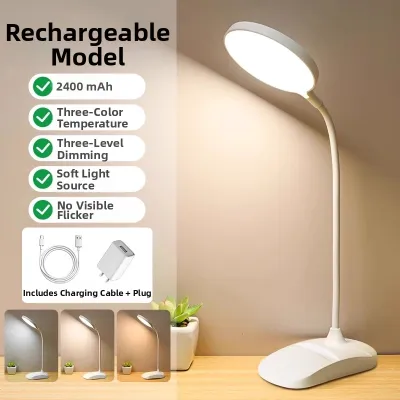
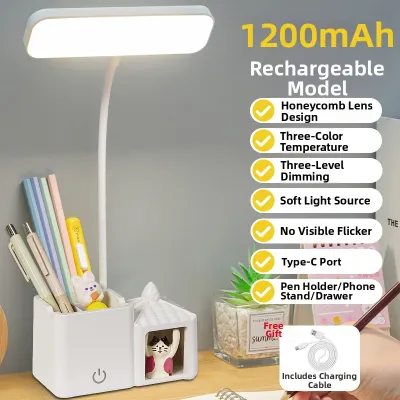
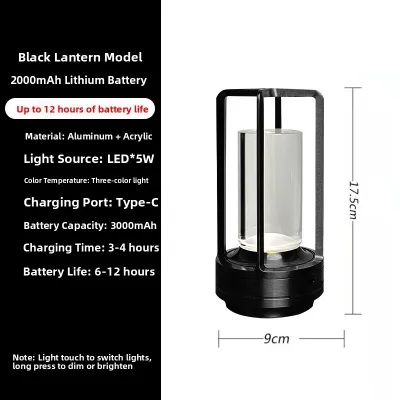

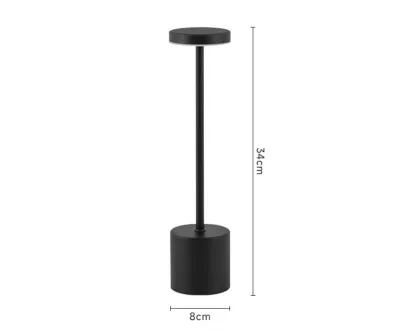
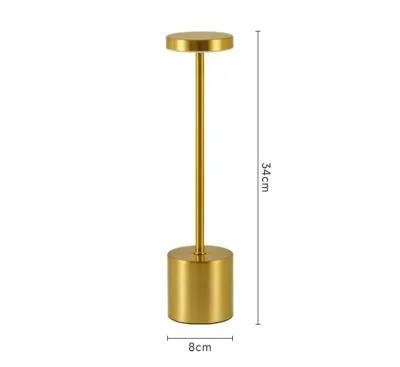
Prices are valid at publication and may change. Please refer to the product page for the latest price.

For reading and writing on paper, a surface illuminance of 500 to 750 lux is recommended. If your work is screen-based, a lower level of 300 to 500 lux is preferred to prevent excessive contrast between your monitor and the surrounding desk surface, which causes visual fatigue.
Because your lighting needs change, prioritize lamps with adjustable brightness. Consider the dimming method—whether the lamp offers smooth, stepless adjustment or fixed steps—as this affects how precisely you can match the ambient light.
Also, light intensity decreases rapidly as distance from the bulb increases. Check the physical dimensions to ensure the light source can be positioned correctly without obstructing your monitor. An adjustable arm or taller neck allows you to position the light source closer to your work, maximizing effective lux without running the lamp at its highest setting.
Color Temperature: Choosing the Right Kelvin for Focus and Comfort
Color temperature, measured on the Kelvin (K) scale, describes the color appearance of the light, ranging from warm yellow to cool blue. Choosing the correct Kelvin rating is essential because it directly influences your alertness, focus, and eye comfort during long study or work sessions.
Cool white light (4000K to 5000K) mimics natural daylight and is ideal for intense focus, helping suppress melatonin production during analytical tasks or coding. However, using cool light late into the evening can disrupt your circadian rhythm, making it difficult to fall asleep.
Conversely, warm white light (2700K to 3000K) creates a relaxing, low-stress environment. While warm light is excellent for casual reading, it is less suitable for high-focus daytime tasks because it can induce drowsiness. Treat perceived color temperature as a conditional preference, as individual comfort varies based on age, habits, and ambient lighting.
To get the best of both worlds, look for a table lamp with tunable color temperature. These models allow you to switch from a crisp 5000K setting during morning work to a soft 3000K setting as evening approaches, helping your eyes adapt smoothly.
Color Rendering Index (CRI): When High Accuracy Actually Matters
The Color Rendering Index (CRI) measures a light source’s ability to reveal colors faithfully compared to natural daylight. Rated up to 100, a higher CRI means colors look more vibrant and natural.
For general office work, typing, and reading black-and-white text, a standard CRI of 80 or higher is perfectly adequate. Text remains highly legible, and your eyes will not experience extra strain. You do not need to pay a premium for ultra-high color accuracy if your daily tasks are limited to spreadsheets and word processing.
However, if your work involves color discrimination—such as graphic design, digital art, painting, or reading highly illustrated books—a high CRI of 90 or above becomes essential. Low CRI lighting can make colors look muddy or distorted, forcing you to strain your eyes to distinguish subtle differences.
When shopping, check the product specifications for the Ra value, which represents average CRI. Prioritizing a high-CRI LED desk lamp ensures that what you see on your desk matches how it looks in natural daylight.
Hidden Specs: Managing Flicker, Glare, and Beam Angle
Beyond the main specifications, subtle factors can quietly cause headaches, dry eyes, and mental fatigue. The most common hidden culprit is high-frequency light flicker. While you might not consciously see it, your brain and eye muscles register the rapid changes in light output, leading to unexplained fatigue.
Flicker is often caused by poor-quality internal LED drivers or incompatible dimmer switches. While professional testing equipment is required to measure flicker accurately, you can perform a quick, non-definitive check by opening your smartphone camera and pointing it at the light. If you see dark, moving bands across your screen, the lamp may have a high level of flicker.
Glare is another major source of eye strain. Direct glare occurs when the light source shines directly into your eyes, while reflected glare happens when light bounces off glossy paper or computer screens. To mitigate this, choose a lamp with a deep-set hood or a built-in frosted diffuser that softens the beam.
The beam angle and physical positioning also play critical roles. Position your table lamp on the opposite side of your dominant hand to prevent casting shadows across your work, and angle the head so the light is shielded from your direct line of sight.
Overhyped Specs: What You Can Safely Ignore
When searching for a new table lamp, it is easy to get distracted by marketing jargon. Smart home ecosystem compatibility, built-in wireless chargers, and USB ports are convenient, but they do not improve the quality of light or reduce eye strain. Prioritize solid optical performance and physical adjustability over smart automation.
Similarly, do not rely on high wattage as an indicator of brightness. Modern, highly efficient LEDs produce excellent task-level lux while consuming very little energy. You should also look past proprietary “eye-care” marketing badges unless they reference standardized, independent certifications.
Before purchasing, always verify technical specifications beyond marketing claims. Check the voltage compatibility to ensure the power adapter supports the standard 220V electrical grid in the Philippines. Look for local electrical certifications, such as the Product Safety (PS) or Import Commodity Clearance (ICC) marks. If the lamp uses a replaceable bulb rather than an integrated LED, verify the base interface (such as E27) and the maximum wattage limit to prevent overheating. Finally, remember to isolate the power supply by unplugging the lamp before cleaning, replacing a bulb, or performing any maintenance.
Frequently Asked Questions (FAQ)
Is a higher wattage LED desk lamp always brighter?
No, wattage measures the electrical energy consumed by the lamp, not the actual light output. Modern LED desk lamps are highly efficient and can produce high levels of brightness (lux and lumens) while using very low wattage. When comparing brightness, look at the lumen output or the lux rating at a specific distance rather than the wattage.
Can the wrong desk lamp cause permanent eye damage?
No, using an inadequate or poorly adjusted desk lamp will not cause permanent structural damage to your eyes. However, it can cause significant temporary discomfort, including dry eyes, blurred vision, physical fatigue, and tension headaches. To manage eye fatigue during long sessions, combine high-quality task lighting with healthy habits, such as the 20-20-20 rule: every 20 minutes, look at an object 20 feet away for at least 20 seconds.
Community discussion
Share your experience or ask a question. Comments are reviewed before publication.