
Working from home for extended hours places a heavy burden on your eyes, especially when balancing the bright glare of a computer screen with changing room light. To minimize eye fatigue, headaches, and physical strain, the right desk lamp must offer adjustable brightness, customizable color temperatures, and precise physical positioning. Choosing a high-quality table light lamp is not just about illuminating your paperwork; it is about creating a balanced visual environment where your eyes do not have to constantly adjust between a glowing monitor and a dark desk surface.
Quick Guide: Essential Desk Lamp Specs for WFH Comfort
When setting up a home office in the Philippines, where natural daylight can shift rapidly from intense tropical sun to sudden afternoon downpours, static lighting simply will not suffice. An ergonomic table light lamp must adapt to these dynamic ambient conditions to prevent harsh contrast.
To ensure your setup supports long-term comfort, prioritize these four non-negotiable specifications:
Products mentioned in this guide
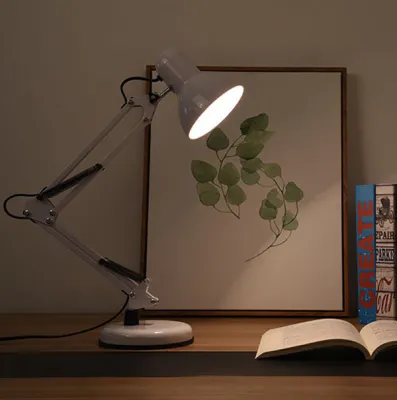
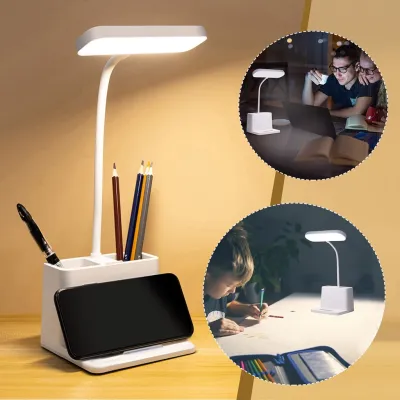
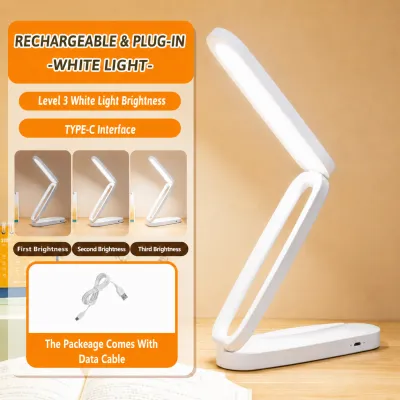
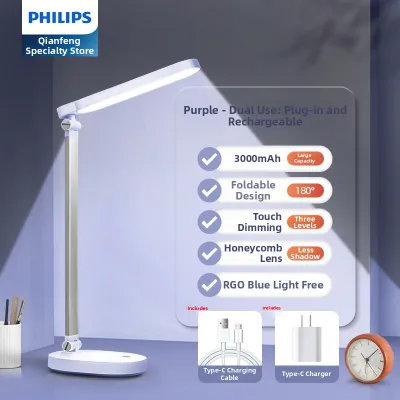
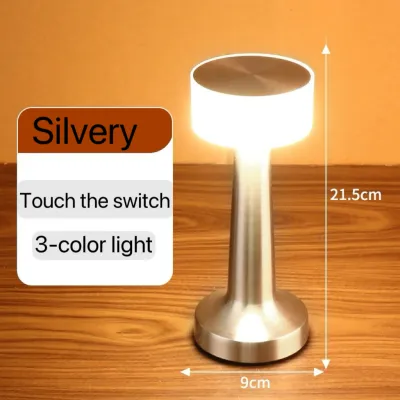
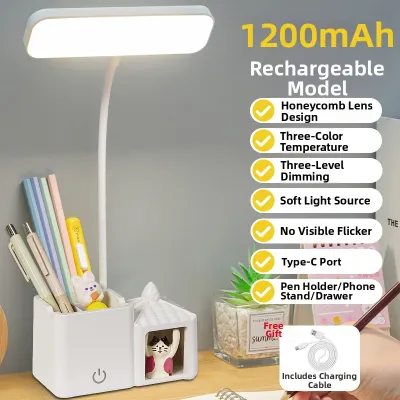
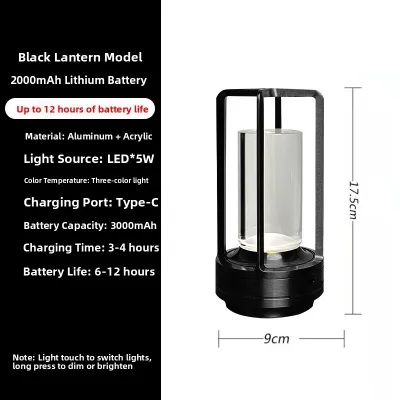
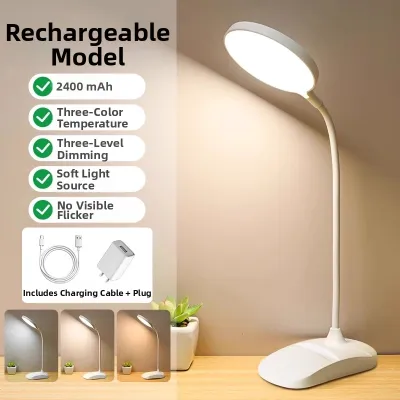
Prices are valid at publication and may change. Please refer to the product page for the latest price.
- Adjustable Brightness: Multi-level or stepless dimming to match changing room light.
- Tunable Color Temperature: The ability to switch between cool light for focus and warm light for evening relaxation.
- High Color Rendering Index (CRI): A rating that ensures colors look natural and physical text remains highly legible.
- Flexible Positioning: A multi-jointed neck or arm to direct light precisely where it is needed without causing screen reflections.
Ergonomic lighting relies on balance. The goal is to fill the surrounding space with soft, glare-free light that complements your monitor, rather than overpowering it with maximum brightness.
Brightness and Lumens: Matching Light Output to Your Desk
When shopping for a table light lamp, many people mistakenly look at wattage to determine how bright a bulb will be. In modern LED lighting, wattage only measures power consumption, while lumens indicate the actual light output. For dedicated task lighting, lumens are the correct metric to evaluate.

A general range of 400 to 800 lumens is typically ideal for desk work, though the exact amount you need depends on your room’s ambient light. If your workspace has large windows that let in the bright afternoon sun, you may need a higher output to balance the contrast. Conversely, during dark rainy days or late-night sessions, a much lower setting is required.
This is why stepless or multi-level dimming is an absolute necessity. As natural daylight fades into evening, you must be able to smoothly transition your lamp to a dimmer setting.
Using an overly bright lamp is a common mistake that quickly leads to eye fatigue. Excessive light can bounce off your desk surface, cause distracting screen glare, wash out your monitor’s colors, and create a harsh, high-contrast environment that forces your eyes to adjust constantly, causing physical strain over a long shift.
Color Temperature and CRI: The Science of Eye Strain Reduction
The quality of light emitted by your lamp is defined by two critical scientific metrics: color temperature and the Color Rendering Index (CRI). Understanding these specifications helps you tailor your environment to support your natural circadian rhythm and reduce visual fatigue.
Color Temperature (Kelvin) Color temperature measures the warmth or coolness of light, expressed in Kelvin (K). Warm light (2700K to 3000K) has a cozy, yellowish hue, while cool light (5000K and above) has a crisp, bluish tone. For daytime focus, reading physical documents, and maintaining high alertness, neutral to cool white light (4000K to 5000K) is highly recommended. However, as you wind down your workday in the evening, switching to warmer tones (2700K to 3000K) is essential to avoid disrupting your sleep cycles. Strongly prioritize lamps that offer tunable color temperatures so you can transition seamlessly throughout the day.
Color Rendering Index (CRI) CRI measures how accurately a light source reveals the true colors of objects compared to natural sunlight, scored on a scale up to 100. If your work involves reading physical documents, reviewing printed proofs, or engaging in detailed design work, look for a lamp with a CRI of 80 or higher (ideally 90+). While CRI is less critical if your eyes are fixed solely on a backlit monitor all day, high-CRI lighting significantly reduces the cognitive effort required to read physical media, resulting in less strain over time.
Adjustability and Beam Angle: Positioning Your Table Light Lamp
Even the highest-quality light source can cause discomfort if it is poorly positioned. Physical adjustability and optical beam control are vital to preventing annoying shadows, screen reflections, and direct glare.
Arm and Neck Flexibility A fixed-neck lamp severely limits your workspace layout. Opt for models featuring multi-jointed arms, sturdy goosenecks, or fully adjustable heads. This flexibility allows you to direct the light beam precisely onto your keyboard or documents, keeping the direct light source out of your line of sight and preventing it from bouncing off your computer screen.
Beam Angle and Diffusers A narrow spotlight creates harsh, high-contrast pools of light and dark shadows on your desk. Look for a lamp with a wide beam angle and built-in diffusion features, such as frosted diffusers, honeycomb louvers, or opaque shades. These elements soften the light output, scattering it evenly across your workspace and eliminating sharp shadows that tire the eyes.
Base vs. Clamp Consider your desk’s physical design when choosing between a weighted base and a clamp. Heavy weighted bases offer excellent stability on deep, solid desks but take up valuable surface area. Desk clamps are ideal for compact work-from-home setups, saving precious space by securing the lamp to the edge. Before purchasing a clamp-on model, verify your desk’s thickness, edge clearance, and material strength to ensure a secure, safe fit.
Flicker, Glare, and Power: Hidden Comfort Factors
Beyond brightness and color, several subtle engineering factors can make or break your long-term comfort during extended work hours.
Flicker-Free Technology Cheap LED lamps often utilize low-quality drivers that cause the light to flicker at high frequencies. While this flickering is usually invisible to the naked eye, your brain still processes it, which can rapidly lead to eye strain, dry eyes, and unexplained headaches. To protect your health, look for manufacturers that explicitly specify “flicker-free” technology or compliance with IEEE driver standards.
Glare Control Direct glare occurs when light shines straight into your eyes from the bulb. To minimize this, choose lamps designed with recessed LED beads or matte finishes on the underside of the lamp head, which absorb stray reflections and keep the light focused downward.
Power Source and Safety While rechargeable battery-powered lamps offer portability, they are poorly suited for continuous, full-day work-from-home sessions. Battery-powered models often dim inconsistently as their charge depletes, forcing your eyes to adjust to fluctuating light levels. For reliable performance, a direct plug-in table light lamp is vastly superior. In the Philippines, always verify that the lamp is compatible with the standard 220V grid, matches your outlet type, and carries appropriate electrical safety certifications. Ensure you isolate the power source before cleaning or adjusting any internal components.
Specs You Can Safely Deprioritize for WFH
When browsing options, it is easy to get distracted by premium features that drive up the price without offering any real benefit to your eye comfort.
Smart Home Integration Features like Wi-Fi connectivity, Bluetooth pairing, and mobile app controls are highly marketed but entirely optional. They do not improve the actual optical quality of the light or reduce visual fatigue. Manual buttons or touch-sensitive sliders on the lamp base are more than sufficient.
Extreme High Wattage A home office does not require floodlight-level illumination. High-wattage lamps consume more energy, generate unnecessary heat—which can make your workspace uncomfortable in tropical climates—and increase the risk of harsh glare.
Decorative Base Materials Heavy marble bases, polished brass, and designer aesthetic materials look premium but do not affect task lighting performance. If you are working within a budget, prioritize optical quality, flicker-free drivers, and mechanical adjustability over luxury styling.
Frequently Asked Questions (FAQ)
Is a monitor light bar better than a traditional table light lamp for WFH?
Monitor light bars are excellent space-savers that mount directly on top of your screen, directing light downward to illuminate your keyboard while completely avoiding screen glare. However, their fixed position means they cannot easily be angled to light up physical documents, books, or side desks. A traditional table light lamp offers far superior physical flexibility, allowing you to reposition the light head for mixed-media tasks, writing, or detailed hands-on work.
What is the best desk lamp height to prevent eye strain?
As a general ergonomic guideline, the light source of your desk lamp should be positioned slightly above your eye level when you are seated. Place the lamp on the side opposite your dominant hand—such as the left side if you are right-handed—to prevent your hand from casting shadows across your workspace while writing or using a mouse. Always angle the lamp head downward toward the desk surface so that the light source remains completely shielded from your direct line of sight.
Community discussion
Share your experience or ask a question. Comments are reviewed before publication.