
To set up a comfortable and productive work-from-home workspace, the desk lamp specifications that actually matter are illuminance (measured in lux), color temperature (measured in Kelvin), and the Color Rendering Index (CRI). While aesthetic design and smart connectivity often dominate product marketing, these three optical metrics directly determine how hard your eyes must work during long hours of reading, typing, or drafting. Selecting a lamp with the right technical specifications helps minimize eye strain, prevents headaches, and maintains focus throughout the day.
Understanding how these specifications interact with your physical workspace allows you to make an informed decision. Rather than relying on generic brightness claims, looking closely at how light is distributed, its color quality, and how it behaves on your desk surface will ensure your home office remains comfortable from morning emails to late-night projects.
Brightness and Lumens vs. Lux: Setting the Right Light Level
When evaluating a desk lamp, it is essential to distinguish between lumens and lux. Lumens measure the total amount of light emitted by the bulb or LED source in all directions. Lux, on the other hand, measures the intensity of light that actually lands on a specific surface, calculated as one lumen per square meter. For a home office setup, lux is the more critical specification because it tells you how much usable light will reach your keyboard, documents, or writing pad.
Products mentioned in this guide
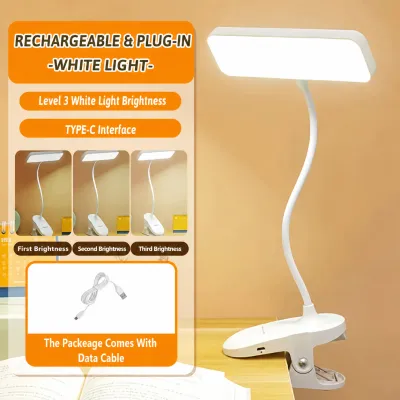
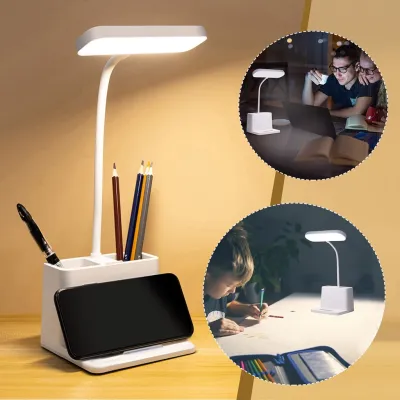
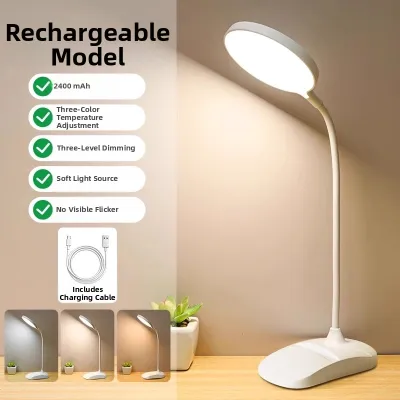
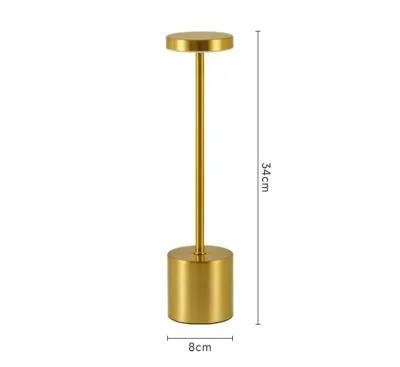
Prices are valid at publication and may change. Please refer to the product page for the latest price.
To find the right brightness, check the manufacturer’s specification sheet or product packaging for illuminance values. A high-quality task lamp will often state its lux level at a specific distance, such as 400 lux at a height of 40 centimeters. For general office work, reading, and writing, a surface illuminance of 300 to 500 lux is widely recommended to keep text legible without causing visual fatigue.
However, a bright desk lamp should never be used in complete isolation. Operating a high-intensity lamp in a dark room creates a harsh contrast between the illuminated desk and the surrounding darkness. This contrast forces your pupils to constantly adjust as your gaze shifts between your screen and your desk, leading to rapid eye strain. In tropical environments like the Philippines, where natural daylight fluctuates and evening ambient lighting is often soft, balancing your desk lamp with gentle ambient room lighting is key to maintaining a comfortable visual field.
Color Temperature (Kelvin): Choosing the Right Tone for Focus
Color temperature, measured on the Kelvin (K) scale, describes the warmth or coolness of the light emitted by the lamp. Lower numbers, such as 2700K to 3000K, represent warm, yellowish light similar to traditional incandescent bulbs. Mid-range numbers around 4000K produce a neutral white light, while higher numbers from 5000K to 6500K deliver a cool, bluish-white light that mimics natural daylight.

Matching the color temperature to your task intensity and the time of day is crucial for maintaining focus and managing your circadian rhythm. Cool light (5000K) is highly effective for daytime focus, as it suppresses melatonin production and enhances alertness during detailed tasks. However, using cool light during late-night work sessions can disrupt your sleep cycle, making it difficult to wind down after shutting down your computer.
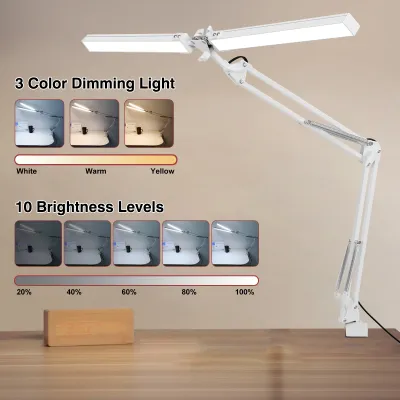
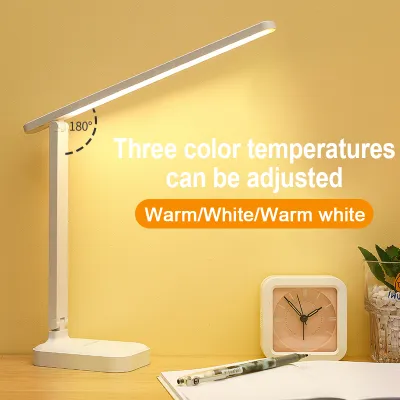
For maximum flexibility, look for a desk lamp that features adjustable color temperature controls. This allows you to transition the light tone throughout the day. You can select a crisp, neutral 4000K or cool 5000K setting for active morning work, and then shift to a warm 3000K setting in the evening to signal to your body that it is time to relax, all without sacrificing the necessary brightness for your tasks.
Color Rendering Index (CRI): Does It Matter for Screen Work?
The Color Rendering Index (CRI) measures how accurately a light source reveals the true colors of objects compared to natural sunlight. Rated on a scale from 0 to 100, a higher CRI indicates that colors will appear more vibrant, accurate, and natural under the light.
For standard work-from-home tasks, such as typing documents, managing spreadsheets, or participating in video calls, a standard CRI rating of 80 or above is perfectly sufficient. However, if your daily work involves color-critical tasks—such as graphic design, photo editing, physical crafting, or textile selection—a high CRI of 90 or above is essential. Low-CRI lighting can make colors look muddy, washed out, or completely different from how they will appear under natural daylight.
You can typically find the CRI rating listed on the product packaging, the technical specifications section of the user manual, or the manufacturer’s official website. It is often designated as ‘CRI’ or ‘Ra’. If a product does not list its CRI, it is likely on the lower end of the scale, which may not be ideal for color-sensitive work.
Flicker and Glare: Hidden Specs That Cause Eye Strain
Beyond brightness and color, invisible light characteristics like flicker and physical glare are major contributors to eye strain and headaches during long work sessions. LED flicker occurs when the light source pulses rapidly due to fluctuations in the electrical current. While this flicker is often too fast for the human eye to consciously perceive, your brain still processes it, which can lead to unexplained fatigue and headaches after several hours of work.
To avoid this, look for lamps that explicitly claim to be ‘flicker-free’ or comply with recognized electrical standards, such as IEEE 1789. High-quality lamps use direct current (DC) dimming drivers rather than cheap pulse-width modulation (PWM) to control brightness, ensuring a steady, continuous stream of light.
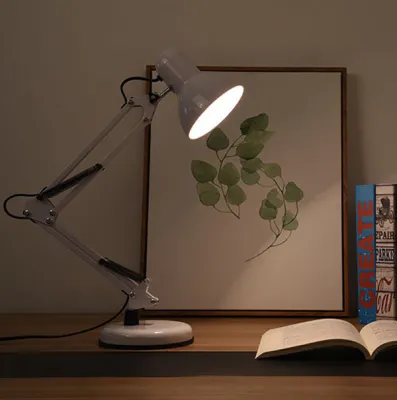
Physical glare is another hazard, occurring when light reflects directly off glossy computer screens, polished wooden desks, or glass tabletops into your eyes. To combat this, choose a desk lamp with a highly adjustable arm and head, allowing you to direct the light precisely where you need it. Lamps featuring built-in diffusers or asymmetric optical designs project light at an angle across your workspace, illuminating your documents while keeping direct reflections off your monitor and out of your eyes.
Evaluating and Adjusting Your Current Desk Lamp Setup
Before purchasing a new lamp, take a moment to evaluate your current workspace setup. Sit at your desk during your typical working hours and observe how light falls across your desk. Look for harsh shadows cast by your hands or monitor, distracting reflections on your screen, or uneven pools of light that force your eyes to adjust constantly.
Often, simple adjustments can dramatically improve your comfort. Position your desk lamp so the bottom of the shade is at or below eye level to prevent the bulb from shining directly into your eyes. If you are right-handed, place the lamp on the left side of your desk to prevent your writing hand from casting shadows across your paperwork; if you are left-handed, place it on the right.
If you decide to upgrade your lighting by simply replacing the bulb in your existing fixture, always verify compatibility first. Check the fixture’s voltage requirements (which is standard 220V in the Philippines), the base type (such as E27 or GU10), and the maximum wattage limit printed on the socket. In warm, humid tropical climates, exceeding the maximum wattage limit can cause heat buildup, damaging the fixture or creating a safety hazard.
Frequently Asked Questions (FAQ)
Is a higher wattage always better for a desk lamp?
No, a higher wattage is not necessarily better. Wattage measures the amount of electrical power a lamp consumes, not the amount of light it produces. Modern LED desk lamps are highly energy-efficient, producing high brightness (lumens) while using very little power. When shopping, compare the lumen or lux output to evaluate brightness, and always check your lamp fixture’s maximum wattage rating to ensure safe operation.
Do I need a smart desk lamp with app controls for WFH?
A smart desk lamp with app or voice controls offers convenience, but it is not a necessity for a productive workspace. Smart features do not improve the fundamental optical quality of the light, such as its CRI or flicker rate. If you are working within a budget, it is highly recommended to prioritize superior optical specifications—like adjustable color temperature and flicker-free performance—over wireless connectivity.
Community discussion
Share your experience or ask a question. Comments are reviewed before publication.