
Quick Answer: Which Monitor Light Bar Should You Choose?
Choosing the right monitor light bar can transform your workspace, especially during late-night work sessions or intense gaming. The ideal choice depends on your specific monitor design, desk space, and desired smart features.
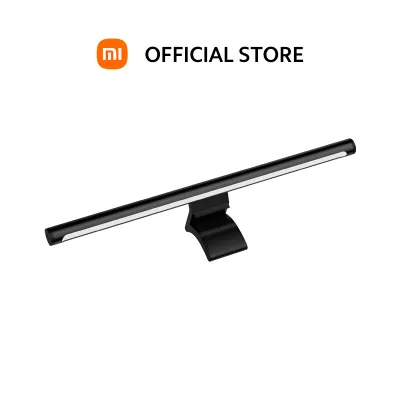
If you use a standard flat monitor and want a clean desk setup with a wireless control dial, the Xiaomi monitor light bar offers a balanced mid-range option. It delivers effective asymmetric lighting and a premium feel at a reasonable price point of around ₱1,500 to ₱2,500 in the local market.
Premium ergonomic brands are better suited for specialized setups. If you use a deeply curved or ultrawide monitor, require automated ambient light sensors, or need highly precise light distribution, investing in a high-end model is the logical path.
Products mentioned in this guide
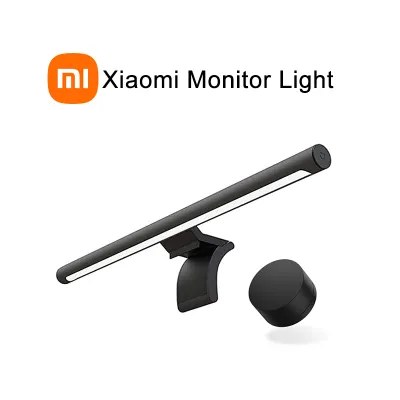
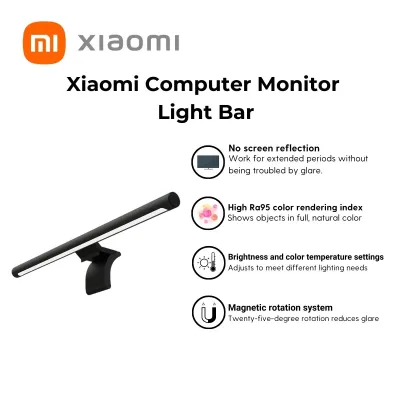
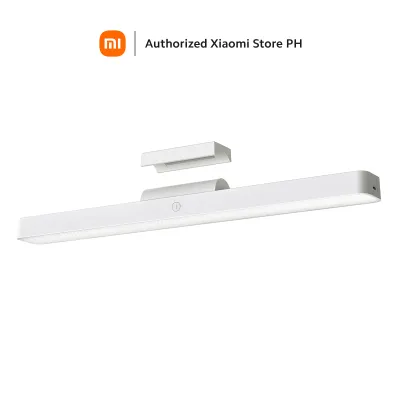
Prices are valid at publication and may change. Please refer to the product page for the latest price.
Budget or generic alternatives are available for those with strict financial constraints or simple laptop setups. These models typically cost under ₱1,000 on online marketplaces but often compromise on glare control, mounting stability, and long-term durability.
Before making a final decision, measure your monitor’s top bezel thickness and verify your available USB power source. These steps prevent installation issues and ensure stable electrical operation.
Key Comparison Dimensions for Monitor Light Bars
Standard desk lamps often fail when paired with modern computer screens. They cast light directly onto the display panel, causing washed-out colors, distracting reflections, and severe eye strain. Monitor light bars solve this by utilizing specialized optical and mechanical designs that target only the desk surface.

Illumination, Glare Control, and Color Accuracy
The primary technology behind a high-quality monitor light bar is an asymmetric optical design. Unlike standard symmetric bulbs that spread light in all directions, asymmetric lenses project light forward and downward at a precise angle. This path illuminates your keyboard and documents while keeping the light source completely out of your direct line of sight and off the screen surface.
Color rendering is another critical metric to evaluate. The Color Rendering Index (CRI), measured as Ra, indicates how accurately a light source reveals the true colors of physical objects. For designers, photo editors, or anyone reviewing physical documents, a high CRI (typically Ra 90 or above) is essential for preventing color distortion.
Adjustable color temperature and dimming capabilities allow you to customize the lighting environment to your current task. Warm light (around 2700K to 3000K) is a conditional preference that some users find relaxing in the evenings, while cool white light (5000K to 6500K) is often preferred for high-focus daytime tasks. These spatial effects and perceived color temperatures are subjective preferences rather than absolute performance metrics. Stepless dimming allows you to adjust the brightness smoothly to match the ambient light levels in your room.
Mounting Mechanism and Desk Space Efficiency
The physical connection between the light bar and your monitor determines both the safety of your hardware and the stability of the light. Gravity pivot mounts utilize a heavy counterweight system that rests gently on top of the monitor bezel. This design relies on physical balance rather than clamping force, making it safe for thin or fragile screens.
In contrast, traditional spring-loaded clips pinch the monitor frame to stay in place. While secure, cheap or overly tight spring clips can apply excessive pressure to the delicate layers of an LCD panel, potentially causing backlight bleeding or physical damage over time. They are also more likely to block thin bezels or obstruct integrated webcams.
To ensure a secure fit, check the manufacturer’s specified monitor thickness limits. Most gravity and clip mounts are designed to accommodate bezels ranging from 1mm to 32mm. If your monitor has an unusually thick back profile or a dramatic taper, a standard mount may fail to sit securely.
Evaluating the Xiaomi Monitor Light Bar for Your Setup
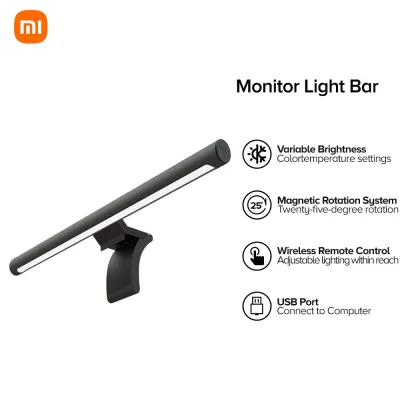
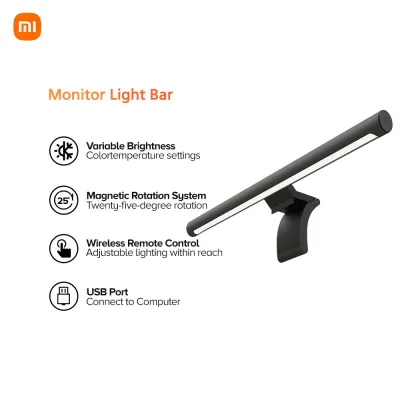
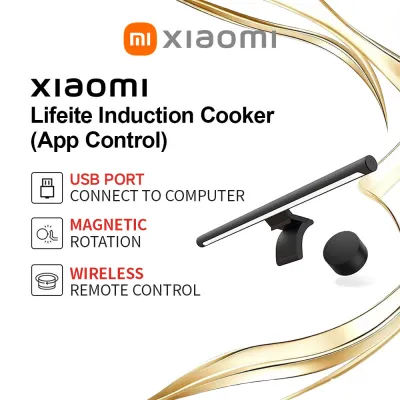
The Xiaomi monitor light bar has earned a strong reputation in the desk setup community by offering premium features at a competitive price. Its standout feature is the 2.4GHz wireless magnetic remote dial. This compact, battery-powered controller sits on your desk, allowing you to adjust brightness and color temperature with a simple turn or press, eliminating the need to reach up and disturb the light bar itself.
The optical design utilizes a custom-molded asymmetric lens to direct light onto the desk surface. The light bar attaches to its mount via a magnetic suction structure, which allows for a 25-degree rotation angle. This adjustability helps you fine-tune the light path to avoid direct glare, regardless of your sitting height or desk elevation.
However, physical compatibility requires careful verification before purchase. The gravity mount is optimized for standard flat monitors. If you use a heavily curved monitor, the flat contact pads of the Xiaomi mount may not seat securely, leading to instability or an angled light path.
Electrical specifications must also be verified. The Xiaomi monitor light bar operates on a 5V/1A USB Type-C interface, drawing a maximum of 5W of power. While you can connect it directly to your monitor’s built-in USB port, some older monitors or USB hubs do not deliver a stable 1A current. An underpowered port can cause the light to flicker, dim unexpectedly, or fail to turn on. If this occurs, routing the USB cable to a dedicated 5V/1A or 5V/2A wall adapter is necessary.
Finally, consider physical dimensions. The light bar measures 448mm in length. While this is ideal for standard 24-inch and 27-inch monitors, it may look disproportionately small on massive ultrawide displays or block the sensors of specialized professional monitors.
Xiaomi vs. Premium and Budget Market Alternatives
While Xiaomi offers an appealing balance of features and cost, the market contains distinct premium and budget tiers. Understanding these alternatives helps you decide whether to invest more for advanced features or save money with a simpler model.
Xiaomi vs. Premium Ergonomic Brands
Premium brands, such as BenQ with its ScreenBar series, target professional workstations where lighting precision is paramount. One of the main differences lies in light distribution. Premium models often feature wider, engineered optical paths that cast a broader pool of light, making them much better suited for ultrawide or dual-monitor setups where a standard light bar leaves the outer edges in darkness.
Smart automation is another area where premium models excel. High-end light bars frequently include built-in ambient light sensors that automatically adjust brightness throughout the day, maintaining a constant level of illumination as natural light changes. The Xiaomi model lacks auto-dimming, requiring you to manually adjust the dial as your room darkens.
Build quality and long-term reliability also reflect the price difference. Premium models generally feature superior aluminum alloys, more robust mounting mechanisms designed for highly curved screens, and extended manufacturer warranties. If your daily work involves color-critical tasks or complex monitor configurations, the advanced optical engineering and automation of a premium brand can justify the higher investment.
Xiaomi vs. Budget and Generic Clip-On Models
At the lower end of the market, you will find numerous budget and generic clip-on lights, often priced under ₱1,000 on online marketplaces. While these models are highly affordable, they often compromise on the core optical technology. Many budget models use symmetric LED tubes that project light in a wide cone, resulting in significant screen reflection and eye strain.
Control methods are also less convenient on budget alternatives. Instead of a wireless dial, low-cost models usually rely on inline cable controllers or touch-sensitive buttons located on the light bar itself. Reaching up to press a button on a lightweight, clip-on bar can easily shift its position, requiring constant readjustment.
Long-term durability is another concern. Budget models frequently use cheap plastic housings and stiff spring clamps that can scratch your monitor’s bezel or weaken over time. For users who value eye comfort and a clean, wireless aesthetic, the Xiaomi monitor light bar provides a substantial upgrade in optical performance and usability for a modest increase in cost.
Pre-Purchase Compatibility and Setup Checklist
To avoid setup issues or potential damage to your equipment, run through this practical checklist before purchasing any monitor light bar for your workspace:
- Monitor Thickness: Use a ruler to measure the thickness of your monitor at its thickest point near the top edge. Compare this measurement against the light bar's clamp or gravity mount specifications. Most standard mounts accommodate thicknesses between 10mm and 32mm, but extremely thin OLED screens or thick professional monitors may require specialized mounting adapters.
- Curvature Check: If you use a curved monitor, identify its curvature rating (such as 1000R, 1500R, or 1800R). Standard straight light bars can sometimes cast light onto the curved edges of the screen, causing glare. Verify if the light bar manufacturer explicitly supports curved screens or offers a dedicated curved model.
- Webcam and VESA Clearance: If you use an external webcam, check if it can be mounted on top of the light bar or if the light bar's mount will block your webcam's positioning. Additionally, ensure that your VESA monitor arm bracket does not interfere with the space required for the light bar's counterweight at the back of the screen.
- Power Delivery and Safety: Check the technical specifications of your monitor's USB ports. If you plan to power the light bar directly from the monitor, ensure the port outputs at least 5V/1A (5W). Although monitor light bars operate on low-voltage USB power, always isolate the power source before adjusting the mounting bracket or wiping down the fixture. Ensure the installation environment is dry and free from excessive humidity, and follow the manufacturer's manual for all electrical connections.
- Cable Management: Plan your cable routing path, especially if your monitor is mounted on a movable gas-spring arm. Ensure the USB cable has enough slack to accommodate the monitor's full range of motion without pulling on the light bar's connector.
Frequently Asked Questions (FAQ)
Does a monitor light bar cause screen glare on glossy displays?
A properly engineered asymmetric monitor light bar projects light at an angle that avoids the screen entirely, minimizing glare even on glossy displays. However, if the light bar is mounted incorrectly or angled too far inward, light can spill onto the screen surface and cause reflections. To prevent this, ensure the light bar is seated flat on the bezel and adjust the magnetic rotation so the light path cuts off just below the top edge of your screen.
Can I power a monitor light bar directly from my laptop or monitor USB port?
Yes, most monitor light bars can be powered directly from a laptop or monitor USB port, provided the port meets the electrical requirements (typically 5V/1A). However, some older laptops or built-in monitor hubs may share power across multiple ports, leading to voltage drops. If you notice your light bar flickering, turning off at maximum brightness, or failing to respond to controls, connect it to a dedicated USB wall adapter.
Are monitor light bars safe for curved or ultrawide monitors?
Safety and performance on curved or ultrawide screens depend heavily on the mounting design. Standard gravity mounts can struggle to find a flat resting surface on deeply curved monitors, which may cause the light bar to slip or sit unevenly. Additionally, a straight light bar may not distribute light evenly across the wide horizontal span of an ultrawide display. For curved setups, look for light bars specifically designed with a curved profile or a highly adjustable mounting mechanism.
Community discussion
Share your experience or ask a question. Comments are reviewed before publication.