
Direct 220V plug-in LED strip lights offer an efficient, high-output way to illuminate a gaming room in the Philippines without the clutter of low-voltage power adapters. By plugging directly into standard wall outlets, these strips simplify cable management and support exceptionally long, continuous runs. However, because they operate on mains voltage, choosing the right setup requires balancing aesthetic goals with strict electrical safety, thermal management, and installation checks.
Unlike low-voltage alternatives that require external step-down transformers, high-voltage strips run directly on the standard household current. This design choice alters how you plan, cut, and mount your lighting. Understanding the technical differences between these systems ensures you achieve a clean, immersive gaming environment while maintaining a safe electrical setup in your home.
The Advantage of Transformer-Free 220V Strips for Gaming Setups
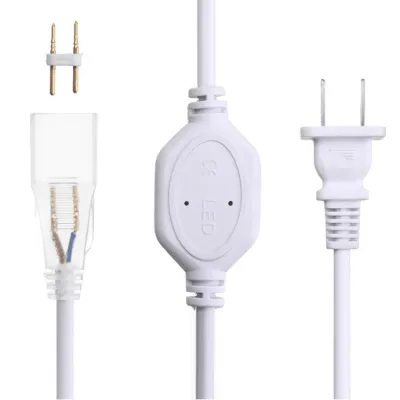
Integrating ambient lighting into a gaming room often leads to a chaotic tangle of cables behind desks, monitors, and consoles. Traditional 5V or 12V LED strips rely on bulky external power bricks to convert alternating current (AC) to direct current (DC). These transformers take up valuable space on power strips, generate localized heat, and complicate cable routing. Direct 220V LED strips eliminate these bulky adapters entirely, utilizing a slim, inline rectifier built directly into the power cord to handle the electrical conversion. This streamlined profile allows you to keep the area behind your desk clean and organized.
Products mentioned in this guide
![[CLEARANCE] 220V LED Strip Light 2835 120LED IP65 Waterproof Rope Light Plug Type Outdoor Indoor](https://img.lazcdn.com/g/p/2f3cd20f68253ab6a14875c472a0d1bd.png_400x400q80.png_.webp)
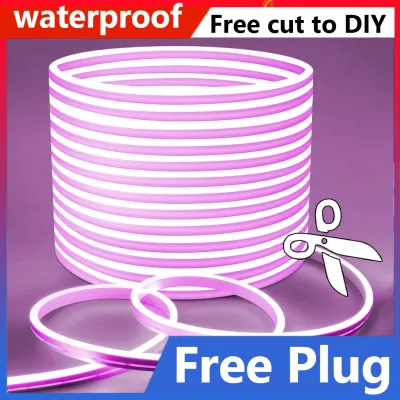
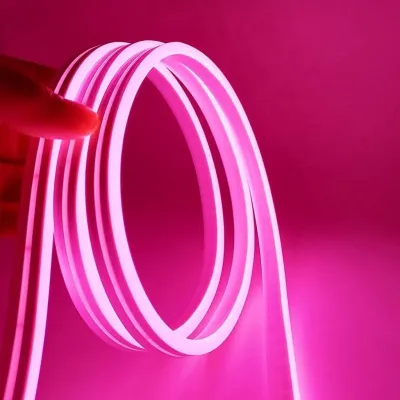
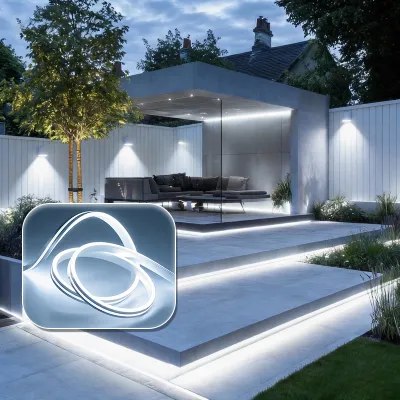
Prices are valid at publication and may change. Please refer to the product page for the latest price.
Another major benefit of high-voltage strips is their ability to support continuous, long runs without experiencing voltage drop. Low-voltage systems typically suffer from fading brightness or color shifting if you extend them beyond five to ten meters, requiring complex parallel wiring or additional power injection points. A 220V strip can easily run for dozens of meters in a single continuous line with perfectly uniform brightness from start to finish. This makes them highly practical for outlining the entire perimeter of a room, running along ceiling coves, or tracing long baseboards.
For gamers who want a cohesive, room-scale lighting theme rather than just a localized glow behind a single monitor, the simplicity of a single plug connection is unmatched. You can trace the entire architectural outline of your gaming space using one outlet, reducing the load on your desk’s extension cords. This structural efficiency allows you to focus your power strips on high-draw gaming hardware rather than multiple low-voltage lighting adapters.
Core Features to Evaluate for Ambient Gaming Lighting
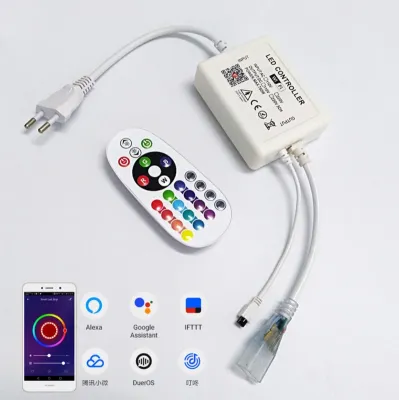
When selecting a 220V LED strip for a gaming setup, color control is often the first aesthetic decision. Standard RGB strips allow you to change the color of the entire run simultaneously using an infrared remote or a compatible controller. If you prefer dynamic, multi-color flowing effects, you will need to look for addressable options, often designated as RGBIC. However, because 220V strips operate on a high-voltage circuit, addressable options are less common and require specialized controllers. If your goal is a highly customized sync with PC gaming software, verify that the strip’s controller supports third-party smart home integration or physical signal converters.

Unlike low-voltage strips that can be cut every few centimeters, 220V LED strips have much longer minimum cut intervals. Due to the electrical design required to handle high voltage safely, these strips are typically only cuttable at intervals of 50 centimeters or a full meter. This is a critical limitation to keep in mind when planning your layout. If you attempt to wrap a 220V strip around a small gaming desk or a monitor mount, you may find yourself with excess length that cannot be cut off. Measuring your surfaces beforehand and planning where to hide any unavoidable excess length is essential.
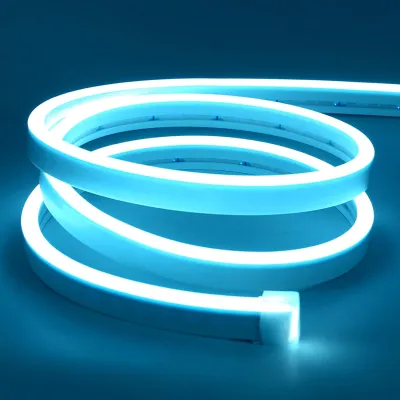
Visual comfort is another vital factor in a gaming environment. Bare LED diodes produce harsh, concentrated points of light that can reflect off glossy monitor screens, causing distracting glare and eye strain during long play sessions. To prevent this, evaluate the beam angle of the strip and consider using diffuser channels. A milky or frosted silicone sleeve or an external aluminum profile with a diffuser lens scatters the light evenly, transforming harsh hot spots into a smooth, continuous neon-like glow that enhances the room’s depth without interfering with your screen visibility.
Electrical Safety and Compatibility Checks
Operating lighting fixtures on 220V mains power requires strict adherence to safety protocols to prevent electrical hazards. Before purchasing, verify that the plug type matches the standard outlets in your home, which are typically Type A or Type B in the Philippines. Ensure the product is rated specifically for 220V at 60Hz to match the local grid frequency. Using a strip designed for a different electrical standard can lead to premature component failure, excessive heat generation, or electrical shorts.
Physical insulation is your primary defense against accidental contact with live high-voltage circuits. High-quality 220V LED strips are encased in thick, flexible PVC or silicone sleeves that completely seal the internal circuitry. Inspect the product specifications for recognized safety certifications, such as the Philippine Standard (PS) mark, the Import Commodity Clearance (ICC) sticker, or international equivalents like CE and RoHS. Avoid cheap, unbranded strips that lack clear certification markings, as they often use thin, brittle outer casings that can crack over time, exposing live wires.
Environmental factors like tropical humidity also play a role in electrical safety. For indoor gaming rooms, look for strips with an Ingress Protection (IP) rating of at least IP65. While you are not exposing the lights to direct rain, high ambient humidity can cause moisture buildup inside unsealed fixtures. An IP65 or IP67 rating ensures the strip is dust-tight and protected against moisture, providing an extra layer of safety. Always ensure that the power connection is completely isolated before cutting, splicing, or mounting the strip, and consult a qualified electrician if you plan to integrate the lighting into your home’s fixed wall switches.
Placement and Mounting Strategies for Immersive Setups
To create an immersive gaming atmosphere, focus on indirect lighting rather than direct exposure. Placing the LED strips behind your desk or monitor creates a soft bias light that reduces the contrast between the bright screen and the dark room, significantly lowering eye strain. Another effective zone is along the ceiling coves or behind wall-mounted acoustic panels, which washes the walls in color and makes the room feel larger. Avoid placing bare strips directly in your line of sight while seated at your desk.
Mounting high-voltage strips requires more preparation than installing lightweight low-voltage models. Because 220V strips are encased in thick protective sleeves, they are heavier and stiffer, making them prone to peeling off surfaces if secured only with standard double-sided tape. Before mounting, thoroughly clean the surface with isopropyl alcohol to remove dust and oils. Use heavy-duty, heat-resistant mounting tape, or secure the strip physically using silicone mounting clips screwed directly into the desk or wall.
In warm tropical climates, heat dissipation is crucial for preserving the lifespan of the LEDs. Although LEDs are highly efficient, high-voltage strips running for hours during gaming sessions will generate noticeable heat inside their thick protective sleeves. Installing the strips inside aluminum extrusion channels is highly recommended. The aluminum acts as a heat sink, drawing thermal energy away from the diodes and dissipating it into the air. This prevents the adhesive backing from degrading due to heat and ensures the LEDs maintain their brightness and color accuracy over years of use.
E-commerce Buying Checklist for High-Voltage Strips
When browsing online marketplaces for 220V LED strips, it is easy to get overwhelmed by identical-looking listings. To ensure you receive a reliable product, use a systematic verification process. Start by cross-referencing the seller’s specifications with customer reviews. Look specifically for feedback regarding long-term heat generation, visible color shifting, or early failure of the power adapter. Reviews with photos or videos are particularly helpful for assessing the actual brightness and color quality in real-world settings.
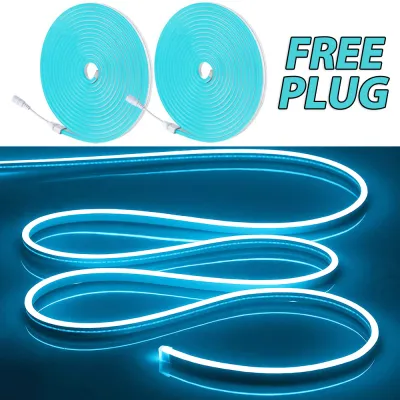
Ensure the product listing explicitly states what accessories are included in the package. A complete 220V setup requires an integrated rectifier plug to convert the AC power, mounting clips, and, most importantly, insulated end caps. If you cut a 220V strip, the exposed end contains live wires carrying mains voltage; sealing this end with a silicone end cap and waterproof sealant is non-negotiable for safety. If these accessories are not included in the kit, purchase them separately before starting your installation.
Finally, check the seller’s return policies and warranty terms. Electrical products can occasionally suffer from manufacturing defects or transit damage. A reputable seller should offer a clear return window and a warranty period of at least several months. Avoid listings that offer no warranty or refuse returns on cut items, as you will want the ability to test the strip for functionality and flicker before making any permanent alterations to the length.
Frequently Asked Questions (FAQ)
Do direct 220V LED strips flicker on camera during game streaming?
Yes, some direct 220V LED strips can produce a visible flickering or banding effect on camera. Because these strips run on alternating current, the light output fluctuates in sync with the 60Hz frequency of the local power grid. High-quality strips use advanced inline rectifiers that smooth out this AC wave into a stable DC signal, minimizing flicker. If you plan to stream or record video, look for strips advertised as flicker-free, or adjust your camera’s shutter speed and frame rate settings to match the local power frequency to eliminate visual artifacts.
Can I connect multiple 220V plug-in strips to a single smart plug?
Yes, you can connect multiple 220V plug-in strips to a single smart plug, provided the total wattage of the combined strips does not exceed the maximum load rating of the smart plug. Most standard smart plugs are rated for 10 to 16 amperes, which is more than enough to handle several hundred meters of LED lighting. To ensure a seamless setup, verify that the LED strip controllers feature a memory function. This ensures that when the smart plug cuts and restores power, the strips automatically turn back on to your preferred color and brightness settings rather than resetting to a default mode.

Community discussion
Share your experience or ask a question. Comments are reviewed before publication.