
Setting up a productive work-from-home (WFH) station in a compact space requires a careful balance of ergonomics, organization, and lighting. While a large desk can easily accommodate bulky fixtures, a smaller workspace demands a highly efficient small table lamp that delivers targeted illumination without crowding your keyboard or monitor. The right desk lamp does more than just prevent squinting; it actively reduces eye strain, improves focus during long screen sessions, and enhances your overall comfort throughout the workday.
To find the ideal lighting companion for your compact desk, you must look beyond basic aesthetics and evaluate how a lamp interacts with your screen, your physical workspace, and your daily tasks. Selecting a model with the right combination of brightness control, color temperature adjustment, and space-saving design ensures your setup remains both functional and clutter-free.
Understanding Your Small Desk and WFH Lighting Needs
Before browsing for a new fixture, take a close look at the physical limits of your workspace. A small desk often leaves very little room for extra accessories, meaning every square centimeter of surface area must be carefully budgeted. Measure your desk depth and the height of your monitor to understand where a light source can realistically sit without blocking your view or casting awkward shadows across your screen.
Products mentioned in this guide
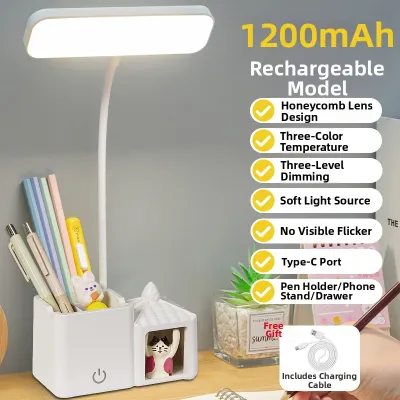
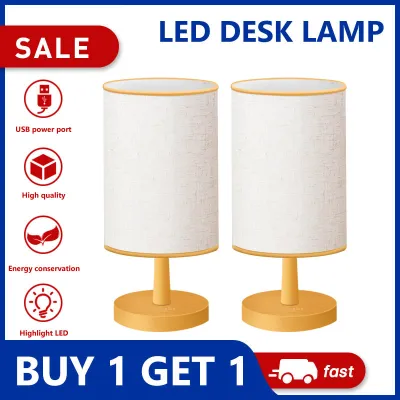
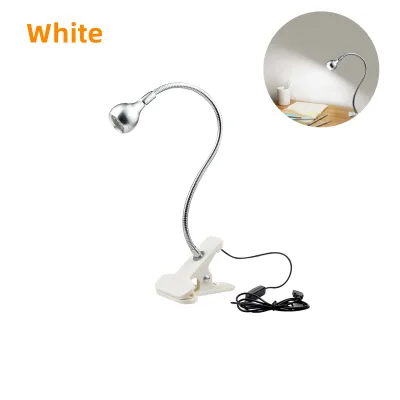
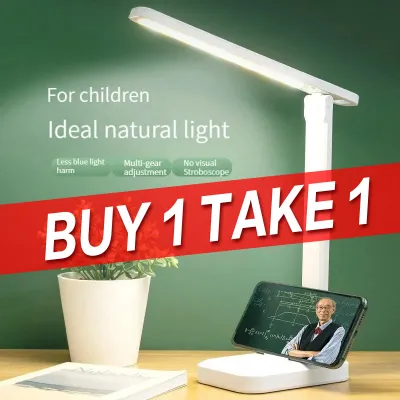
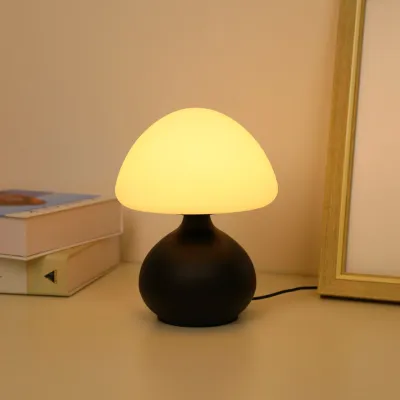
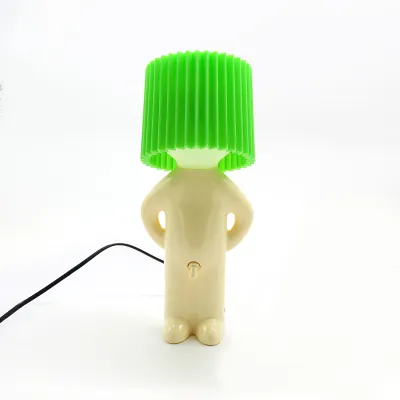
Prices are valid at publication and may change. Please refer to the product page for the latest price.
Your daily work tasks dictate the type of light spread you need. If your day consists primarily of typing and viewing a dual-monitor setup, you require a broad, even wash of light that balances the bright glow of your screens. Conversely, if you frequently read physical documents, sign paperwork, or sketch on paper, you need a highly focused, downward beam that targets a specific task area without spilling glare onto your monitors.
Ambient lighting conditions in your room also play a major role in your decision. In tropical environments like the Philippines, natural light can shift dramatically from the intense glare of a sunny afternoon to the dim, overcast shadows of a sudden monsoon downpour. Your small table lamp must act as a dynamic compensator, filling in the gaps when natural light fades and softening the harsh contrast between a bright monitor and a dark room during late-night work sessions.
Core Light Features for Screen Work and Focus
When working on a computer for hours at a time, the contrast between your screen and the surrounding environment is a primary cause of eye fatigue. To mitigate this, look for a lamp that offers adjustable brightness levels, often measured in lumens or lux. Instead of relying on a single, static brightness setting, a dimmable lamp allows you to match the ambient light levels of your room, ensuring your workspace is neither too dim to read nor so bright that it causes reflective glare.

Color temperature adjustment is another critical feature for maintaining focus and supporting your natural sleep-wake cycle. Light color is measured in Kelvin (K), ranging from warm yellow tones to cool blue-white light. Cool, crisp light is excellent for morning focus and high-concentration tasks, as it mimics daylight and helps keep you alert. As the afternoon transitions into evening, switching your lamp to a warmer, softer tone reduces blue light exposure, helping your mind wind down while still providing enough illumination to finish your remaining tasks.
To ensure high-quality light output, check product specifications for flicker-free technology and a high Color Rendering Index (CRI). Cheap or poorly designed LED lamps can emit a subtle, high-frequency flicker that is invisible to the eye but can cause headaches and eye strain over several hours of continuous use. Additionally, a high CRI rating ensures that colors appear vibrant and true to life, which is essential if your WFH tasks involve graphic design, photo editing, or presenting yourself clearly on video conferences.
Space-Saving Form Factors for Compact Workspaces
In a limited workspace, the physical footprint of your small table lamp is just as important as the light it produces. Traditional lamps with heavy, wide bases can quickly consume valuable desk real estate that you need for your mouse, notepad, or coffee mug. For exceptionally tight setups, consider alternative form factors such as clamp-on lamps that attach securely to the edge of your desk, or monitor-mounted light bars that sit directly on top of your screen to illuminate your workspace from above without touching the desk surface at all.
If you prefer a freestanding lamp, look for designs featuring highly adjustable joints, articulating arms, or flexible goosenecks. These mechanisms allow you to position the light source exactly where you need it, whether that means lowering it close to a document or angling it away from your face during a video call. When the workday is over, a lamp with a folding arm can be tucked away flat, keeping your desk looking neat and organized even when not in use.
Do not overlook the importance of cable management and the lamp’s overall folded profile. A cluttered desk with tangled cords can be a major distraction and reduce your productivity. Choosing a lamp with a slim profile and a well-routed power cable helps maintain a clean aesthetic, allowing you to maximize every inch of your compact WFH setup.
Power, Controls, and Desk Integration
How your lamp connects to power can significantly affect the flexibility of your desk layout. Standard plug-in models offer reliable, continuous power but require proximity to a wall outlet or an extension cord, which can be a challenge in older homes or crowded rooms. USB-powered lamps offer excellent versatility, as they can draw power directly from your laptop, a monitor USB port, or a portable power bank, making them highly mobile if you occasionally work from different spots around the house.
The control interface of your lamp should integrate seamlessly into your workflow without causing distractions. Touch-sensitive controls located on the base or the lamp head allow for quick, silent adjustments to brightness and color temperature with a simple tap. Physical buttons provide tactile feedback, which some users prefer to avoid accidental adjustments, while smart, app-controlled models let you adjust settings directly from your phone or computer.
Many modern desk lamps also feature built-in utility extras, such as wireless charging pads integrated into the base or pass-through USB charging ports. While these features are highly convenient for keeping your smartphone or wireless earbuds powered up, they can increase the physical footprint of the lamp base and add to the overall price in ₱. Carefully weigh whether these integrated features are worth the extra cost and desk space, or if a simpler, more compact lamp better serves your minimalist setup.
Frequently Asked Questions (FAQ)
Can a small table lamp provide enough light for a large monitor?
Yes, a compact lamp can effectively illuminate a workspace with a large monitor, provided you verify its beam angle and light distribution before purchasing. Look for lamps with wide, adjustable heads or asymmetrical optical designs that direct light downward and outward across your desk rather than scattering it in all directions. By positioning the lamp slightly to the side and angling the head downward, you can ensure your keyboard, mouse, and physical documents receive adequate light without casting shadows across a wider screen.
How do I prevent my desk lamp from causing screen glare?
To prevent distracting reflections on your monitor, position your desk lamp so that the light source is completely outside your direct line of sight and does not shine directly onto the screen surface. Adjust the height of the lamp head so it sits below your eye level, or angle it slightly away from the monitor. Utilizing a lamp with an asymmetrical light path or a built-in shade helps direct the light beam strictly onto your desk surface, keeping your screen clear of glare and reducing eye strain.
Is it safe to leave a small LED desk lamp on all day?
High-quality LED desk lamps are generally safe for continuous all-day use because LEDs generate very little heat compared to traditional incandescent bulbs. However, you should always verify the product label for proper thermal management features and continuous operation ratings. Ensure that the power adapter and cables are rated for the local voltage in the Philippines, and keep them clear of pinched hinges, desk edges, or heat-trapping clutter to maintain a safe electrical environment.

Community discussion
Share your experience or ask a question. Comments are reviewed before publication.