
Transforming your bedroom or living space into a cosmic sanctuary does not require a massive financial investment. Finding a reliable galaxy projector for room ambiance under a ₱1,000 budget is entirely feasible if you know what features to prioritize and which compromises to accept. At this price point, you must focus on core projection quality and stable power options rather than expecting advanced smart app integration or high-fidelity built-in speakers. By learning how to verify product specifications, navigate online marketplaces safely, and set up your device correctly, you can achieve a stunning visual display without overspending.
Setting Realistic Expectations for a ₱1,000 Budget
When shopping within a ₱1,000 budget, understanding the market landscape helps prevent disappointment. The most significant distinction you will encounter is between basic manual models and app-controlled smart projectors. True smart projectors that connect seamlessly to home Wi-Fi networks or voice assistants are rare in this price range. Any model under ₱1,000 claiming smart capabilities often relies on unstable, third-party companion apps that suffer from frequent connection drops, meaning you are better off choosing a reliable manual model with physical buttons or a simple remote control.
Power delivery is another area where budget models differ from premium alternatives. Most galaxy projectors under ₱1,000 are USB-powered units rather than direct wall-plug models. This design is highly practical for modern bedrooms, as it allows you to power the device using standard USB ports on computers, phone chargers, or power banks. However, it also means you must check whether the manufacturer includes a wall adapter in the box, as many budget packages only supply the USB cable itself.
Products mentioned in this guide
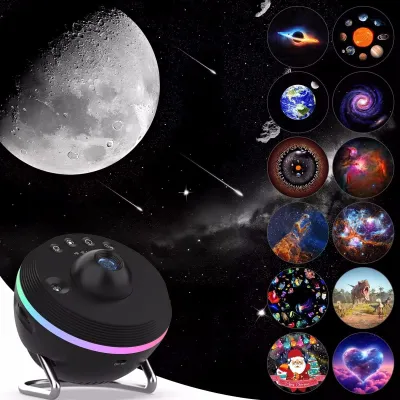
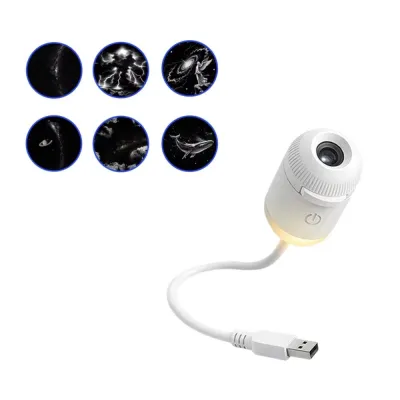
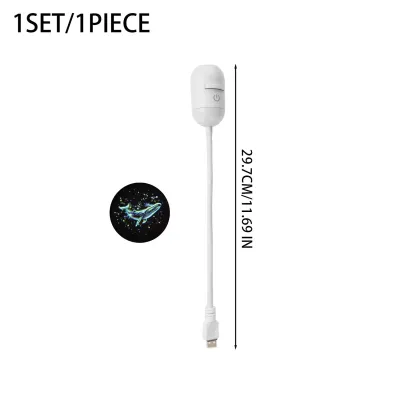
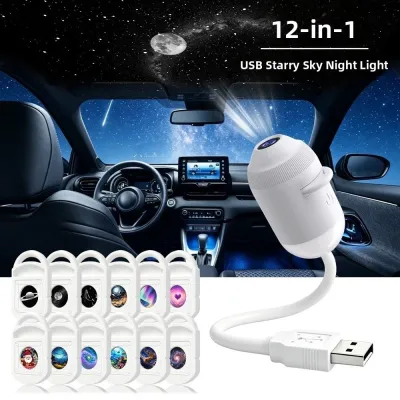
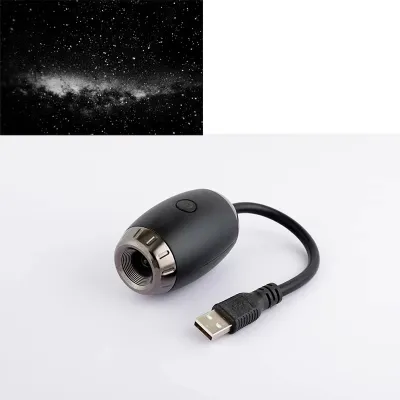
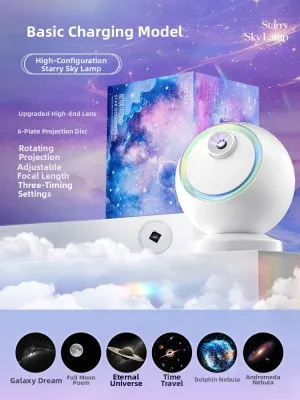
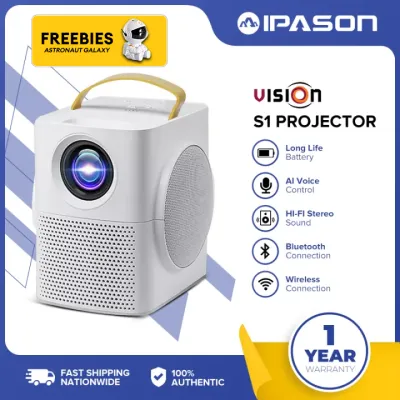
Prices are valid at publication and may change. Please refer to the product page for the latest price.
You must also prepare for specific trade-offs regarding brightness, color variety, and audio quality. While premium projectors utilize high-intensity light engines that can fill massive, sunlit rooms, budget models are designed strictly for dark environments. The color palettes in this price tier are usually limited to a few primary LED colors—typically red, green, blue, and white—which can be combined to create basic gradients. Additionally, if a budget projector features a built-in speaker, the audio quality is generally basic and prone to distortion at high volumes, making it more suitable for soft background white noise than high-fidelity music playback.
Key Specifications to Verify Before Purchasing
To ensure your chosen galaxy projector performs well in your specific living space, you must carefully evaluate the technical specifications listed by sellers. Start by checking the stated projection distance and maximum coverage area. In typical Philippine residential spaces, such as cozy condo units or bedrooms, a projector needs to cover a ceiling area of approximately 10 to 15 square meters. Verify that the device can project clearly at a distance of 2 to 3 meters from the floor or table, as exceeding the recommended distance will cause the stars and nebulae to appear blurry and faint.

Electrical compatibility is critical for safety and performance. You must verify the power input requirements, which are typically rated at 5V and 1A or 2A. Using an incorrect power source can lead to overheating or insufficient brightness. Because many budget packages omit the USB wall adapter to keep costs low, you should confirm whether you need to source a compatible adapter separately. If you plan to use an existing phone charger, ensure its output matches the projector’s requirements exactly to avoid damaging the internal circuitry.
Physical adjustability is another essential feature that directly impacts your daily experience. Look for models that offer adjustable focus rings and flexible rotation angles. A projector with a fixed angle forces you to place it directly in the center of the room to get an even ceiling display, which can be highly inconvenient. Models with a rotating base or a tilting bracket allow you to position the device on a bedside table or a corner shelf while still directing the cosmic imagery precisely where you want it.
Navigating Online Marketplaces and Avoiding Pitfalls
Shopping on online marketplaces requires a critical eye, especially when searching for budget-friendly electronics. Many listings use misleading product titles packed with buzzwords like “ultra-bright,” “professional laser,” or unauthorized brand names to attract clicks. You should ignore these hyperbolic claims and focus instead on the actual specifications listed in the product description. If a listing under ₱1,000 promises high-end features like native 4K projection or seamless smart home integration, it is highly likely to be an inaccurate description.
Another common pitfall is failing to calculate the total cost of the item before finalizing your purchase. While the base price of the galaxy projector might sit comfortably under ₱1,000, shipping fees can easily push the final transaction over your budget limit. This is particularly true for deliveries outside major metropolitan areas in the Philippines. Always check the shipping rates, available discount vouchers, and payment processing fees at the checkout screen to ensure the total investment remains within your target range.
To get an accurate representation of how the projector performs in real-world conditions, rely heavily on verified buyer reviews and photos. Stock images provided by manufacturers are often heavily edited or simulated to show impossibly vibrant colors and sharp details. Look for customer photos taken in dark bedrooms to assess the actual brightness, color saturation, and coverage area. Pay close attention to reviews that mention the build quality, the noise level of the internal rotation motor, and whether all advertised accessories—such as the remote control or power cable—were actually included in the package.
Safe Setup and Operation in Your Room
Once your galaxy projector arrives, proper setup is essential to ensure both optimal visual performance and household safety. Always place the device on a flat, stable surface where it cannot be easily knocked over by pets or accidental bumps. Keep the projector away from open windows, areas prone to high humidity, and water sources to prevent electrical shorts. Additionally, ensure the ventilation vents on the projector housing are not blocked by curtains, bedding, or other flammable materials, as restricted airflow can cause the LEDs to overheat and shorten the lifespan of the device.
Cable management is a crucial safety consideration that is often overlooked. Because galaxy projectors are designed to be used in completely darkened rooms, loose power cords running across the floor present a significant tripping hazard. Secure the USB cable along the edges of your furniture or walls using cable clips or adhesive organizers. If you must run a cable across a walkway, use a low-profile cord cover to keep the path safe for anyone moving around the room at night.
Finally, you must protect your eyes and those of your family members from direct light exposure. Many galaxy projectors combine standard LEDs with small laser diodes to create a realistic star field effect. While these lasers are generally low-power, staring directly into the lens can cause eye strain or temporary visual discomfort. Position the projector at an angle that directs the light upward toward the ceiling or wall, ensuring the beam path does not intersect with eye level when you are sitting or lying down in the room.
Frequently Asked Questions (FAQ)
Can I use a power bank to run a budget galaxy projector?
Yes, most budget galaxy projectors that utilize a standard USB power input can be run using a portable power bank. This setup is highly convenient for temporary outdoor gatherings, balcony relaxation, or rooms with limited wall outlets. However, you must ensure your power bank provides the correct voltage and amperage output specified by the projector manufacturer. Keep in mind that running the projector on a power bank may gradually deplete the battery, and using a power bank with insufficient output could result in slightly dimmer projection levels or intermittent power cycles.
Do projectors under ₱1,000 include a remote control?
Many galaxy projectors in this price range do include a basic infrared remote control, but it is not a universal standard. Some ultra-budget models rely solely on manual buttons built into the device housing or an inline switch on the USB power cable. To avoid disappointment, always read the package contents list carefully on the product detail page and cross-reference this with verified buyer photos to confirm whether a remote control is included in the box.

Community discussion
Share your experience or ask a question. Comments are reviewed before publication.