
To reduce eye strain when working on a laptop, look for a laptop light lamp that offers adjustable brightness (preferably stepless dimming), tunable color temperature, a highly adjustable physical design (like a swing arm or flexible neck), and glare-reduction features such as built-in diffusers. Balancing the light from your screen with your surrounding environment prevents your eyes from constantly adapting to extreme contrast, which is a primary cause of digital eye strain. In tropical environments like the Philippines, where evening work sessions often involve ambient humidity and local voltage variations, selecting a stable, certified, and highly adjustable light source is essential for maintaining a comfortable workspace.
Brightness and Illuminance: Matching Your Screen and Room
Selecting a lamp with the right brightness controls is essential for balancing your laptop screen’s glow with the surrounding ambient light. When your workspace is too dark, the high contrast between the bright screen and the dark room forces your eyes to work harder, leading to fatigue.
To prevent this, check the product label or manufacturer specifications for stepless dimming or multiple brightness presets. Stepless dimming allows you to make micro-adjustments to the light output, while preset levels (such as low, medium, and high) offer quick, reliable transitions.
Products mentioned in this guide
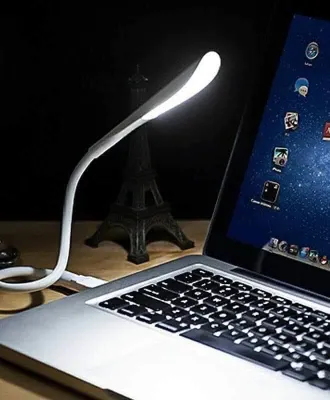
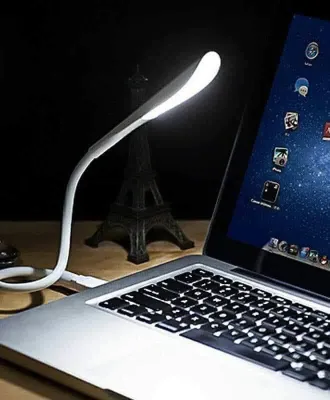
![[Timmo House]Portable USB LED Mini Book Light Reading Light Table Lamp Flexible 4LED Lamp for Power Bank Laptop Notebook PC Computer](https://img.lazcdn.com/g/p/d5f89c977243b8f8a353fc4b6b7761b3.jpg_400x400q80.jpg_.webp)
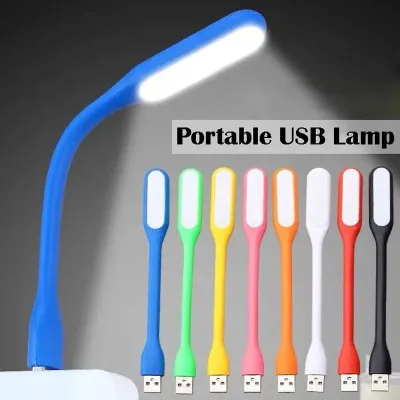
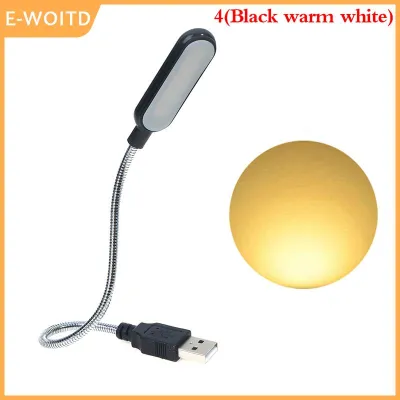
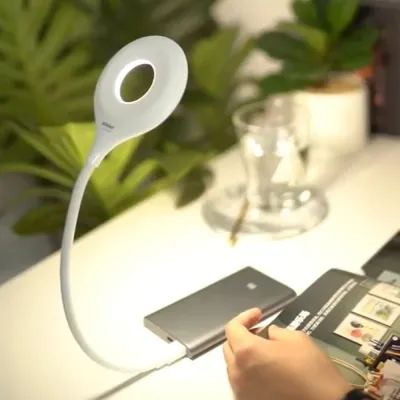
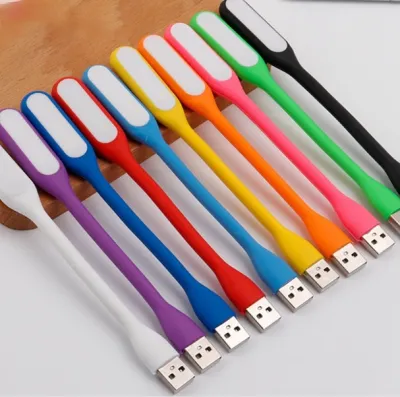
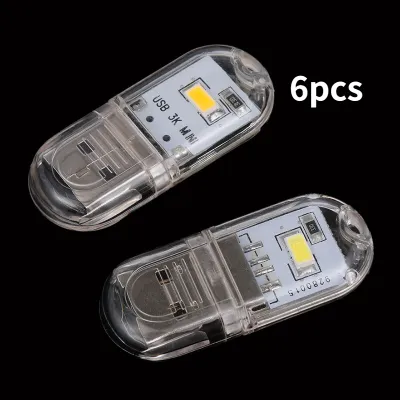
Prices are valid at publication and may change. Please refer to the product page for the latest price.
Your existing room lighting plays a major role in determining how much light you need from your desk lamp. If your room has bright overhead lights, your lamp should serve as a subtle task light to fill in shadows on your desk. If you are working in a dimly lit room, the lamp should provide enough ambient glow to soften the contrast of your screen.
Paying attention to physical signs of eye strain can help you determine if your current setup is incorrect. If you find yourself squinting, experiencing dry eyes, or suffering from tension headaches after a few hours of work, your light source is likely too dim or excessively bright.
Color Temperature: Adjusting for Time of Day and Task
Color temperature, measured in Kelvin (K), significantly influences your focus, screen contrast, and overall eye comfort. When shopping for a laptop light lamp, look for models that feature tunable white light capabilities or dedicated warm and cool presets.

Checking the manufacturer’s specifications on the packaging will help you verify the exact color temperature range, which typically spans from a warm 2700K to a cool 6500K. Different light tones affect how you perceive text and screen contrast.
Cooler light tones (ranging from 5000K to 6500K) mimic natural daylight, which can enhance text readability and boost alertness during daytime focus sessions. However, using cool blue-toned light late in the evening can disrupt your natural sleep cycle by suppressing melatonin production.
For evening or late-night laptop use, transitioning to a warm white light (around 2700K to 3000K) is highly recommended. Warm light is gentler on the eyes in low-light environments and helps minimize sleep disruption.
Adjustability and Glare Reduction for Comfortable Viewing
The physical design of your lamp is just as important as its light output. To prevent direct glare and distracting screen reflections, evaluate the lamp’s adjustability features before purchasing.
Look for models with flexible goosenecks, multi-jointed swing arms, or pivot joints. These mechanical features allow you to direct the light beam precisely onto your keyboard or reference documents, keeping the light source out of your direct line of sight.
In addition to physical adjustability, look for built-in optical features designed to soften the light. Frosted covers, integrated diffusers, or optical louvers help scatter the light rays, eliminating harsh hotspots and reducing the intensity of the beam.
Properly planning the position of your lamp is crucial for a comfortable viewing experience. Position the lamp to the side of your laptop screen, slightly above your eye level, and angle the head downward to avoid casting shadows or reflecting off the display.
Power, Connectivity, and Desk Space Considerations
Before finalizing your choice, verify that the lamp’s physical and electrical specifications are compatible with your desk layout and local power standards. In the Philippines, standard household electrical outlets supply 220V at 60Hz.
If you select a wall-plug model, always check the adapter label to ensure it is certified for this voltage to prevent electrical hazards or product damage. Alternatively, many modern laptop light lamps offer USB-powered connectivity, allowing you to power the device directly from your laptop or a portable power bank.
Next, measure your available desk space against the lamp’s footprint. If you work on a compact desk, a traditional table lamp with a large base might cause unnecessary clutter, making a clamp-on lamp or a monitor light bar a better alternative.
Finally, assess the weight and stability of the lamp. A high-quality table lamp should have a weighted, non-slip base to prevent it from tipping over when you adjust the arm or neck, especially in humid environments or near open windows where tropical breezes are common.
Frequently Asked Questions (FAQ)
Can I use a regular desk lamp instead of a dedicated laptop light lamp?
Yes, you can use a regular desk lamp, but it may not provide the same level of eye comfort as a dedicated laptop light lamp. Standard desk lamps often lack precise beam control and dimming options, which can lead to wide, uncontrolled light spilling onto your laptop screen.
This spillover causes distracting reflections and washes out screen contrast, forcing your eyes to strain to read text. Dedicated laptop lamps are specifically engineered to direct light downward onto your workspace while keeping the screen free from glare.
Does the position of the lamp matter more than its brightness?
Both position and brightness are critical, but improper positioning can ruin the benefits of even the most advanced dimmable lamp. If a highly advanced lamp is placed directly in front of you or angled so that it shines onto your screen, it will create blinding reflections regardless of how low you dim the light.
Positioning the lamp to the side of your screen and angling it downward is the most effective way to eliminate glare, allowing you to use the brightness settings to comfortably balance your workspace with the ambient room light.

Community discussion
Share your experience or ask a question. Comments are reviewed before publication.