
To choose the right 12V power supply for your gaming room LED strips in the Philippines, you must calculate the total wattage of your light strips, ensure the power adapter natively supports the local 220V electrical grid, and design a wiring layout that prevents voltage drop. Taking these steps protects your equipment from overheating, eliminates flickering, and keeps your gaming setup safe and organized. While ambient lighting dramatically enhances your gaming experience, an overloaded or incompatible power supply can lead to safety hazards or premature hardware failure. By understanding your system’s electrical requirements, you can build a reliable, high-performance lighting setup that stands up to daily use.
Calculate the Total Wattage for Your LED Strips
Before purchasing any power supply, you must determine the exact power requirements of your lighting setup. LED strips are typically rated by wattage per meter or wattage per roll. You can locate this specification on the product packaging, the manufacturer’s specification sheet, or the product listing on your preferred online marketplace.
To find the total wattage required by the LED strips, multiply the rated wattage per meter by the total length of the strips you plan to install. For example, if your chosen strip draws 9.6 watts per meter and you plan to install a total of 6 meters around your gaming desk and monitor, the calculation is 9.6 multiplied by 6, which equals 57.6 watts.
Products mentioned in this guide
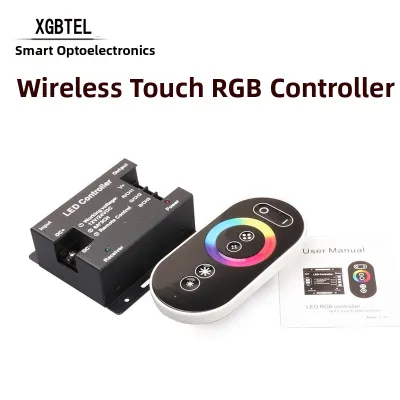
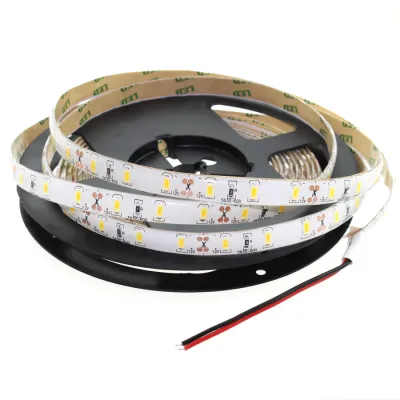
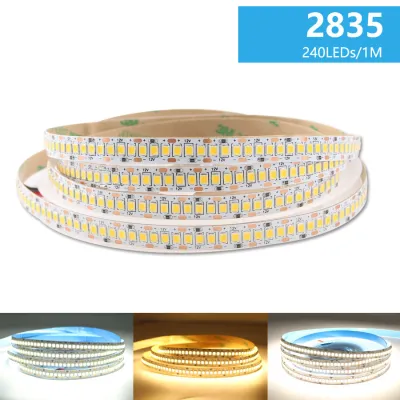
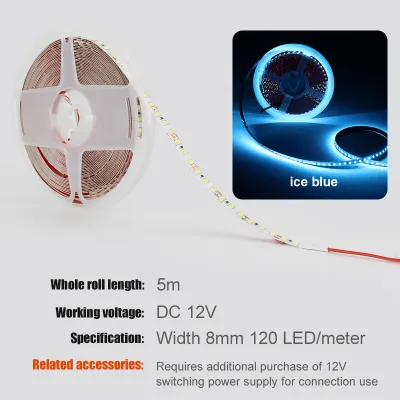
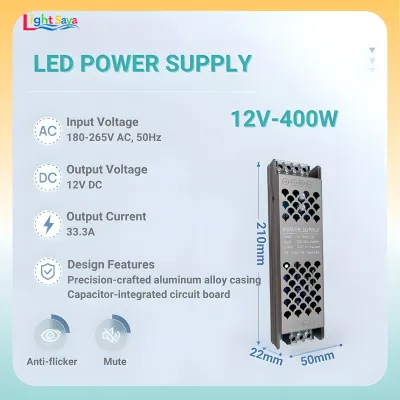
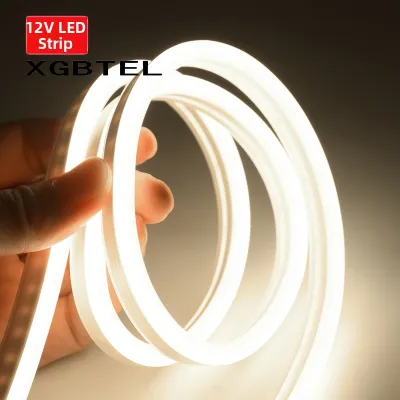
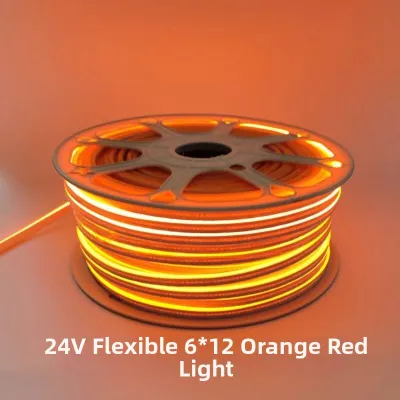
Prices are valid at publication and may change. Please refer to the product page for the latest price.
Do not forget to account for other inline accessories. RGB controllers, Wi-Fi receivers, Bluetooth modules, and smart home hubs also consume electricity. While a single controller might only draw 1 to 3 watts, failing to include this in your calculations can push a borderline power supply past its safe operating limit. Sum all these values to find your baseline power requirement.
Verify Input Voltage and Plug Compatibility
The standard electrical grid in the Philippines operates at 220V AC at a frequency of 60Hz. When sourcing a 12V power supply—especially when ordering online where products are shipped globally—you must verify that the adapter’s input voltage is compatible with this standard.

Examine the technical label printed on the power brick or metal casing. Look for the “Input” line. It should ideally read “100-240V ~ 50/60Hz” or specifically include “220V”. A wide-range input (100-240V) is highly versatile and safely handles local voltage fluctuations. Avoid power supplies labeled strictly for “110V” or “120V”, as plugging these directly into a Philippine outlet will cause immediate, irreversible damage and presents a severe fire risk.
Additionally, check the physical plug type. Standard Philippine wall outlets accommodate Type A (two flat parallel pins) or Type B (two flat pins with a round grounding pin) plugs. Ensure your power supply comes with a compatible plug. Relying on cheap, loose travel adapters to bridge incompatible plugs can lead to poor electrical contact, localized heating, and dangerous electrical arcing behind your gaming desk.
Plan the Wiring Layout to Prevent Overloading and Voltage Drop
A common issue with low-voltage lighting is voltage drop, which occurs when electrical resistance causes the voltage to decrease as it travels down the length of the strip. In a 12V system, this typically manifests as noticeable dimming, color shifting, or flickering toward the end of any run longer than 5 meters.
To prevent voltage drop and avoid overloading a single circuit path, plan a parallel wiring layout rather than daisy-chaining multiple strips end-to-end. In a parallel configuration, you run separate, dedicated power wires from the power supply to the start of each individual LED strip segment. This ensures that every segment receives a consistent 12V supply directly from the source.
For extensive gaming room setups that wrap around walls or ceilings, you may need to integrate LED amplifiers. These devices receive the control signal from your primary RGB controller and inject fresh power from a secondary power source to drive subsequent segments. Always isolate the power supply from the wall outlet before making any wiring adjustments. If your installation requires routing cables through walls or connecting directly to your home’s main electrical panel, consult a qualified professional to ensure compliance with local electrical codes.
Select the Right 12V Adapter Based on Your Calculations
Once you have your total baseline wattage, you must apply a safety margin to select the actual power supply. Running any power supply at its absolute maximum capacity for extended gaming sessions will cause it to run hot and shorten its lifespan.
Apply the industry-standard 80% rule, which means your total load should not exceed 80% of the power supply’s maximum rating. To calculate this easily, multiply your baseline wattage by 1.25. If your total calculated load is 80W, you will need a power supply rated for at least 100W. Ensure the output is strictly regulated 12V DC (Direct Current) and that the amperage rating matches or exceeds your calculated needs.
In the tropical climate of the Philippines, high ambient temperatures and humidity place extra stress on electronic components. If you plan to hide the power supply inside a closed desk drawer, cable management box, or tight cavity behind your PC, choose a model with robust heat dissipation. Caged metal switching power supplies offer excellent passive cooling but have exposed terminals that require careful isolation. Sealed plastic power bricks are safer from dust and accidental contact but require open air circulation to prevent overheating.
Frequently Asked Questions (FAQ)
Can I use a 12V laptop charger for my LED strips?
You can only reuse a laptop charger if its electrical specifications match your LED strip requirements exactly. First, verify that the output is strictly 12V DC; many modern laptop chargers output 19V or 20V, which will instantly destroy 12V LED strips. Second, ensure the charger’s amperage rating is equal to or higher than the total current your LED setup demands. Finally, you must ensure a secure physical connection. Never leave exposed, twisted wires; instead, use proper DC barrel jack adapters or screw terminal blocks wrapped in electrical tape or heat-shrink tubing to prevent short circuits.
Do I need an LED amplifier for my gaming room setup?
You will need an LED amplifier if the total current draw of your connected LED strips exceeds the maximum output rating of your RGB controller. Most controllers specify a maximum current limit, such as 2A or 3A per channel. If you exceed this limit, the controller will overheat and fail. An amplifier allows you to extend your lighting setup by copying the control signal and powering the additional strips using a separate power connection. Ensure the amplifier matches your controller’s specific signal type, whether it is standard 4-pin RGB or 3-pin addressable RGB (ARGB).

Community discussion
Share your experience or ask a question. Comments are reviewed before publication.