
To avoid eye strain during long reading sessions, a high-quality study lamp for student use must offer more than just basic illumination. The ideal lamp should feature adjustable brightness (measured in lumens rather than wattage), customizable color temperature settings, a high Color Rendering Index (CRI) of 80 or above, and physical adjustability to prevent direct glare. Focusing on these technical specifications rather than vague marketing claims helps you create a comfortable, glare-free study environment that supports focus and protects your eyes during late-night review sessions.
Brightness and Lumens: Finding the Right Light Output
When shopping for a study lamp for student desks, the first specification to check on the product label is the lumen rating. Historically, we relied on wattage to estimate brightness, but wattage only measures electrical power consumption. With modern energy-efficient LED technology, a lamp consuming only 8 to 10 watts can produce the same light output as an old 60-watt incandescent bulb. To ensure adequate illumination for reading printed text, look for a lamp that delivers between 400 and 500 lumens of light output.
The amount of brightness you actually need depends on your study environment and workspace reflectivity. If your study room already has bright overhead ambient lighting, a lower lumen setting on your desk lamp may be sufficient to fill in shadows. However, if you are studying in a dimly lit room, a higher lumen output is necessary to prevent your eyes from straining to distinguish fine print. Opting for a lamp with dimmable features is highly recommended, as it allows you to adjust the brightness dynamically as natural daylight fades.
Products mentioned in this guide
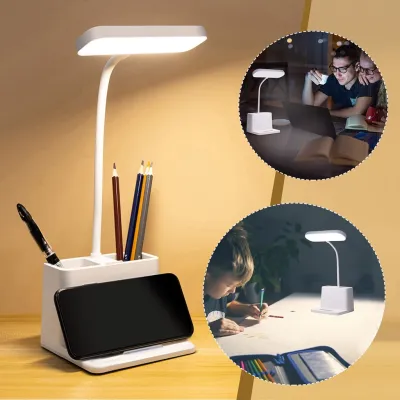
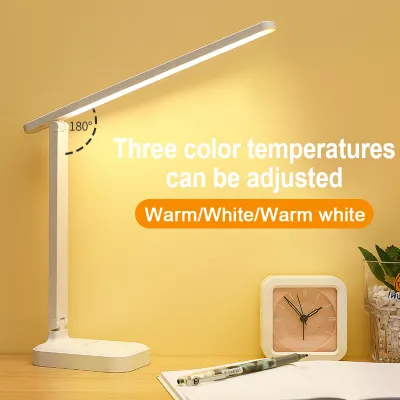
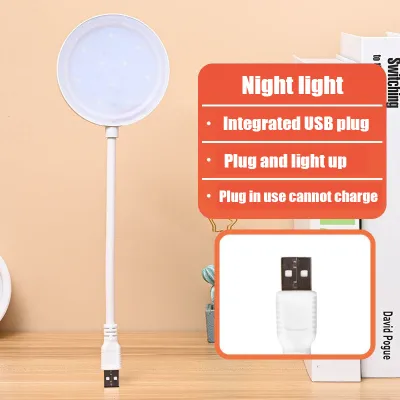
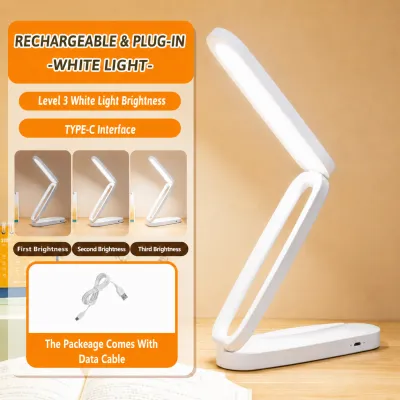
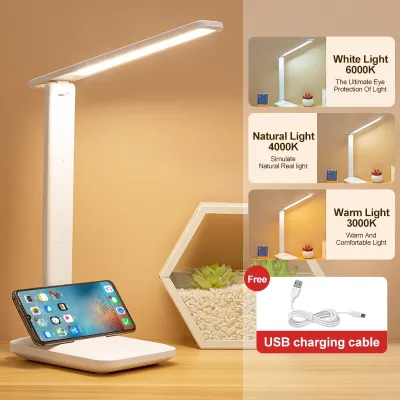
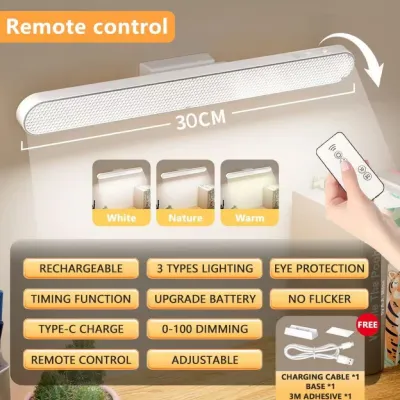
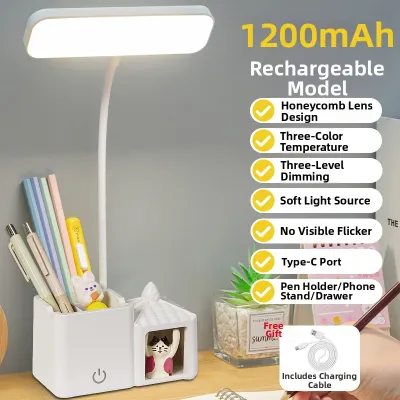
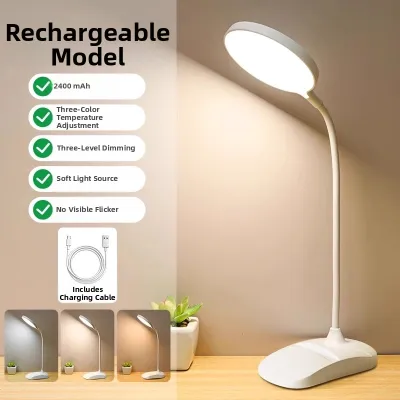
Prices are valid at publication and may change. Please refer to the product page for the latest price.
Color Temperature: Balancing Focus and Relaxation
Color temperature, measured in Kelvin (K), determines the warmth or coolness of the light emitted by your lamp. Warm light (ranging from 2700K to 3000K) has a cozy, yellowish glow that is gentle on the eyes and ideal for winding down in the evening. Neutral white light (around 4000K) closely mimics natural daylight, providing a balanced environment that supports alertness without being overly harsh. Cool white light (5000K and above) has a bluish tint that maximizes contrast and concentration, making it useful for intense, detail-oriented tasks.

For the most versatile study setup, look for a study lamp for student use that features adjustable color temperature controls. This flexibility allows you to switch settings based on the medium you are studying. Reading physical textbooks is often most comfortable under neutral or cool white light, which sharpens the contrast of black ink on white pages. Conversely, when working on a backlit laptop or tablet screen, switching your desk lamp to a warmer color temperature helps balance the harsh blue light emitted by your devices, reducing overall eye fatigue.
Color Rendering Index (CRI): Ensuring Text and Image Clarity
The Color Rendering Index (CRI) is a critical yet frequently overlooked specification that measures how accurately a light source reveals the true colors of objects compared to natural sunlight. Rated on a scale from 0 to 100, a higher CRI means colors appear more vivid, accurate, and distinct. For standard reading and writing, a CRI rating of 80 or above is the recommended baseline to ensure text is sharp and easy to read. If your studies involve highly detailed visual work—such as analyzing medical diagrams, architectural blueprints, or fine arts projects—investing in a lamp with a CRI of 90 or higher is essential to prevent color distortion and eye strain.
When evaluating options on an online marketplace, avoid relying solely on vague marketing terms like “eye-care” or “vision-friendly” without checking the actual specifications. Reputable manufacturers clearly print the CRI rating (often denoted as Ra) on the product packaging or online specification sheet. Verifying this actual number ensures you are purchasing a lamp engineered for high-quality task lighting rather than a basic decorative light.
Adjustability and Beam Control: Directing Light Where Needed
Even the most advanced light source can cause eye strain if it is positioned incorrectly. Physical adjustability and beam control are vital to direct light precisely where you need it while keeping glare out of your direct line of sight. Look for lamps featuring articulated arms, multi-axis swivel heads, and adjustable heights. These mechanical features allow you to position the light source directly over your reading material, casting even illumination across your workspace while preventing distracting shadows from your hands or writing utensils.
In addition to flexibility, pay close attention to the lamp’s physical stability and shade design. A study lamp should have a heavy, weighted base or a secure desk clamp to prevent it from tipping over when you extend the arm to its maximum reach. Furthermore, look for designs that incorporate deep shades or frosted diffusers over the LED panel. A quality diffuser softens the light beam, eliminating harsh hotspots and preventing the bare light source from shining directly into your eyes when you look up from your books.
Power, Flicker, and Electrical Safety Checks
Before finalizing your purchase, verify the lamp’s electrical specifications and safety certifications. In the Philippines, standard household electrical outlets supply 220V at 60Hz. Ensure that the lamp’s power adapter or built-in driver is fully compatible with this voltage to avoid overheating, flickering, or electrical hazards. Look for official safety markings on the product label, such as the Philippine Standard (PS) mark, the Import Commodity Clearance (ICC) sticker, or recognized international safety certifications like CE or UL.
Another critical factor in preventing eye strain is light flicker. While high-frequency flicker is often invisible to the naked eye, it can still cause subtle eye muscle fatigue, headaches, and loss of concentration over time. You can perform a simple diagnostic check using your smartphone camera: turn on the study lamp, open your phone’s camera app, and point it at the light source. If you see dark, moving bands or rapid strobing on your phone screen, the lamp’s internal driver is failing to deliver a stable current. Finally, if you plan to install fixed wall-mounted task lighting or modify your desk’s built-in electrical wiring, always isolate the power at your main circuit breaker and consult a qualified electrician.
Frequently Asked Questions (FAQ)
Does the color of my desk affect how bright my study lamp needs to be?
Yes, the color and finish of your desk surface play a significant role in how light behaves in your study area. Darker surfaces, such as dark wood or matte black finishes, absorb a large portion of the light, which may require you to use a higher lumen setting to achieve comfortable reading conditions. On the other hand, light-colored or highly reflective surfaces, such as white laminate or polished glass, reflect light back up toward your eyes. This reflection can create a harsh, distracting glare that leads to rapid eye fatigue. If you work on a reflective desk, it is best to use a lower brightness setting and angle the lamp head slightly away from your direct line of sight to minimize glare.
Can I use a smart bulb in a standard desk lamp for studying?
You can use a smart bulb in a standard desk lamp, provided you verify a few compatibility requirements first. Start by checking the lamp’s socket type (typically E27 for standard screw-in bulbs) and its maximum wattage rating, ensuring the smart bulb’s power consumption does not exceed this limit. Additionally, avoid installing smart bulbs in tightly enclosed or narrow lamp shades unless the bulb is specifically rated for enclosed fixtures, as trapped heat can degrade the bulb’s internal electronics. Finally, ensure the smart bulb you select offers a wide dimming range and adjustable color temperature settings so you can customize the light output to match your study needs.

Community discussion
Share your experience or ask a question. Comments are reviewed before publication.