
When designing a gaming room, lighting is just as critical as your graphics card, monitor refresh rate, or ergonomic chair. Omni LED lights—whether you are referring to omnidirectional bulbs that cast light in a 360-degree pattern or products from popular local brands—offer a distinct way to illuminate your space. Understanding how these lights distribute brightness helps you decide if they will elevate your setup or cause distracting screen glare.
Understanding Omni LED Lights: Features and Lighting Mechanics
In the lighting industry, the term “omni” typically stands for omnidirectional. Unlike standard directional LEDs that project light in a narrow, focused beam—such as spotlights, downlights, or standard strip lights—omnidirectional LEDs distribute light evenly in all directions, covering a full 360-degree spread. This design ensures that light radiates outward from the entire surface of the bulb or fixture, illuminating the surrounding walls, ceiling, and floor simultaneously.
In the local market, “Omni” is also a household brand name widely recognized for electrical and lighting products. If you are shopping for Omni-branded LED lights, you will find a variety of options ranging from standard daylight bulbs to smart RGB models. It is important to distinguish between the generic physical property of omnidirectional light distribution and the specific product offerings of the brand, as both play a role in how you plan your room’s layout.
Products mentioned in this guide
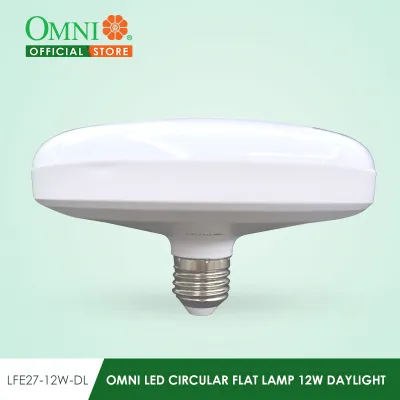
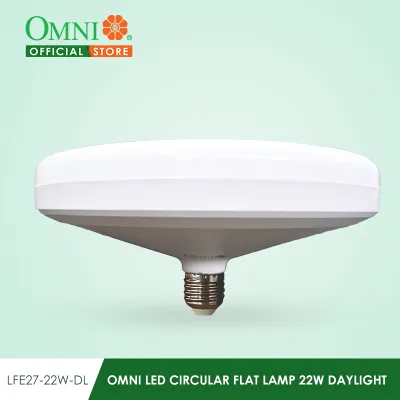
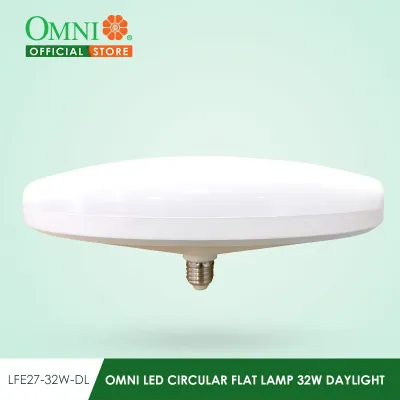
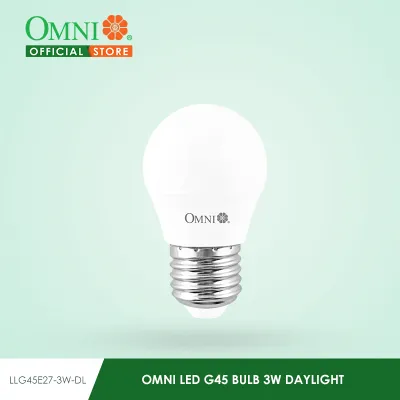
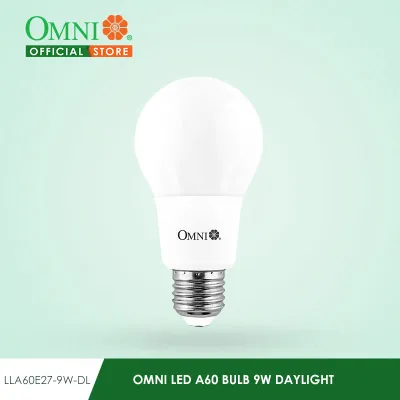
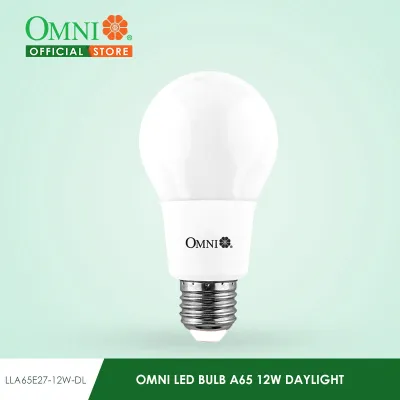
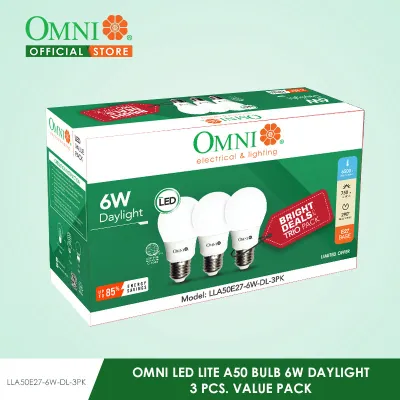
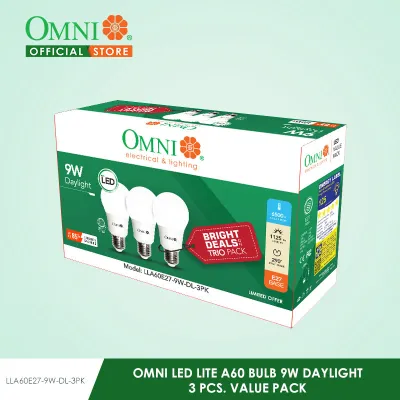
Prices are valid at publication and may change. Please refer to the product page for the latest price.
The primary visual benefit of omnidirectional lighting is the creation of softer shadows and a wider, more uniform ambient glow. Standard LED strips or spotlights create sharp, focused pools of light with high contrast, which can make a room feel fragmented. An omnidirectional source scatters light across walls and ceilings, softening the overall contrast and making the entire room feel more spacious and evenly lit.
Core Lighting Requirements for a Gaming Room
A balanced gaming room relies on three distinct layers of illumination: bias lighting, ambient lighting, and accent lighting. Bias lighting sits directly behind your screen to ease the transition between a bright monitor and a dark wall. Ambient lighting fills the rest of the room to ensure you can navigate the space safely, while accent lighting highlights specific decor, shelves, or collectibles.

Controlling brightness and minimizing glare are essential for preventing eye strain during extended gaming sessions. High-contrast environments, where a single bright screen is the only light source in a pitch-black room, can quickly fatigue your eyes and lead to headaches. Introducing diffused ambient light helps balance the room’s overall luminance, allowing your eyes to adjust more comfortably during fast-paced gameplay.
Modern gaming setups also rely heavily on smart features and color customization. Being able to dim your lights, change colors to match your in-game environment, or sync your illumination with smart home ecosystems allows you to transition your space seamlessly. With the right setup, a room can shift from a bright, productive home office during the day to an immersive, atmospheric gaming zone at night.
Diagnostic Checklist: Are Omni LED Lights Right for Your Setup?
Space and layout check: Consider your room size and wall textures. If you live in a typical urban condo with compact dimensions, a single omnidirectional light can easily fill the entire space with soft, bounced light. However, rough or highly textured walls might catch the wide dispersion unevenly, creating unwanted shadows, while smooth, light-colored walls will bounce the light beautifully to maximize the ambient effect.
Aesthetic and mood check: Evaluate your desired gaming aesthetic. If you prefer a highly dramatic, high-contrast “cyberpunk” look with sharp neon lines, deep shadows, and localized color zones, the wide, soft spread of an omnidirectional light might wash out those distinct boundaries. Conversely, if you prefer a clean, cozy, or evenly lit space where the entire room feels warm and inviting, omni lighting is an excellent fit.
Glare and reflection check: Examine your monitor placement and desk surface. Because omnidirectional lights scatter light in all directions, placing one directly in front of or above a glossy monitor can cause severe screen reflections that obscure your view. Matte screens handle this better, but you must still position the light source carefully—ideally behind your seating position or shaded by a lamp fixture—to keep it out of your direct line of sight.
Installation, Compatibility, and Safety Boundaries
Before purchasing any lighting fixture, verify the electrical specifications on the product label. In the Philippines, standard residential voltage is 220V at 60Hz. Ensure your chosen LED light matches this rating and features the appropriate plug or base type, such as the common E27 screw-in base. If you plan to integrate it into a smart home setup, check the packaging to confirm compatibility with your existing smart assistant, home network, or control app.
Mounting constraints require careful attention, especially in tropical climates where high humidity can weaken standard double-sided adhesives over time. For wall-mounted or ceiling-suspended fixtures, check the product’s weight limits and use mechanical fasteners like screws or anchors rather than relying solely on tape. This prevents fixtures from falling and causing damage to your gaming gear or desk setup.
Always respect safety boundaries when dealing with electricity. For simple plug-and-play bulbs or USB-powered lights, self-installation is safe and straightforward. However, if your setup requires fixed wiring, modifying wall switches, or installing heavy ceiling pendants, always isolate the power at the main circuit breaker first. Follow the manufacturer’s installation instructions carefully, and do not hesitate to hire a qualified professional electrician to handle complex wiring tasks.
Decision Paths: Moving Forward with Your Gaming Lighting
Path A (Proceed): If your room layout is suitable for wide light dispersion, look for omnidirectional LED bulbs with smart RGB capabilities. Verify the lumen output, wattage, and dimming compatibility on the packaging before buying to ensure the bulb fits your existing fixtures, matches your budget—whether you are looking at a basic ₱300 bulb or a premium smart fixture—and provides sufficient brightness control.
Path B (Adjust): If you want the benefits of omni lighting but need to protect your screen from glare, combine an omnidirectional ambient light with directional fixtures. Place the omni light in a corner or behind your seating area to fill the room with soft light, and use a directional monitor light bar to illuminate your desk surface without washing out your screen.
Path C (Alternative): If your space is highly compact or you prefer sharp, localized color accents, skip omnidirectional bulbs. Instead, opt for standard RGB LED strip lights mounted behind your desk, or dedicated smart light bars that allow you to direct the beam precisely where you want it, keeping the rest of the room dark.
Frequently Asked Questions (FAQ)
Can I use omni LED lights as the main source of bias lighting behind my monitor?
Using an omnidirectional light directly behind your monitor is generally not recommended. Because it casts light in a 360-degree pattern, much of the light will spill forward around the edges of your screen, potentially shining directly into your eyes or reflecting off your desk surface. For effective bias lighting, directional LED strips or dedicated monitor light bars are better suited, as they project light backward onto the wall while keeping the front of your screen clear of glare.
Do omni LED lights consume more power than standard RGB gaming lights?
Omnidirectional LED lights do not inherently consume more power simply because of their 360-degree distribution. Power consumption is determined by the fixture’s wattage, not its light spread. To compare energy efficiency, check the product label for both the wattage (power consumed) and the lumen output (brightness produced). Modern LED technology is highly efficient, but verifying these specifications on the packaging will help you find a bulb that delivers the brightness you need without unnecessary power draw.

Community discussion
Share your experience or ask a question. Comments are reviewed before publication.