
Selecting the right desk light for work is essential for maintaining comfort and focus during long hours at your desk. To minimize eye strain, you need a light source that balances brightness, color temperature, and color accuracy while offering physical adjustability. Instead of relying on a single fixed setting, the most effective setup adapts to your changing environment and specific tasks throughout the day. By understanding key technical specifications on product labels, you can choose a lamp that supports your eyes and enhances your productivity.
Brightness and Illuminance: Finding the Right Light Output
When evaluating a desk light for work, you will often see two different metrics on the packaging: lumens and lux. Lumens measure the total amount of light emitted by the source in all directions. Lux, on the other hand, measures the intensity of light that actually hits a specific surface, such as your desk. For a comfortable workspace, look for product specifications that detail these measurements to ensure the light is concentrated where you need it most.
Your task lighting should always work in harmony with the ambient light in your room. If your desk lamp is extremely bright while the rest of the room is dark, the harsh contrast forces your eyes to constantly adjust, leading to rapid fatigue. In the Philippines, where natural daylight can shift rapidly from intense tropical sunshine to dark, overcast skies during the rainy season, balancing this contrast is especially important.
Products mentioned in this guide
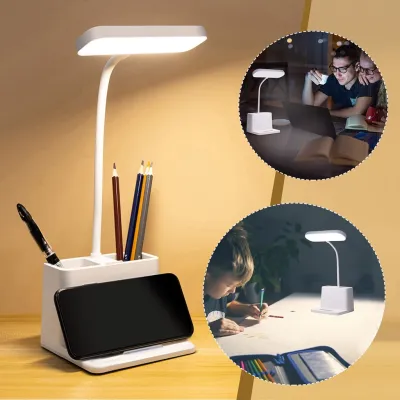
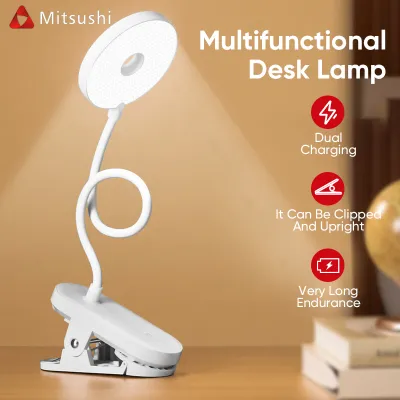
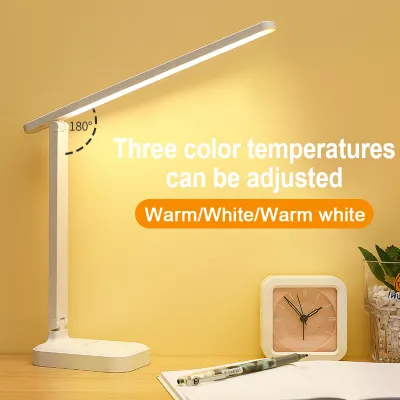
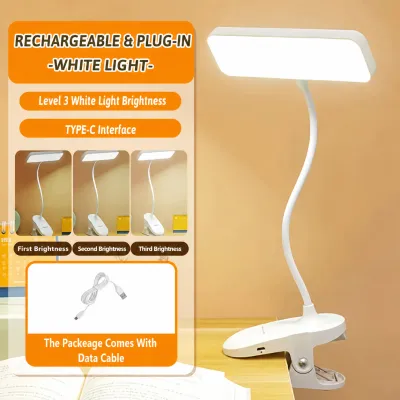
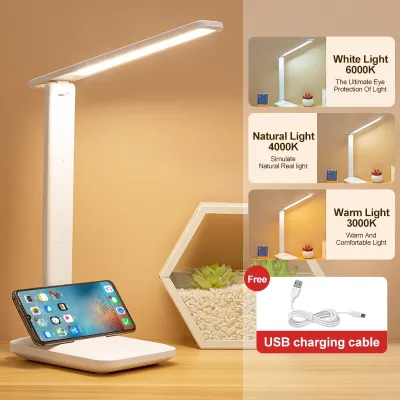
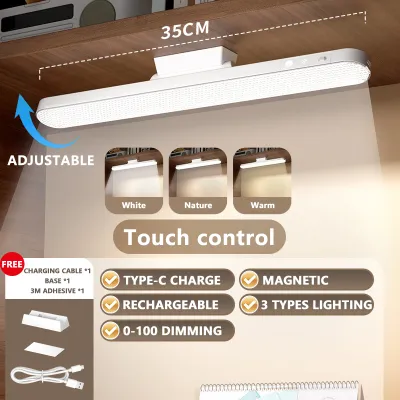
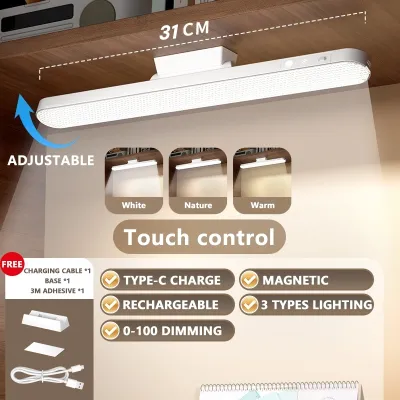
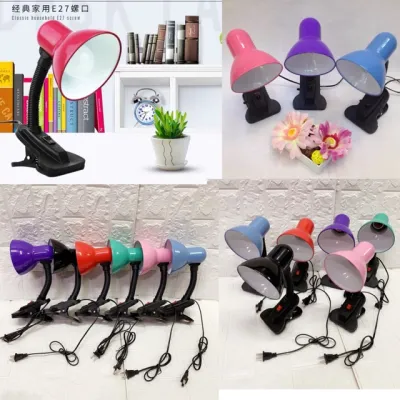
Prices are valid at publication and may change. Please refer to the product page for the latest price.
To manage these shifting conditions, prioritize a desk light with dimmable features. Stepless dimming or multiple brightness presets allow you to lower the lamp’s output when your computer screen is bright, or boost it when you are reviewing physical documents. Always verify the dimming method listed on the product label, as some models use touch-sensitive sliders while others rely on physical dials or buttons.
Color Temperature (Kelvin): Matching the Light to Your Task
Color temperature, measured in Kelvin (K), describes the appearance of the light emitted by a bulb, ranging from warm yellow to cool blue. Lower Kelvin ratings, typically around 2700K to 3000K, produce a warm, cozy glow. Higher Kelvin ratings, such as 5000K to 6500K, deliver a cool, daylight-like illumination that mimics natural noon light.

Cooler light temperatures are highly effective for tasks requiring intense focus, detailed proofreading, or analytical work, as they help promote alertness. However, working under cool blue light late into the evening can disrupt your natural sleep-wake cycle. Warmer light is much gentler on the eyes during late-night sessions, making it ideal for casual reading or winding down after a long workday.
Because your lighting needs change depending on the hour, look for a desk light that offers adjustable color temperature settings. Many modern LED lamps allow you to cycle through warm, neutral, and cool modes with the press of a button. This flexibility lets you match your lighting to both your immediate task and the time of day, supporting your natural circadian rhythms.
Color Rendering Index (CRI): Why It Matters for Detailed Work
The Color Rendering Index, commonly abbreviated as CRI or Ra, is a quantitative measure of a light source’s ability to reveal the true colors of objects faithfully in comparison to natural sunlight. Rated on a scale up to 100, a higher CRI means colors will appear more vibrant, accurate, and true to life under the lamp.
If your daily work involves color-sensitive tasks—such as graphic design, photo editing, textile crafting, or reviewing physical color proofs—a high CRI is absolutely essential. Standard office work, like typing documents or managing spreadsheets, does not strictly require a premium CRI rating, though a higher index still provides a more pleasant and natural visual environment.
When shopping on an online marketplace or at a local home improvement store, check the technical specifications panel on the packaging for the CRI or Ra value. For color-critical work, aim for a rating of 90 Ra or higher. For general office tasks, a standard rating of 80 Ra is typically sufficient to prevent visual dullness without inflating your budget.
Adjustability, Glare, and Flicker: Ensuring Physical Comfort
Even high-quality light can cause discomfort if it is poorly positioned. Physical adjustability is a crucial feature to look for, including multi-jointed arms, tilting heads, and rotating bases. These mechanical features allow you to direct the light beam precisely onto your paperwork or keyboard while keeping the light source itself out of your direct line of sight and preventing reflections on your computer monitor.
Another critical factor in preventing eye strain is choosing a “flicker-free” light source. Many low-quality LED lights exhibit rapid, invisible flickering that can trigger headaches, eye fatigue, and general discomfort during extended use. Look for explicit “flicker-free” certifications or technology claims on the manufacturer’s packaging to ensure a stable, continuous stream of light.
To further soften the illumination, check if the desk light features a built-in diffuser, a frosted cover, or recessed LED beads. These design elements scatter the light rays, eliminating harsh hot spots and reducing sharp, distracting shadows on your desk. This creates a more even, comfortable glow that is much easier on the eyes over a long shift.
Before purchasing, verify the electrical specifications of the lamp. Ensure the voltage matches the standard 220V electrical system used in the Philippines, and check for proper safety certifications on the label. If choosing a clamp-on design or a heavy base, verify that your desk can safely support the weight and clamp dimensions. For fixtures with replaceable bulbs, verify the base interface (such as E27) and the maximum wattage limit to prevent overheating. Keep the lamp away from high-humidity zones or open beverage containers on your desk to avoid electrical hazards, and always isolate the power by unplugging the unit before cleaning or changing a bulb.
Frequently Asked Questions (FAQ)
Where is the best position for a desk light relative to my monitor?
To minimize screen glare and direct eye strain, place your desk light to the side of your monitor rather than directly in front of or behind it. If you are right-handed, placing the lamp on the left side helps prevent your hand from casting shadows over your writing area, and vice versa for left-handed users. Adjust the lamp head so that the light pool illuminates your physical documents and keyboard without shining directly into your eyes or reflecting off the screen surface.
Do I need a smart desk light for long work hours?
While smart features like mobile app control, voice commands, and automated scheduling offer convenience, they do not directly impact eye comfort. The core specifications—such as adjustable brightness, customizable color temperature, and a high CRI—are what actually reduce eye strain. If a desk light has physical buttons or manual sliders that allow you to adjust these settings easily, it will serve your ergonomic needs perfectly without the extra cost of smart connectivity.
How often should I replace the bulbs in my desk light?
If your desk light uses an integrated LED panel, the light source is built directly into the fixture and is designed to last for tens of thousands of hours, meaning you will eventually replace the entire unit rather than a bulb. For fixtures with replaceable bulbs, check the manufacturer’s rated lifespan on the packaging. You should replace the bulb immediately if you notice visible dimming, persistent flickering, or a shift in the color temperature, as these are signs that the light quality has degraded.

Community discussion
Share your experience or ask a question. Comments are reviewed before publication.